Wisecut AI

Wisecut AI Key Features
Wisecut moves beyond simple cutting, aiming to manage audio quality, visual engagement, and accessibility through its intelligent interface. Here are the core features that define the experience:
1. AI-Powered Silence Removal
This is perhaps the most requested feature for any Wisecut video editor user. The AI scans your footage to detect gaps in speech and automatically removes them. This results in tight, fast-paced videos that keep viewer retention high.
2. Automatic Subtitles and Translations
Accessibility is a major factor in video reach, as many viewers watch content muted. Wisecut generates accurate captions based on the dialogue in your video. These can be easily adjusted within their storyboard interface. Also, the tool supports translation, allowing you to reach international audiences without needing a professional translator.
3. Smart Background Music and Audio Ducking
The software automatically selects background music that fits the mood of your content. More importantly, it features an intelligent "auto-ducking" function. This automatically lowers the music volume when you are speaking and raises it during transitions or silent gaps, ensuring the audio mix sounds professional without manual keyframing.
4. AI Highlight Detection
Wisecut acts like a personal editor by scanning long videos to identify viral-worthy snippets. It suggests the best segments for short-form platforms like TikTok, YouTube Shorts, or Reels.
5. Storyboard-Based Editing
Instead of dealing with complex timelines and multi-track layers, you can edit your video by editing the text. The transcript-based editor allows you to move paragraphs or delete sentences, and the underlying video clips move in sync.
6. Auto-Zoom and Framing
To keep viewers visually engaged, the software adds punch-in and punch-out zoom effects. These transitions mimic the style of professional vloggers, adding a sense of movement to static shots. This helps prevent the "boredom factor" that can occur in long, single-camera shots.
7. Social Hub and Auto-Pilot
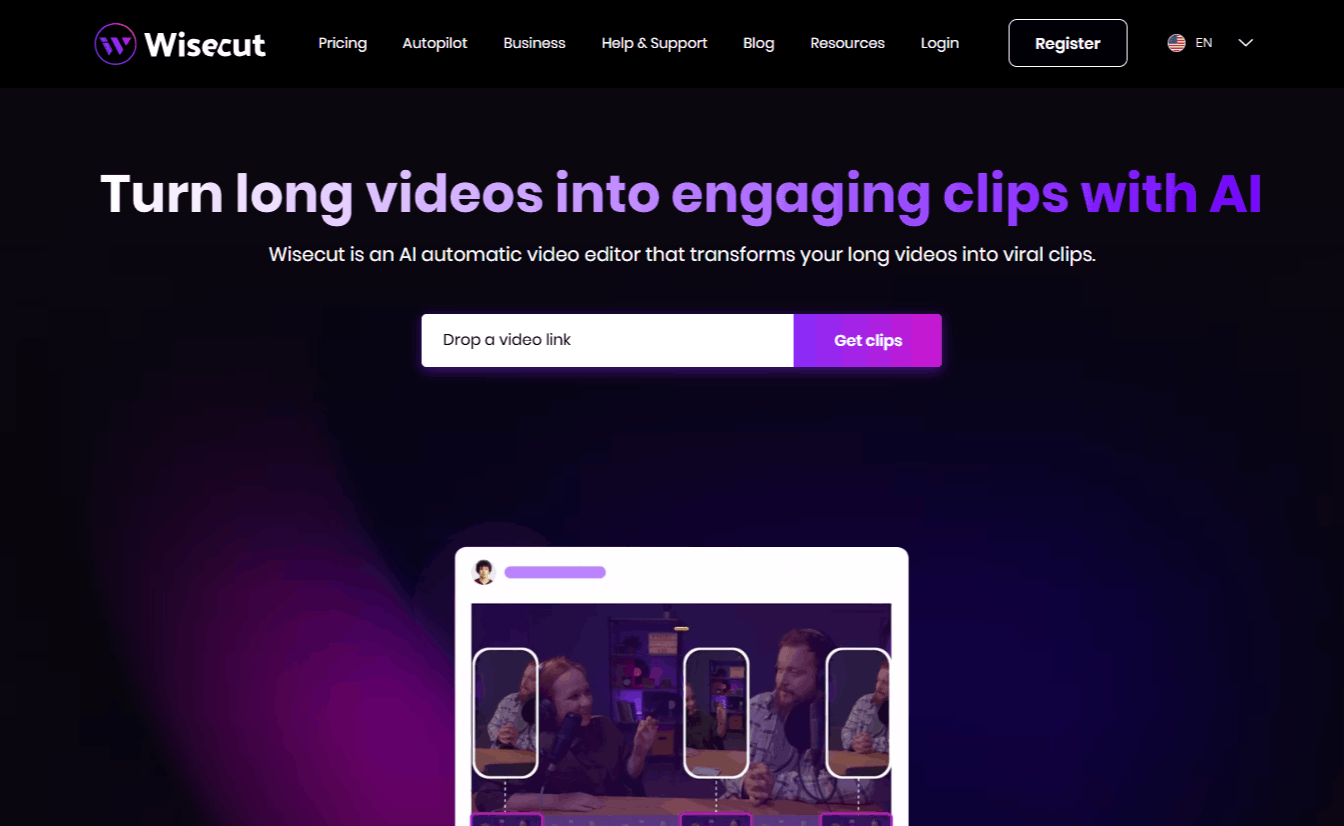
For those looking for a hands-off approach, Wisecut AI video editor offers an "Autopilot" feature. You can connect your YouTube channel, and the platform will automatically monitor for new videos, process them into clips, and schedule them for publication across various social media platforms.
How Wisecut AI Works
Getting started with this tool is straightforward, as it is designed to be accessible to those who are not professional editors. Here is a step-by-step how it works.
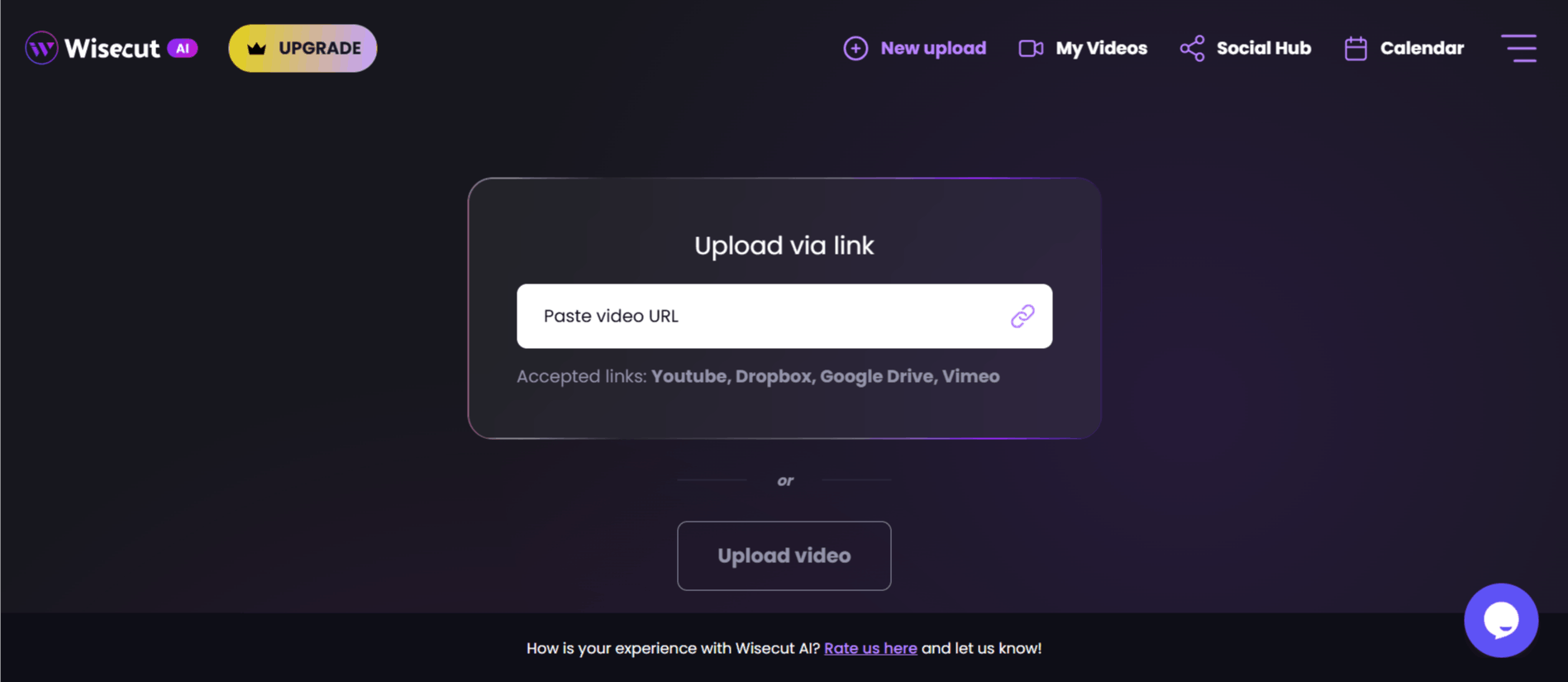
Step 1: Upload your raw footage to the Wisecut web platform from your computer or cloud storage.
Step 2: The AI analyzes your video, generates a transcript, and performs initial cuts based on your chosen settings (e.g., removing silences).
Step 3: Review the generated "Storyboard." Here, you can edit the transcript to delete segments, adjust captions, or change the music choice.
Step 4: Once you are satisfied with the flow, you can apply "Auto-Zoom" or adjust formatting (e.g., changing a landscape video to portrait for mobile).
Step 5: Export the video in your desired resolution. Wisecut handles the heavy lifting in the cloud, so your local machine stays fast during the process.
Wisecut AI Pricing
Wisecut offers a tiered pricing model that separates occasional users from power creators. They provide a "Free" plan for testing the interface, though it is limited in terms of processing minutes and file storage.
Note that you cannot find a Wisecut mod apk or a free download of the software elsewhere; the tool is a proprietary SaaS product, and you should avoid third-party sites claiming to offer a Wisecut AI apk or cracked version for security reasons.
Free: The Free plan allows users to explore the interface with 30 minutes of processing time. Projects expire after 7 days.
Starter: Priced at $19/month. Includes 480 minutes per month, 1080p output, and 4GB file limits.
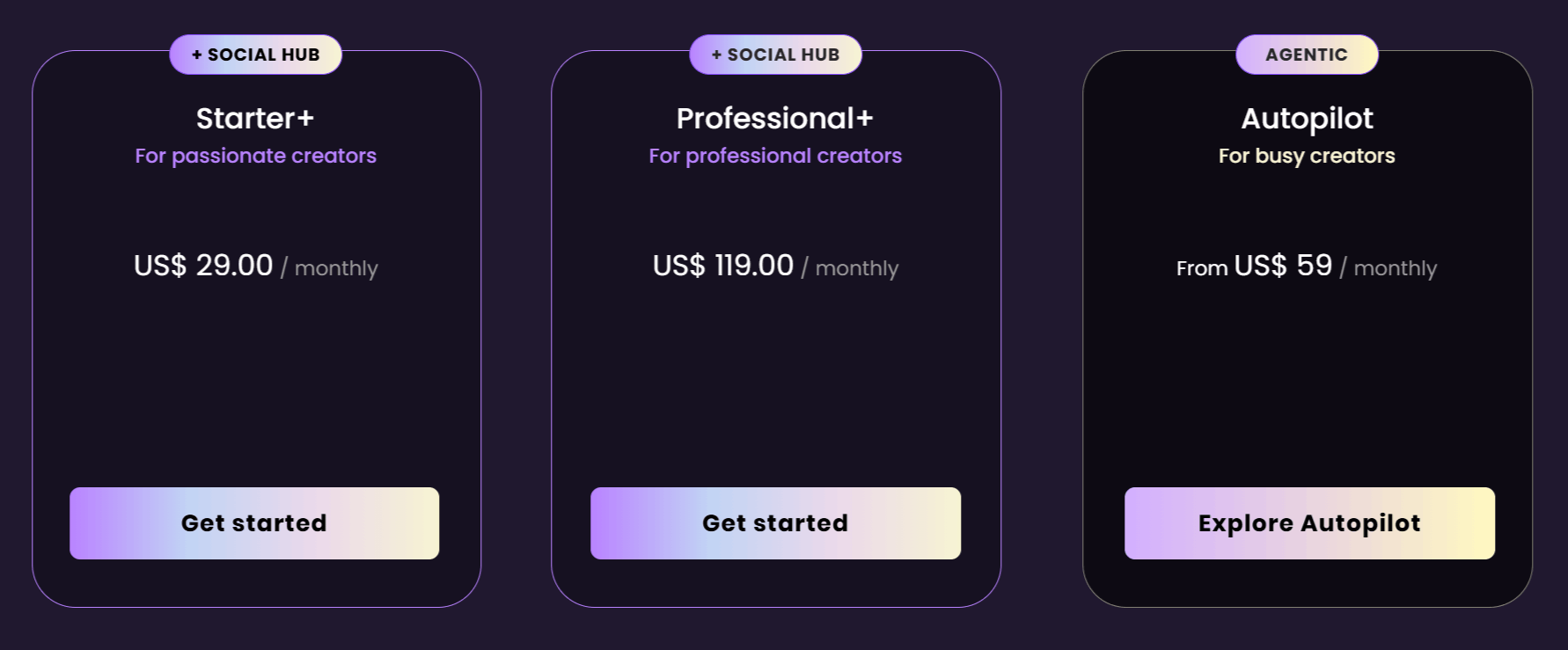
Starter+: The Starter+ plan costs $29/month. Offers similar capacity to Starter but with specific social media hub features.
Professional: Priced at $100/month. Increases limits to 1800 minutes/month, 4K resolution support, and larger file handling.
Professional+: Costs $119month. Includes all Professional features plus expanded social media account management.
Autopilot: These are specialized, high-tier options starting at $59/month, designed for fully automated YouTube-to-Shorts workflows.
Use Cases
Wisecut is built for users who want high production quality without the high time investment typically associated with professional video editing. Below are the use cases of Wisecut AI.
Content Creators: YouTubers and influencers use it to trim long-form videos into engaging Shorts and TikToks, maintaining a consistent posting schedule.
Educators: Course creators can use the platform to remove pauses and filler words from long lecture videos, making the material easier for students to consume.
Marketing Teams: Agencies and internal teams use Wisecut to turn testimonials or webinar recordings into bite-sized clips for social media advertising.
Podcasters: Video podcasters can extract the best "highlight" moments from hour-long recordings, ensuring their audio/video transitions are smooth.
Small Business Owners: Founders who need to produce professional-looking content without hiring a dedicated editor find the automated features invaluable.
Wisecut Pros and Cons
While the platform is powerful, it is not a direct replacement for high-end professional software like Adobe Premiere Pro. Below are the key strengths and limitations observed.
Pros
Significant Time Savings: Multiple users have noted that the automatic silence removal and transcript-based editing cut their production time by hours, not just minutes.
Beginner-Friendly UI: The interface is intuitive, allowing those without traditional editing backgrounds to achieve professional results.
Accessibility Features: The automatic captioning and translation tools are highly effective for making content inclusive and globally reachable.
Automated Pacing: The "Auto-Zoom" and music-ducking features provide a polished "vlogger" aesthetic without requiring manual animation keyframes.
Workflow Automation: The "Autopilot" feature is a true game-changer for creators who struggle with the manual work of clipping and posting to multiple platforms.
Cloud-Based Processing: Because it is an AI web app, users don't need a powerful computer to render videos, making it accessible on almost any machine.
Cons
Limited Manual Control: While the AI is efficient, professional editors may find it lacks the detailed editing control offered by traditional video editing software.
Pricing for High Volume: For power users needing thousands of minutes, the monthly costs can escalate quickly, making it a significant ongoing operational expense.
AI Accuracy: While generally excellent, the transcript-based editing can occasionally struggle with heavy accents or audio with high background noise, requiring some manual correction.
Final Verdict and Best For
Wisecut is a robust, well-executed tool that genuinely delivers on its promise of saving time. It earns an 8/10 for its specific niche: the "solo creator" who produces a lot of content but isn't an expert editor.
If you are struggling with the tedious parts of video production, like trimming pauses and timing background music, the subscription is easily justified by the time you save. However, those who require precise creative control or are working on cinematic, high-production-value projects may find the AI's limitations frustrating.
If your goal is efficiency and consistent social media growth, it is one of the most useful tools currently available.

Wisecut AI Alternatives
View All