VEED AI
VEED Features
VEED offers several features in its web-based interface, with a focus on accessibility and speed. Their goal is to provide a streamlined experience where manual video editing is replaced or augmented by AI capabilities.
1. AI Subtitle Generation
One of the most used features is the automatic transcription service. Users can upload their video file, and the platform generates accurate captions in seconds, which can then be styled to match branding requirements. The ability to manage a VEED captions download or edit existing ones directly in the editor is a major time-saver for creating accessible social media content.
2. Eye Contact Correction
This feature uses AI to subtly adjust the subject's gaze in the video to make it appear as though they are looking directly at the camera lens. This is particularly useful for creators who record themselves while reading from a teleprompter or a screen, as it helps maintain engagement during UGC ads or testimonials.
3. Noise Reduction
With a single click, users can clean up audio by removing background hums, wind noise, or room reverb. This makes professional-sounding audio achievable for those recording in non-studio environments, effectively turning everyday footage into higher-quality output.
4. Built-in Screen and Webcam Recorder
Rather than needing separate software, the VEED app includes a built-in recording tool. This allows users to capture their webcam, screen, or both simultaneously. This is essential for creating product walkthroughs or educational content without switching between multiple applications.
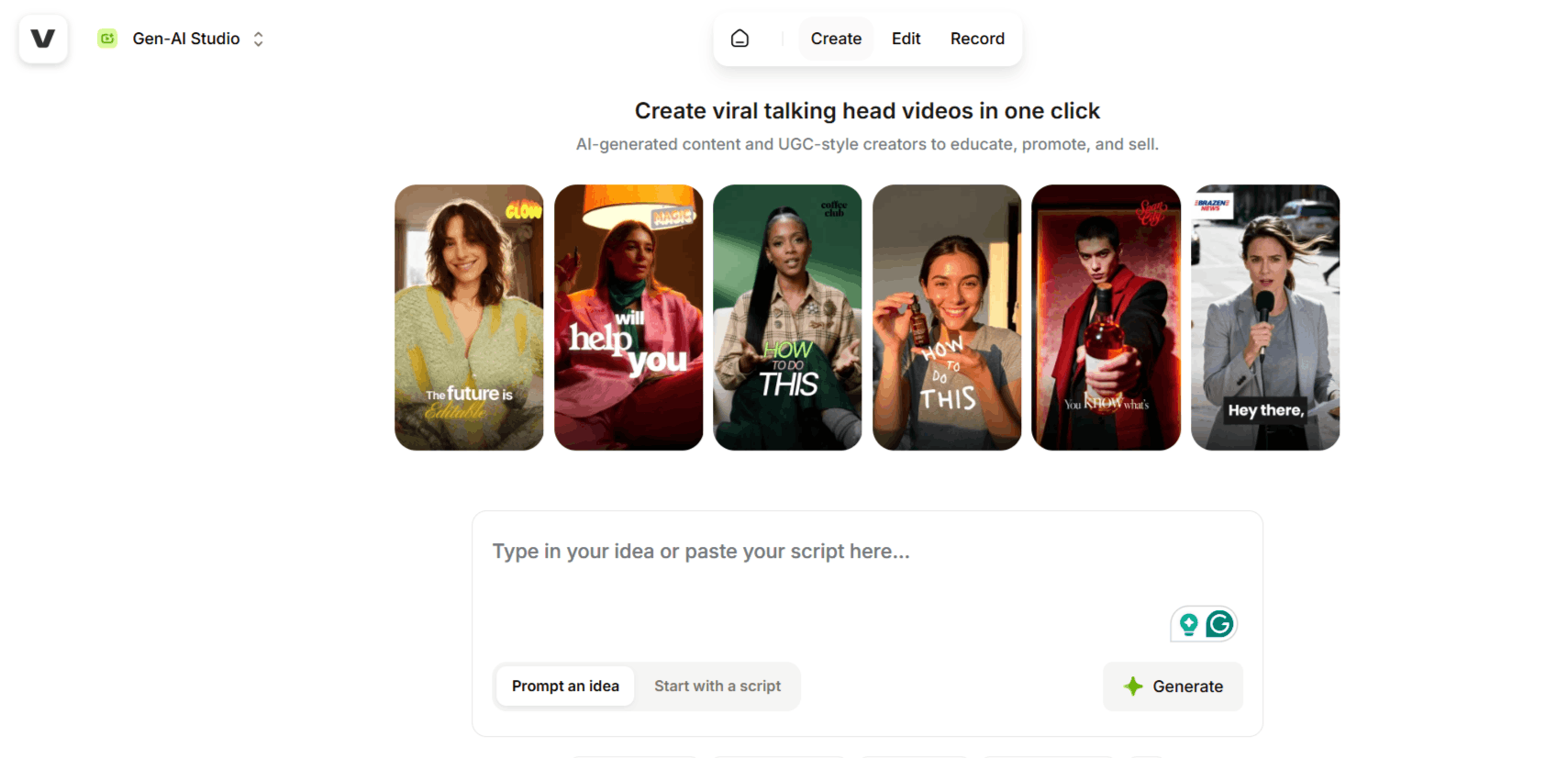
5. AI Image to Video Generator
The platform includes a tool where text prompts can be used to generate visuals. While not intended to replace full-scale production, this VEED AI Image to Video Generator feature allows for quick asset creation when stock footage is unavailable, helping users flesh out ideas in a pinch.
6. Text-to-Speech and Voice Cloning
For users who prefer not to record their own voice, VEED provides text-to-speech tools to turn written scripts into professional-sounding audio. This is helpful for international teams or those who need to create quick narration for explainer videos without booking voice-over talent.
7. Brand Kit Customization
Consistency is key for any brand, and VEED allows users to save their specific fonts, colors, and logos into a library. This ensures that every video produced within their account maintains a professional and recognizable look, regardless of who is editing the content.
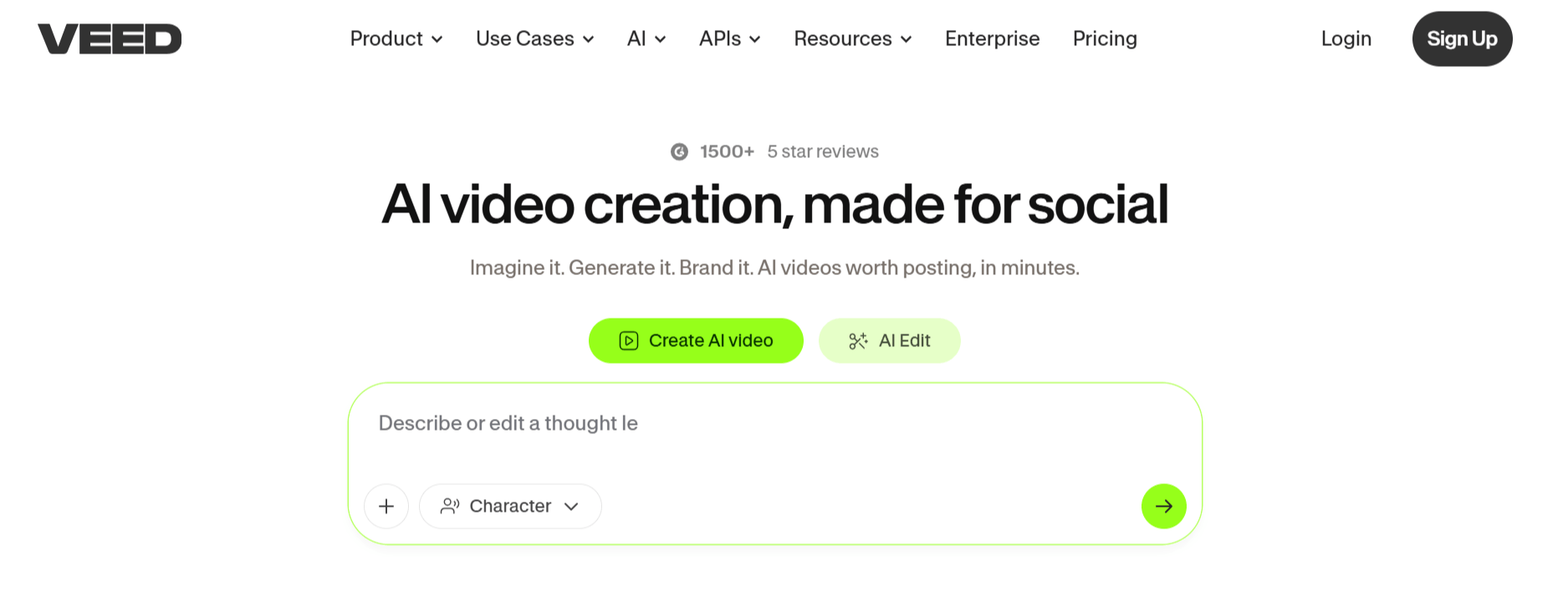
How VEED Works
Getting started with VEED is straightforward, focusing on a non-linear editing process that keeps you within a single tab of your browser. The following is the step-by-step process for using the video software.
Sign up for a VEED account to access the dashboard and start a new project by uploading your raw video files.
Use the editor to trim, split, and rearrange your clips on the timeline. You can also add music, transitions, and overlays during this phase.
Apply AI tools like auto-transcription for captions, or use the noise reduction tool to balance your audio levels.
Use the branding tools to overlay your logo and apply color presets, ensuring the video matches your brand identity.
Once satisfied, export the project in your desired resolution and format, ready to be posted across your social media channels.
VEED Pricing and Subscription Plans
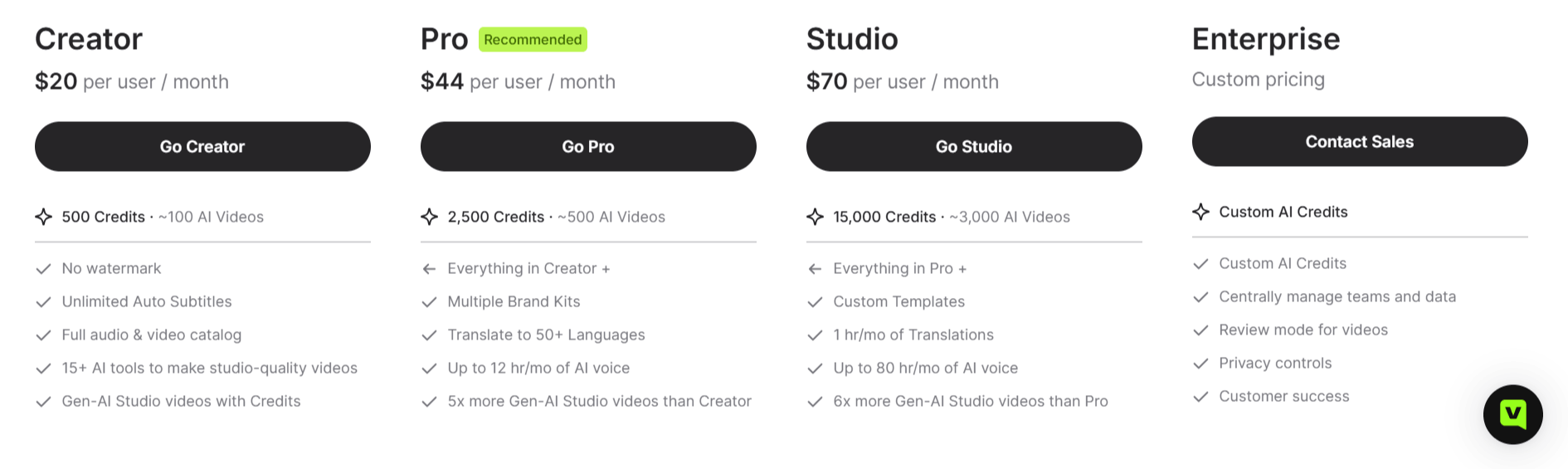
VEED.IO offers several pricing tiers to scale with your video creation needs, ranging from a basic free entry point to custom enterprise solutions. All paid plans remove watermarks and include access to a suite of over 15 AI tools.
1. Creator Plan ($20 per user/month)
This entry-level paid plan is designed for individuals starting with AI video.
AI Credits: 6,000 credits (roughly 1,200 AI videos).
Key Features: Unlimited auto subtitles, access to the full audio and video catalog, and Gen-AI Studio access.
2. Pro Plan ($44 per user/month)
The Pro tier is for more frequent creators requiring more volume and brand consistency.
AI Credits: 30,000 credits (roughly 6,000 AI videos).
Key Features: Everything in Creator, plus Multiple Brand Kits, translation into 50+ languages, and up to 144 hours per year of AI voice.
Gen-AI Volume: Offers 5x more Gen-AI Studio videos than the Creator plan.
3. Studio Plan ($70 per user/month)
This plan is tailored for high-volume users and professional teams.
AI Credits: 180,000 credits (roughly 36,000 AI videos).
Key Features: Everything in Pro, plus Custom Templates, 12 hours per year of translations, and up to 960 hours per year of AI voice.
Gen-AI Volume: Offers 6x more Gen-AI Studio videos than the Pro plan.
4. Enterprise Plan (Custom Pricing)
Designed for large organizations requiring centralized management and higher security.
Credits: Custom AI Credit allocations.
Key Features: Centrally managed teams/data, Review mode for video collaboration, advanced privacy controls, and dedicated customer success.
Who Uses VEED
VEED is widely used by individuals and organizations that need to balance speed with professional results in their video production pipeline.
Content Creators: Individuals managing social media channels who need to quickly edit reels, shorts, and TikToks.
Marketing Teams: Professionals creating ads and promotional material that require rapid turnaround times.
Educators: Teachers and course creators who use the screen recording features to develop instructional videos.
SaaS Companies: Teams building product demos or documentation videos that require clear, captioned explanations.
Agencies: Creative firms that need a fast way to handle draft edits for clients before final approval.
VEED Pros and Cons
Understanding both the advantages and limitations is crucial for deciding if this VEED AI fits your specific production workflow.
Pros
Web-Based Workflow: The tool runs entirely in the cloud, so you can access your VEED Studio projects from any computer without installing software.
Intuitive Interface: The drag-and-drop timeline is easy to navigate, even for users with zero prior experience in professional editing software.
AI-Driven Automation: Features like auto-captions and background noise reduction save significant manual labor hours.
Social Media Ready: The platform excels at resizing videos for different aspect ratios, which is vital for multi-platform distribution.
High-Quality Results: Users frequently report that the output is polished and ready for professional distribution, often citing the tool for improved LinkedIn and YouTube engagement.
All-in-One Solution: You don't need to switch between different apps for recording, editing, and captioning.
Cons
Performance Lag: Because it operates in a web browser, complex projects with long timelines or high-resolution files can experience lag depending on your internet connection.
Watermarks on Free Tier: The free version of the service includes a watermark, which may not be suitable for business use without upgrading.
AI Credit Limits: Some advanced features operate on a credit system, which might require additional planning for high-volume users.
Limited Advanced Keyframing: While it is great for quick edits, it lacks the deep, frame-by-frame control found in professional-grade desktop software.
Final Verdict and Best For
VEED AI is a highly efficient video software for marketers, small business owners, and solo creators who prioritize speed and simplicity over deep, cinematic control.
It bridges the gap between basic video trimming and professional-grade editing by incorporating smart AI features that automate the most tedious parts of the process, like captioning and audio cleaning.
We score it an 8/10 for its specific use case, perfect for fast-paced social content, though advanced filmmakers needing frame-perfect precision will eventually outgrow its browser-based limitations.
Frequently Asked Questions (FAQs)
This section addresses common questions about the platform to help you better understand its capabilities and limitations.
What is VEED used for?
VEED AI is used for editing videos, recording screens, generating automatic captions, and applying AI enhancements to content for social media and marketing.
Is VEED.IO a safe site?
Yes, it is a legitimate and widely used SaaS platform that is trusted by millions of users for their professional video production needs.
Is VEED AI free to use?
Some AI features are available on the free plan, but more advanced or high-volume AI capabilities are usually locked behind the Pro and Business subscription tiers.
Can VEED be trusted?
Yes, the platform has a strong reputation and a high user rating, with thousands of positive reviews regarding its utility in professional environments.
Is Canva better than VEED for video editing?
They are built for different purposes; Canva is primarily a design tool with some video features, while VEED is a dedicated video editor with more advanced features for trimming, captioning, and audio enhancement.

VEED AI Alternatives
View All