AI Video Tools Pro – Find the Best AI Video Creation Tools
Log in Sign up free
Home
  • Submit Tool
  • Latest Video Tools
  • Popular Video Tools
  • Favorites
  • History
  • Blog
  • About Us
  • Pricing
  • Contact Us
Home › Blog
Why AI Voice Generators Are Essential for Video Marketing

Why AI Voice Generators Are Essential for Video Marketing

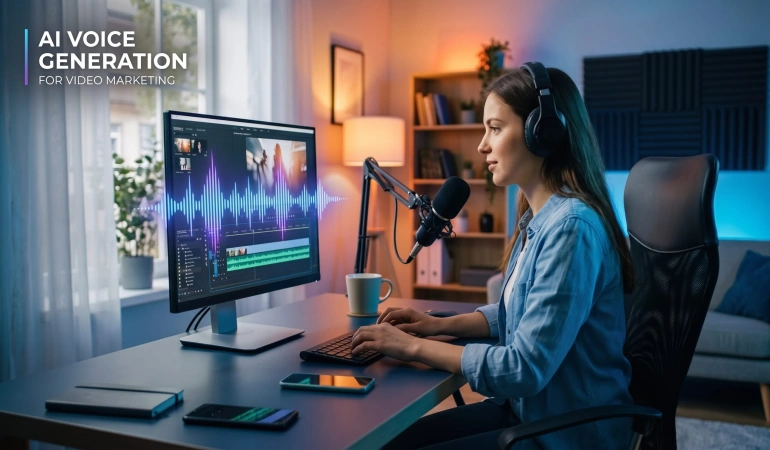
A good video catches the eye in seconds. But a poor voiceover can make viewers scroll away. Clear narration helps people understand a product demo, short ad, or how-to video. Recording narration once meant setting up a microphone and doing several takes. Now, a marketer can turn a script into speech with an AI voice generator. It helps teams test ideas, fix mistakes, and publish faster. Today, we explore their benefits, best use cases, and how to create natural-sounding voiceovers for effective video marketing.

AI Video Continuity: When Should You Regenerate a Clip?

AI Video Continuity: When Should You Regenerate a Clip?

AI video continuity needs a new generation when a clip breaks a fixed story or visual requirement that an edit cannot repair. Check the failed detail and the surrounding cut first, then choose between trimming, correcting the source frame, simplifying the shot or regenerating the affected clip.

How to Prepare an Image-to-Video Reference for Better Camera Moves

How to Prepare an Image-to-Video Reference for Better Camera Moves

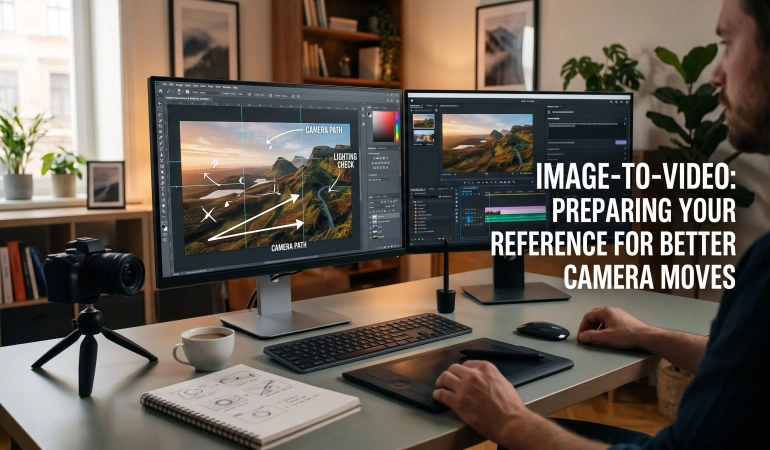
Preparing a reference image is an important step in image-to-video creation. Before animating a still image, check its lighting, shadows, and composition to make sure they fit your planned camera movement. This guide explains how to prepare your reference image, correct distracting lighting issues, and write a camera prompt that works with the image.

AI Video Editing With Prompts: How to Edit Videos Using AI

AI Video Editing With Prompts: How to Edit Videos Using AI

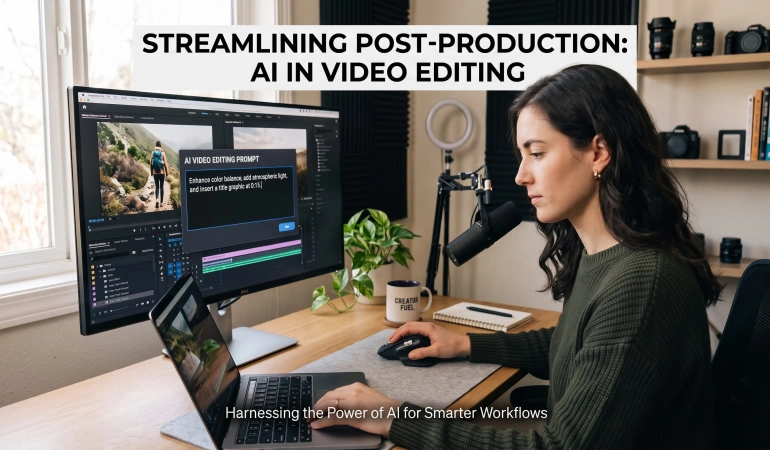
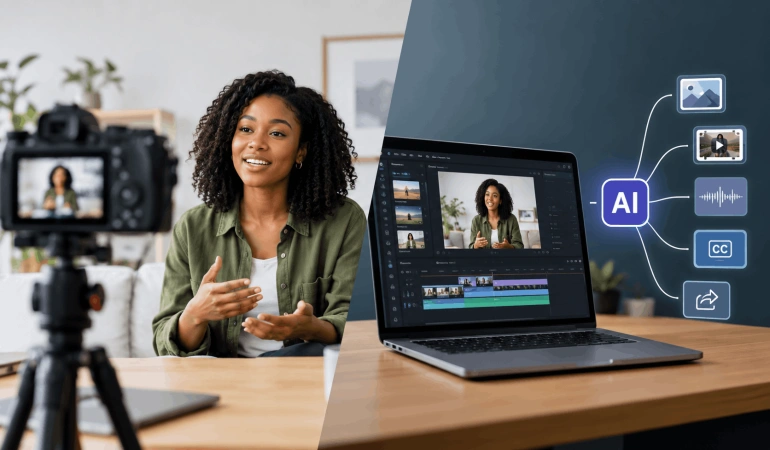
Video editing can take a lot of time. You may need to watch the same video again and again, cut out boring parts, add captions, change the size, and find the best moments. But what if you could simply tell an AI what you want? That is the idea behind AI video editing with prompts. Instead of doing every small editing task yourself, you can give an AI video editor instructions in normal language. For example: “Remove the long pauses, keep the funny parts, add captions, and make the video 60 seconds long.” The AI can then help you plan, edit, or prepare the video. In this guide, you will learn how AI video editing using prompts works, what you can do with it, and some useful prompts you can try.

How to Use AI Image Generators for Video Creation

How to Use AI Image Generators for Video Creation

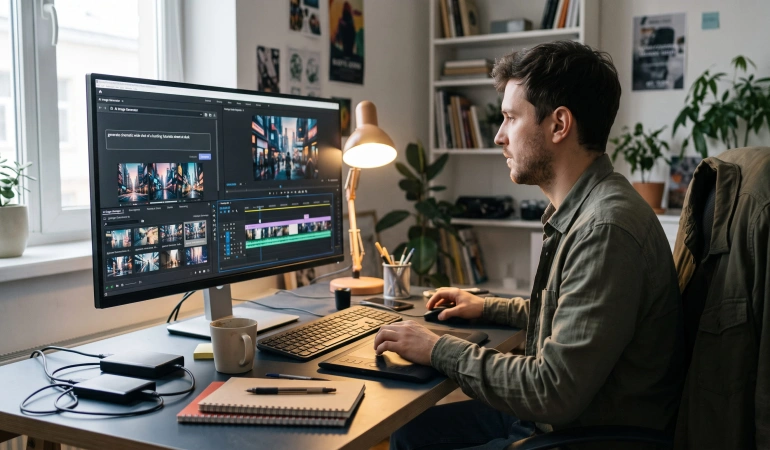
AI image generators are changing the way we create videos. Instead of searching for the perfect stock photo or drawing every visual by hand, we can describe what we want and let AI create an image. We can use these images in many parts of video production. We can use them for storyboards, B-rolls, backgrounds, educational videos, social media content, storytelling and even image-to-video projects. The process can be as simple as: Idea → Script → AI image → Image-to-video → Editing → Final video AI images are not a replacement for good storytelling or editing. They are another tool that can help creators turn ideas into visuals faster and try different ideas before making a final video.

How to Turn a Flyer Into a Video With AI

How to Turn a Flyer Into a Video With AI

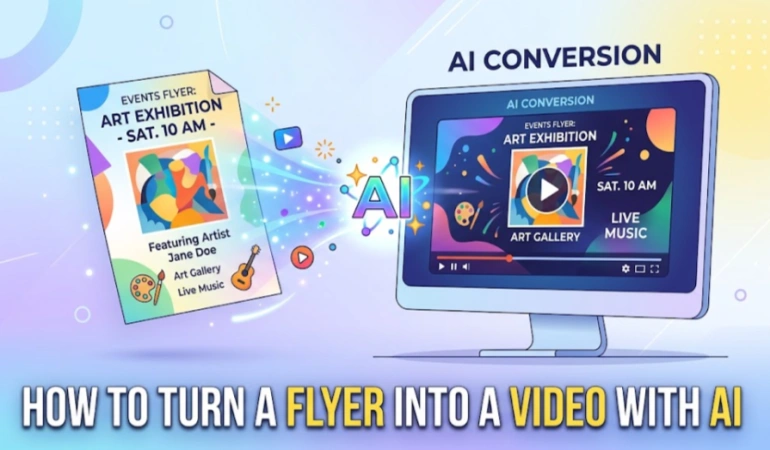
A flyer is a simple way to share information. It can tell people about an event, sale, new product, restaurant offer, class, or business service. But a flyer is still a picture. A video can make the same message move, speak, and grab attention as people scroll through social media. The good news is you don't always need to create a video from scratch. You can use an existing flyer as the starting point for an AI video. This is called a flyer-to-video workflow. You can animate the flyer, use it as a starting image for an image-to-video tool, or pull the key information from the flyer to create a completely new promotional video.

How to Choose the Right Background Music for AI Videos

How to Choose the Right Background Music for AI Videos

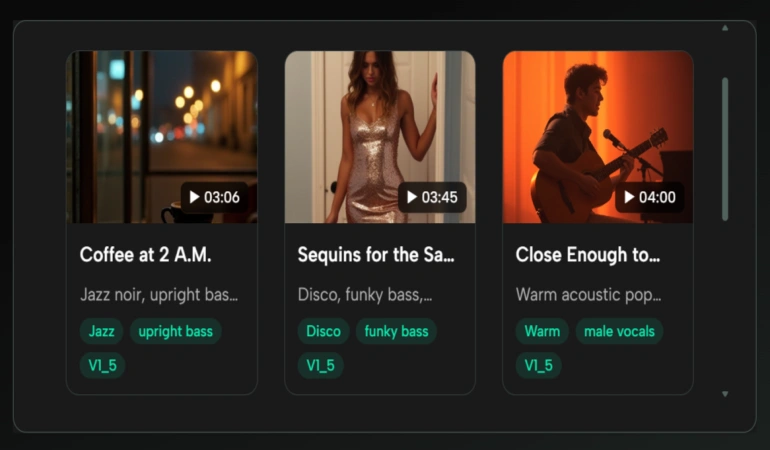
AI video tools can create striking images, motion, avatars, subtitles, and effects, but a finished video can still feel incomplete when the music is wrong. The common mistake is choosing a track because it sounds impressive on its own. Background music for AI videos has a different job. It must support pacing, leave room for speech, reinforce the visual tone, and avoid pulling attention away from the message. A good soundtrack does not need to be the most noticeable part of the video. It needs to support what the viewer is already watching and hearing.

Why Some Brand Videos Feel Expensive - And How AI Can Help

Why Some Brand Videos Feel Expensive - And How AI Can Help

You can usually tell when a brand video feels considered. It may not have a huge set, a famous face or an extravagant location, yet something about it feels assured. The shots belong together. People look comfortable on camera. The pacing has confidence. Even simple moments seem to have a reason for being there. AI video tools are changing how many of those decisions are made. Creators can now develop visual concepts, generate footage, improve audio, create voiceovers, produce captions and repurpose finished videos with tools that were difficult or expensive to access only a few years ago.

How AI Video Creators Can Build a Multilingual Content Workflow

How AI Video Creators Can Build a Multilingual Content Workflow

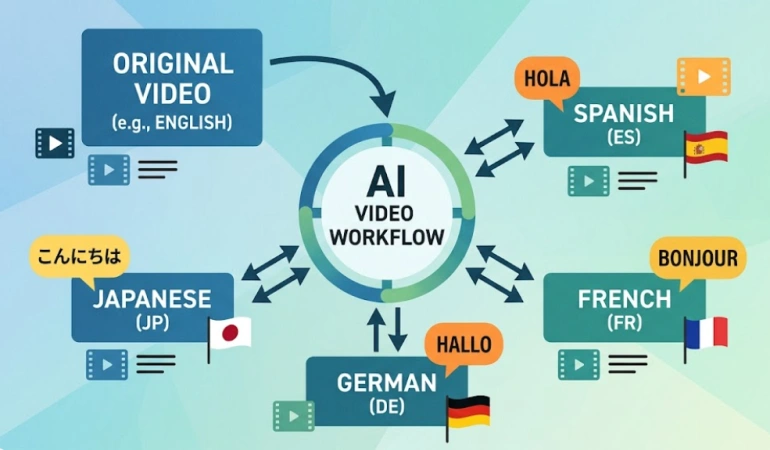
Creating a video in one language is only the first step if you want to reach a global audience. AI video localization can help creators translate scripts, subtitles, voiceovers, and supporting documents into multiple languages without producing every version from scratch. But without a clear workflow, inconsistencies can quickly appear across different versions.

  • ‹
  • 1
  • 2
  • 3
  • 4
  • 5
  • 6
  • ›
VideoExpress AI
Revid AI ad
AI Video Tools Pro – Find the Best AI Video Creation Tools
Find the right AI video tools fast! Get top-rated AI video creation tools, video editing, transcription, translation, text to video tools, and more.
 
Pages

  • About Us
  • Video Comparison Tool
  • Submission Guidelines
  • FAQ
  • Terms and Conditions
  • Privacy Policy
  • Affiliate Disclosure
  • Refund Policy
  • Pricing
  • Contact Us
Categories

  • Animation
  • Caption
  • Free Video Tools
  • Image To Video
  • Music
  • Screen Recording
  • Shorts
  • Subtitle
  • Text To Video
  • Transcription
  • Translation
  • Video Clips
  • Video Editing
  • Video Generators
  • Video Repurposing
  • Video To Video
  • Visual Effects
Partners

  • Synthesia
  • Quso AI
  • Limecraft
  • FlexClip
  • VEED
  • Focusee
© 2026 All rights reserved. - AI Video Tools Pro – Find the Best AI Video Creation Tools
This site uses cookies to provide you with a great user experience. By using this website, you agree to our use of cookies.