
AI Video Continuity: When Should You Regenerate a Clip?
AI video continuity needs a new generation when a clip breaks a fixed story or visual requirement that an edit cannot repair. Check the failed detail and the surrounding cut first, then choose between trimming, correcting the source frame, simplifying the shot or regenerating the affected clip.
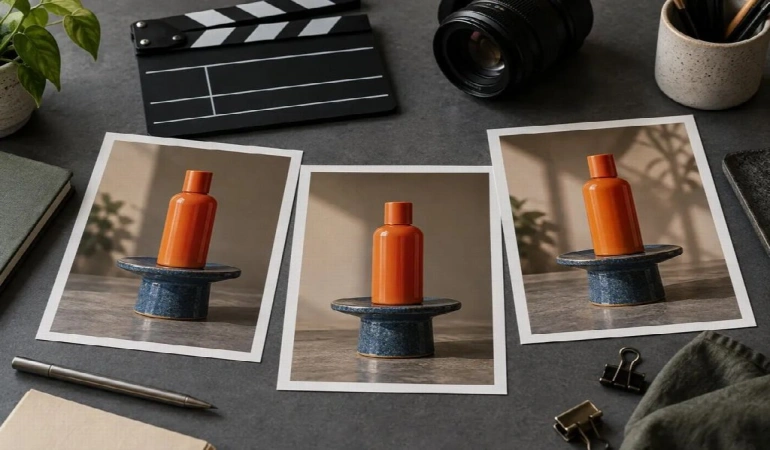
Sponsored content from Virse. Prepared with AI assistance and editorial review.
A scattered reference set makes continuity problems harder to diagnose because the intended appearance becomes unclear. Before generating another clip, identify which visual details must remain fixed and which can change between shots. This makes it easier to decide whether you need a different edit, a corrected reference image or a new generation.
This guide is for creators assembling a sequence from separate AI-generated clips. It offers a review method and hypothetical examples, without claiming a tested success rate for a model or a guarantee that references eliminate drift.
When does AI video continuity require a new generation?
AI video continuity requires a new generation when the footage cannot communicate the intended sequence without a visible or meaningful contradiction. The decision depends on what changes, when it changes and how important that detail is to the story.
A minor shift in background texture may be acceptable in an isolated establishing shot. The same degree of change in a product label can make a commercial unusable. Set priorities before judging the output so you do not spend the review treating every difference as equally important.
Use this first-pass distinction:
This is a triage table, not an automatic quality score. A shot can require several repairs, but identifying the first meaningful failure gives the next attempt a clearer purpose.
What should the continuity ledger record?
The continuity ledger should record the fixed appearance of the scene and the changing state at each shot boundary. Character consistency is one part of continuity; object positions, direction, lighting and the progress of an action also matter.
For a hypothetical tabletop sequence, imagine an orange bottle on a blue pedestal. A hand enters, lifts the bottle and carries it out of frame. The scene's fixed information includes the bottle shape, label position, pedestal color and light direction. Its changing information includes where the bottle is and whether the hand is touching it.
Illustrative ledger entries, not observations from a generated test.
Write the state in concrete language. "The bottle remains consistent" is too broad to inspect. "The cap stays closed and the label faces the camera until the lift begins" gives the reviewer visible conditions to check.
Which reference belongs to each job?
Assign each reference a specific job: subject identity, environment, visual treatment or shot composition. Remove competing references when they describe incompatible versions of the same thing.
Keep an approved subject reference for the bottle. Use a separate image to establish the scene and another only if it adds a necessary lighting or material detail. A collage full of small, conflicting depictions can make the intended subject harder to understand.
Learn how to find suitable visual references for AI video creation before assembling your reference set.
For image-to-video, inspect the source frame before describing the motion. Runway's Gen-4 prompting documentation recommends clean input images and motion-focused prompts for its own model. The practical question for your workflow is similar: does the starting image already show a subject and composition worth preserving?
For creators using reference-driven video tools, the same planning principle applies: choose inputs that clearly establish the subject, scene and intended composition. Virse's MiniMax H3 workspace is relevant to consider if its current features support the frame-driven and reference-image workflow you need. Check the product documentation before relying on a particular input or control, and assess the resulting footage against your continuity requirements.
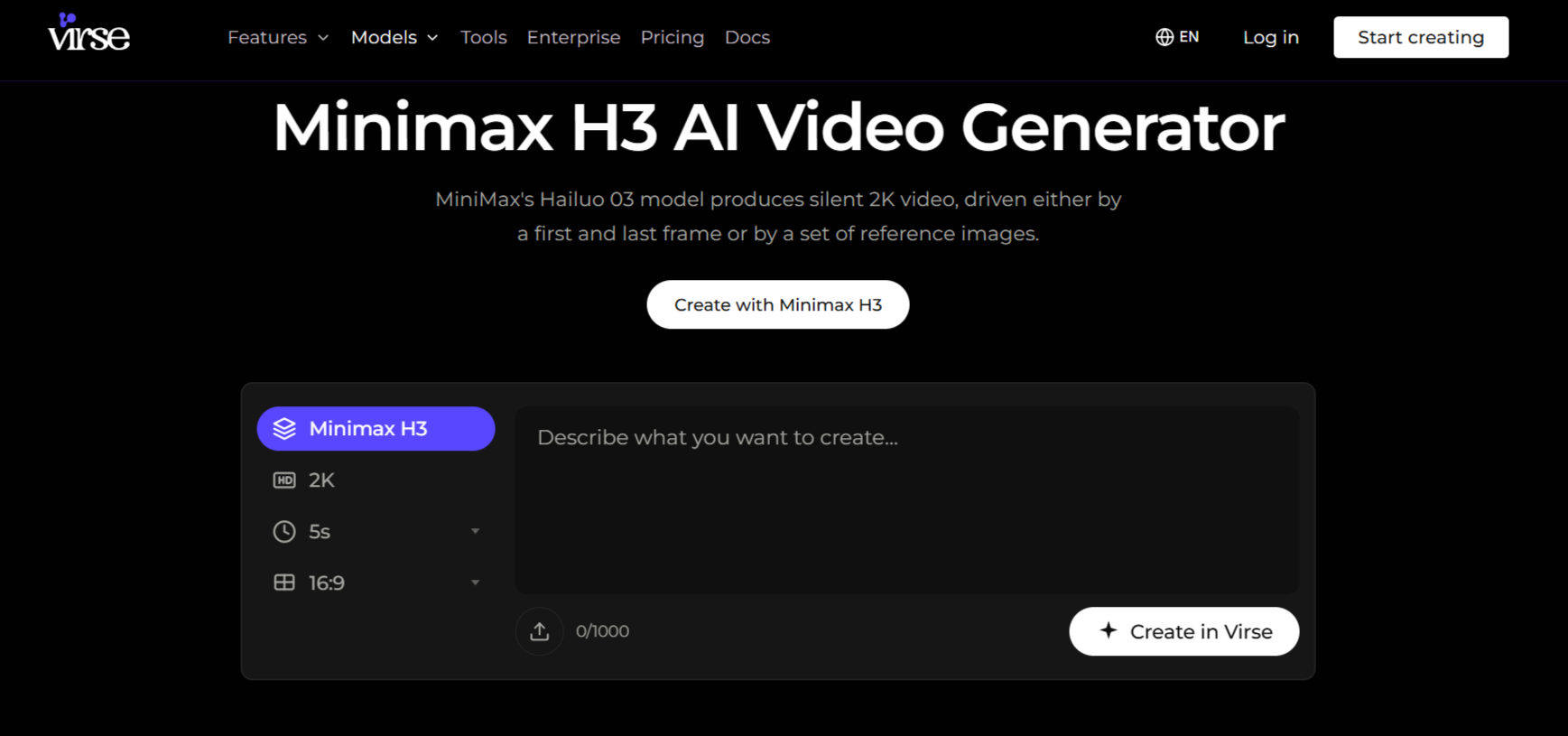
Virse's MiniMax H3 workspace. Image of the public product page; no generation test was performed.
Reference images establish the intended appearance, but the generated footage still needs to be checked for visual drift and unintended changes.
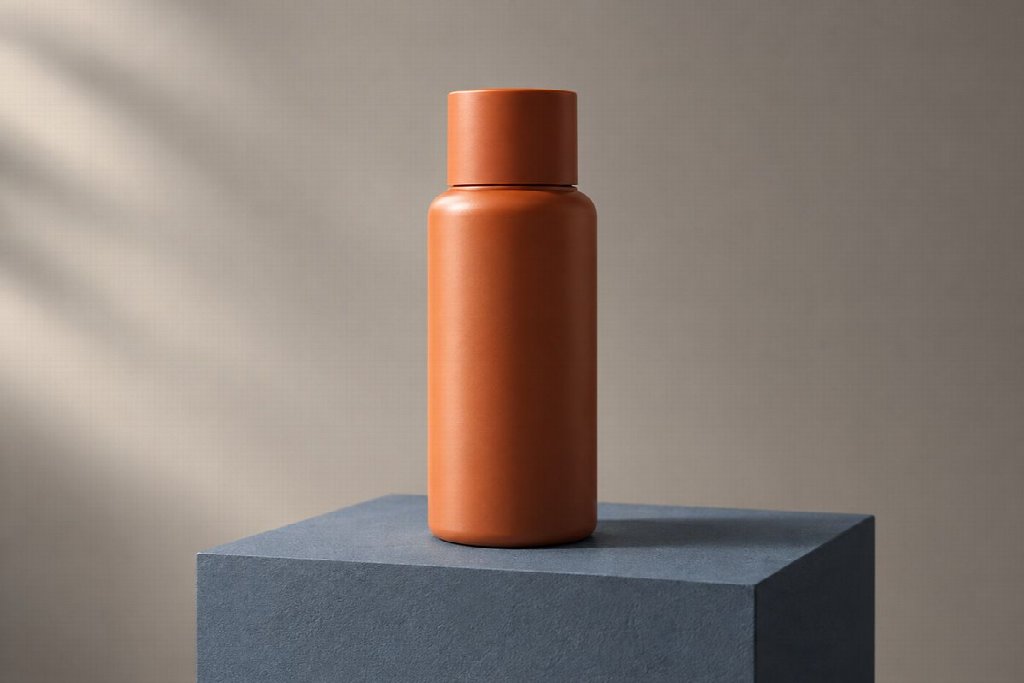
A reference still makes the bottle shape, cap, contact shadow and light direction easy to inspect. AI-generated editorial illustration; not a measured tool result.
How do you inspect the cut between clips?
Inspect the end of the outgoing clip and the beginning of the incoming clip together, then watch the transition at normal speed. A still-frame comparison and a playback review reveal different problems.
Start with the story state. If the bottle leaves the first shot in a hand but returns to the pedestal in the next shot without explanation, the sequence contradicts itself. Better texture or smoother motion will not repair that missing action.
Next, inspect screen direction and spatial relationships. Follow the subject's position relative to a stable feature such as the pedestal. If the movement appears to reverse at the cut, decide whether the shot plan explains the change. A deliberate new viewpoint can work, but an accidental reversal may confuse the action.
Check the moment of contact carefully. Hands, handles, lids and surfaces create relationships the viewer can recognize. A grip that slips through an object or a bottle that floats above the pedestal may be more distracting than a subtle background variation.
Finally, watch the sequence without pausing. A frame that looks imperfect in isolation may pass unnoticed during a readable movement, while an apparently clean pair of frames can still produce an abrupt change in pace. Judge the footage in the edit where it will be used.
Which breaks can an edit repair?
An edit can repair a break when it removes or avoids the inconsistent moment without changing the intended meaning. Trimming, selecting another take or using a planned cutaway may be sufficient.
For the tabletop example, a clip might contain a usable approach and lift before the cap changes shape near the end. If the next shot can begin earlier and preserve the action, a trim may solve the problem. If the cap changes during the only usable lift, the shot needs a different repair.
Keep the story purpose in view. A cutaway inserted only to conceal a serious product error may create a less informative film. Runway's storyboarding guide includes reviewing continuity and flow before production; a revised board can be the most useful response when the planned transition itself is weak.
When should you rebuild the source frame?
Rebuild the source frame when its appearance, composition or available visual information makes the requested shot unreliable. Another prompt cannot supply verified detail that the source does not establish.
If you're still setting up your workflow, explore this guide to AI image-to-video generation to understand how source images fit into the process.
A large orbit around a bottle may reveal a label side that is absent from every reference. For a commercial, obtain an accurate view or choose a move that stays within the verified appearance. Do not treat an invented reverse side as product evidence.
Change the smallest input that addresses the diagnosis. If the subject is correct but the framing is too tight, prepare a better composition. If the material appearance is wrong, correct that reference before changing the camera instructions. Record the revision so the next reviewer knows which variable changed.
After replacing a clip, check both neighboring shots for new mismatches. Save the approved version with its references and prompt so the next revision starts from a documented state.
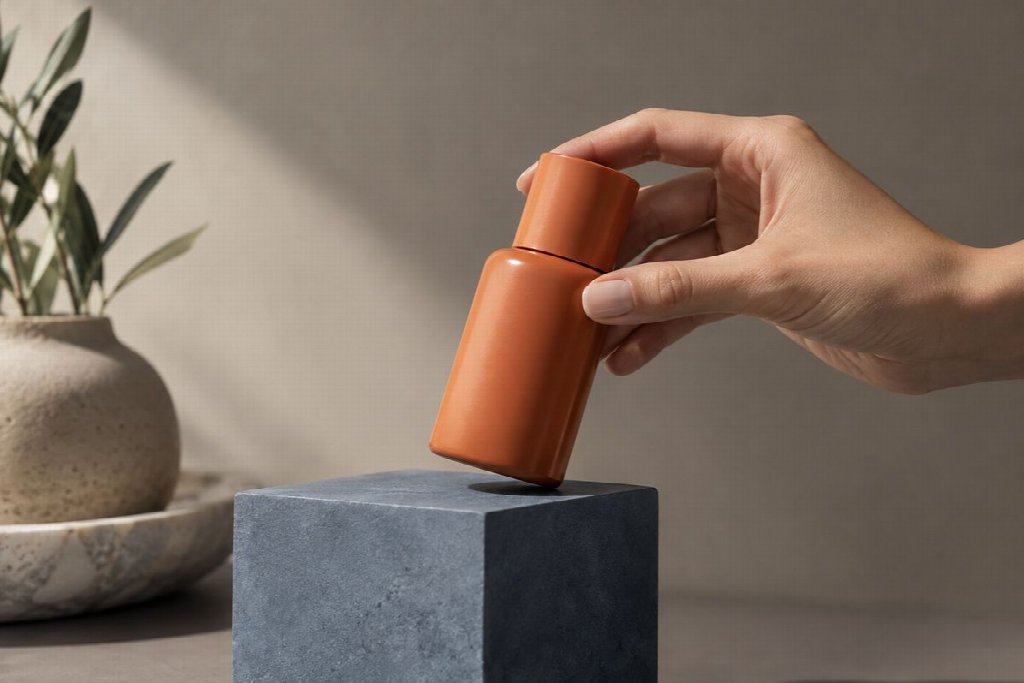
At a cut, the grip and bottle position matter as much as the bottle's appearance. AI-generated editorial illustration; not a measured tool result.
Frequently Asked Questions
These questions explain how to maintain continuity across AI-generated clips, when to regenerate footage, and what to check before using a replacement.
Will the last frame always make the next clip continuous?
A last frame can carry appearance and position, but a sequence also depends on movement, pace and story state. Record those requirements in the brief and inspect the join in playback. A matching still image alone does not establish that the motion continues convincingly.
Should every visible difference trigger a regeneration?
No. Judge the difference against the shot's purpose and fixed requirements. A changed product identity is more consequential than a minor variation in an unimportant background. Use the continuity ledger to make that priority explicit before selecting a repair.
What should you save when a shot works?
Save the selected clip with its references, prompt and entry and exit states. That record makes AI video continuity easier to maintain when another shot changes. Begin the next attempt with a named defect to fix, then review the repaired sequence again.

Lahaga Aondowase
Is the founder of AI Video Tools Pro, an AI video tools directory that helps creators, marketers, educators, and businesses discover AI video software. He researches and evaluates AI video tools based on their features, use cases, pricing, and practical workflows.
Related Articles
View All


User Comments (0)

