Nullface AI

Nullface AI Features
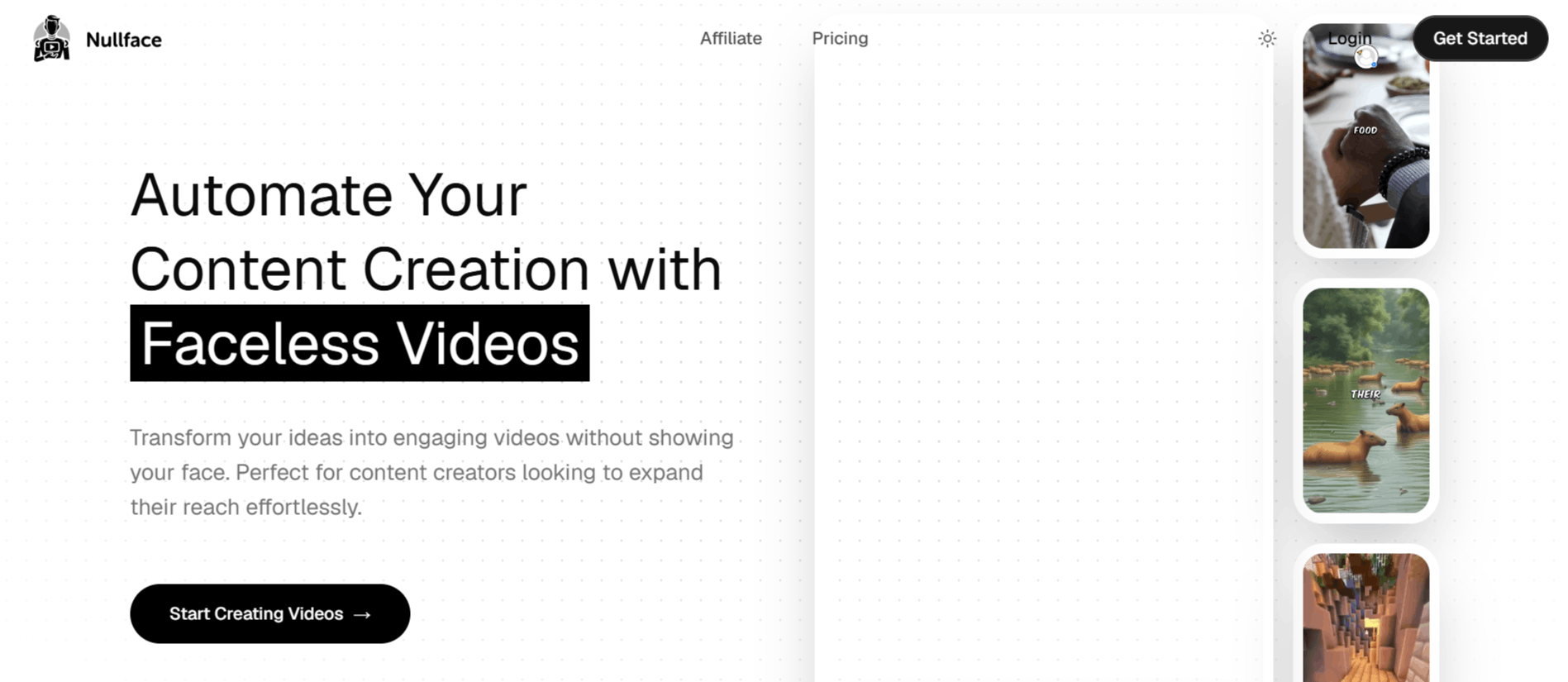
Nullface AI offers many features to simplify the technical side of video production. Below are the core components of the platform that you can use to build your channels.
1. AI Avatar Integration
One of the main draws is the ability to use AI avatars to hook viewers. This feature allows users to insert synthetic presenters into their videos to narrate or introduce content, effectively providing a human-like presence for faceless videos without the creator needing to be filmed.
2. Multi-Platform Automation
Nullface AI supports direct integration with platforms like TikTok and YouTube. This automation feature handles the upload process, which can save significant time for creators who manage multiple accounts. By reducing the manual labor involved in exporting and uploading, it acts as a functional utility for those looking for a consistent posting schedule.
3. Diverse Content Templates
The platform provides templates for various content categories such as fun facts, philosophy, and Reddit-style storytelling. These categories allow users to pivot between different styles of content easily, helping maintain engagement by diversifying the feed.
4. AI Music Generation
Beyond visual elements, the tool includes a module for generating background music. This is useful for creators who need copyright-safe audio to accompany their videos. The music generator keeps the workflow contained within a single app environment, avoiding the need to source tracks elsewhere.
5. Automated Clip Generation
For those who focus on long-form content or repurposing, the AI clip generation feature extracts highlights or segments from larger video files. This is designed to create bite-sized content suitable for platforms that prioritize short, snappy visual experiences.
6. Product Video Hooking
Users can combine AI hooks with specific product video clips to create promotional content. This feature is tailored for creators working with brands or affiliate marketing who need to showcase items while keeping the video presentation consistent with their faceless branding style.
7. Multi-Language Support
Nullface AI claims to support numerous languages, which is beneficial for creators aiming for an international reach. This facilitates the expansion of content to non-English speaking audiences directly through the dashboard.
How Nullface AI Works
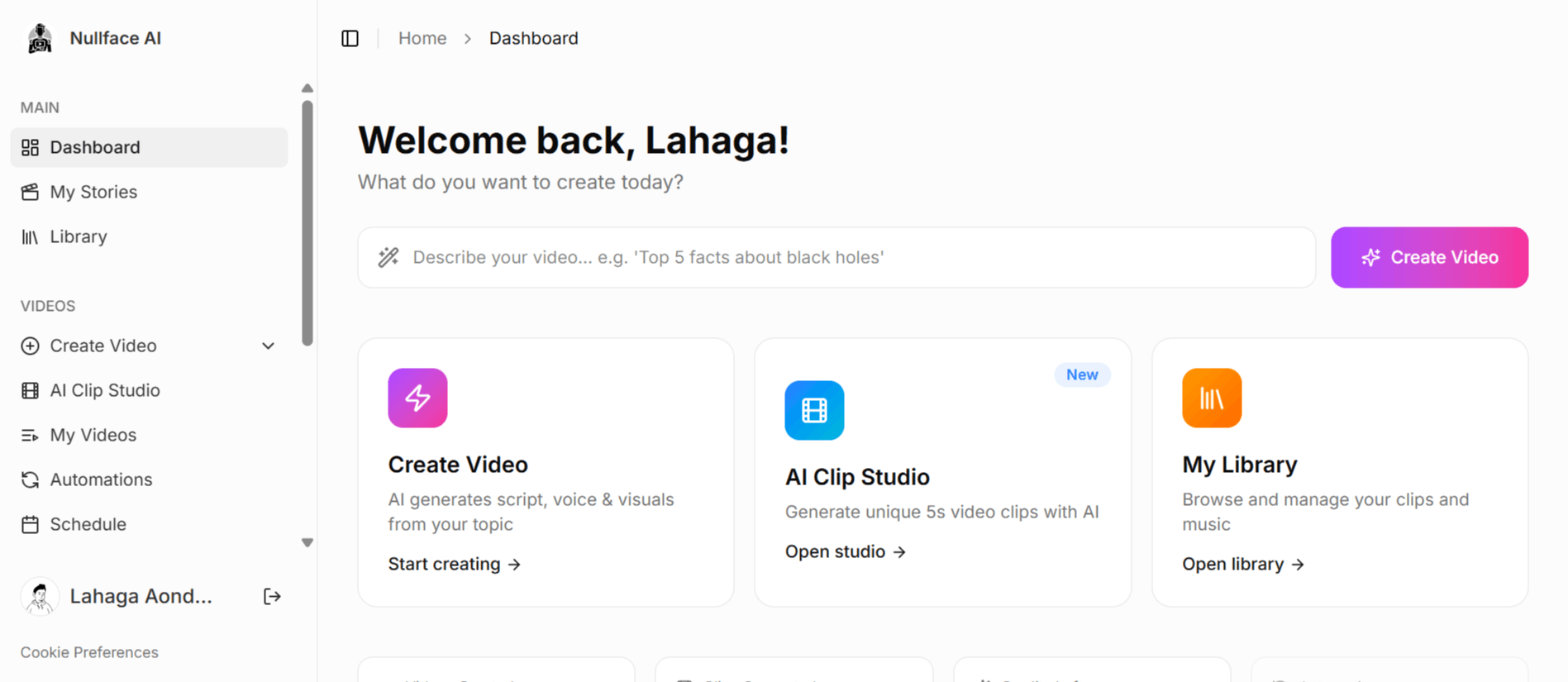
Nullface AI is designed to take a user's input and process it through its automation engine to produce a publish-ready file.
Step 1: Sign up and select a subscription plan through the official Nullface AI website to access the dashboard.
Step 2: Choose your desired video category, such as "Reddit Story," "Philosophy," or "Fun Fact."
Step 3: Input your idea, script, or topic into the generator to begin the AI composition process.
Step 4: Utilize the editing interface to customize your AI avatar, adjust the music, and insert any specific product clips or stock footage you need.
Step 5: Review the generated content to ensure it meets your channel's quality standards.
Step 6: Link your social media accounts, such as your Nullface YouTube or Nullface AI TikTok channels, to enable direct publishing features.
Step 7: Schedule or instantly post your video to reach your audience without needing to manually handle the file transfer process.
Nullface AI Pricing and Subscription Plans
Nullface AI operates on a credit-based subscription model.
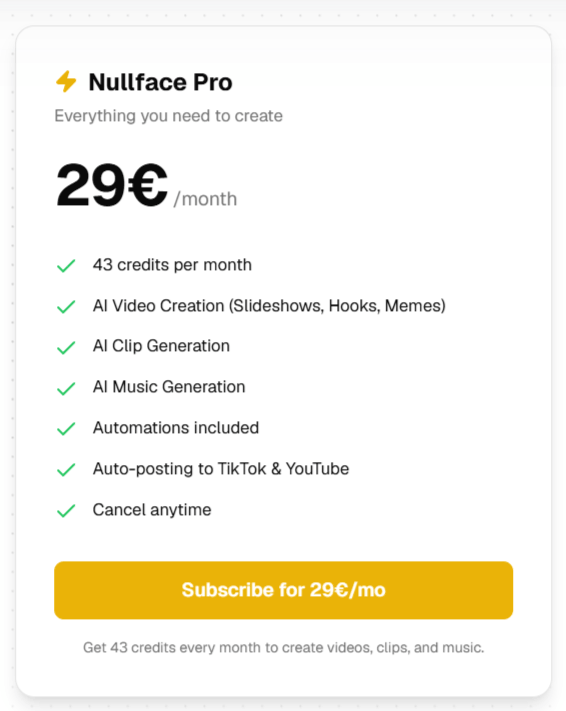
Nullface Pro Plan: This tier is priced at 29€ per month. It includes 43 credits per month, access to AI video creation tools, AI clip generation, AI music generation, automation features, and auto-posting capabilities for TikTok and YouTube. The plan allows for cancellation at any time.
Who Uses Nullface AI
Many types of creators find value in automating their video production workflow, particularly those interested in the faceless video movement.
Individual Content Creators: People building personal brands who want to maintain their anonymity while growing a following.
Social Media Managers: Professionals managing multiple client accounts who need to batch-produce content daily.
Affiliate Marketers: Individuals creating promotional videos for specific products who need a reliable way to hook viewers.
Niche Channel Operators: Creators running educational or storytelling channels who need to source consistent video content.
Marketing Agencies: Teams that require rapid content iteration to test different video formats across platforms.
Nullface AI Pros and Cons
It is helpful to look at both the benefits and limitations of using Nullface AI faceless video generator for your video production needs.
Pros
Consistent Posting: Automation features ensure that creators can maintain a daily presence on social media without manual intervention.
Ease of Use: The interface is built to be accessible, requiring minimal technical skill to generate complete videos.
Content Anonymity: It is an effective solution for creators who prefer to keep their faces private while still being the voice of their brand.
Integrated Workflow: Having music, clip generation, and scheduling in one place reduces the need to switch between multiple software applications.
Scalability: For those looking to grow, the ability to churn out content quickly is a major efficiency booster.
Broad Application: The template variety allows for testing different video styles, from memes to storytelling.
Cons
Credit Limits: The monthly credit system may feel restrictive for creators who want to produce multiple high-quality videos per day.
Platform Dependency: Relying entirely on an AI generator can sometimes lead to repetitive content if the templates are not customized enough.
No Free Tier: Unlike some other tools, there is no free version, which may prevent a free" experience.
Niche Limitation: The tool is highly specific to faceless content, so it might not be suitable for creators who want to experiment with different, more complex video styles.
Nullface AI Alternatives
If you are searching for other options in the video automation space, the following tools offer various functionalities for short-form content creation.
Trimmr
This tool focuses on trimming and repurposing content. It is a good choice if you already have a long-form video and need to convert it into shorts.
Qlip AI
Qlip AI excels at highlighting key moments from long videos. You might choose this if you are a podcaster or YouTuber looking to create viral clips.
Videoleap
Videoleap is a powerful editor that offers more granular control than a pure automation tool. It is ideal for creators who want to combine AI features with manual editing precision.
Reclips AI
This platform specializes in repurposing content for shorts. It is a strong contender for those focused on scaling their YouTube channel presence.
Revid AI
Revid AI is designed for rapid video creation. It is useful if you need to create content from scratch with minimal time investment.
Shortdeo
Shortdeo helps in creating short-form videos through automation. It is a direct competitor for those looking to automate their TikTok output.
Crayo AI
Crayo AI focuses on the visual aspect of shorts. It is an excellent tool if you prioritize high-quality automated visuals for your social media.
Faceless.video
As the name suggests, this tool is dedicated to the faceless niche. It is a direct alternative for those exploring different ways to create content without appearing on camera.
Final Verdict and Best For
Nullface AI is a faceless AI video generator for creators who value speed and privacy above all else. It is best suited for individuals who already have a clear idea of their channel's niche and just need a tool to churn out content daily.
If you are looking for advanced creative control or cinematic editing, you might find it somewhat limiting.
Overall, we score it 7/10 for its efficiency and clear value proposition for the faceless content market. It is a stable choice for those who view social media content as a volume game.

Nullface AI Alternatives
View All