Klap AI

Klap AI Key Features
Klap integrates several automation technologies to streamline the video editing process, moving away from manual timeline scrubbing and toward a more hands-off, AI-guided experience. The following features represent the core functionality you can expect when using the platform.
1. AI-Powered Topic Detection
The backbone of the Klap app is its ability to scan long-form videos and identify segments with high viral potential. By analyzing audio and visual patterns, the tool extracts highlights from your uploads, effectively handling the curation work that would otherwise require a human editor to identify compelling moments.
2. Smart Reframing and Face Recognition
Once a clip is selected, the tool automatically crops the landscape footage into a 9:16 vertical format. This process uses AI to identify the active speaker or the point of interest in the frame, ensuring that the subject remains centered throughout the clip, even if they move around, which is essential for maintaining production quality.
3. Dynamic Captions
Engagement on mobile platforms relies heavily on accessibility, and Klap provides an automated subtitle generator that creates dynamic, responsive text overlays. These captions are designed to keep viewers engaged and can typically be customized to match your branding, ensuring that your message is clear even when the video is played on mute.
4. AI Reframe 2 Engine
This feature represents an advancement in how the platform handles different layouts. It assesses the scene to decide between various compositions like split-screen or focused tracking, making it particularly useful for complex videos like screencasts, gaming sessions, or interviews where multiple subjects might be present.
5. Viral Score Insights
Klap evaluates the snippets it generates and assigns them a "viral potential" score. While this is not a guarantee of success, it acts as a helpful filter, allowing creators to prioritize their best material and avoid spending time editing clips that may not resonate with an audience.
6. Multi-Language Transcription and Dubbing
For international reach, the platform includes transcription capabilities in 52 languages. Some higher-tier plans also offer AI dubbing, which helps creators adapt their content for global audiences without needing to re-record or hire professional voice actors.
7. Direct Scheduling and Publishing
The tool allows you to link your social media accounts directly to your dashboard. This means once your edits are finalized, you can manage your distribution schedule within the same interface, which helps in maintaining a consistent daily posting rhythm without needing to export and move files between different apps.
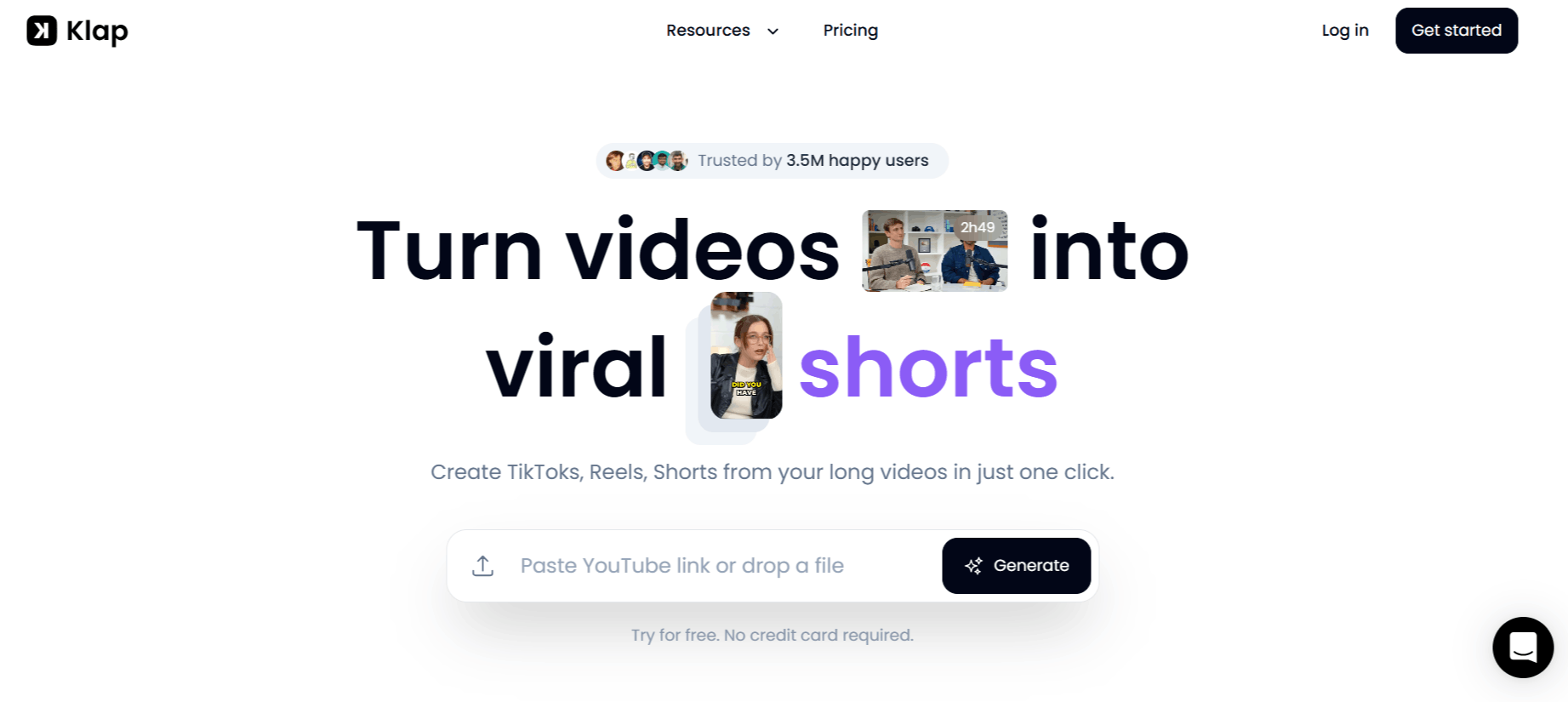
How Klap AI Video Editor Works
Getting started with the Klap AI app is relatively straightforward for users who are already familiar with cloud-based editing platforms. The following are the steps to edit videos with Klap AI.
Step 1: Input your long-form video by either pasting a YouTube URL or uploading an original video file directly to the platform.
Step 2: Allow the AI to process the video, which involves identifying segments, transcribing the audio, and assigning viral scores to potential clips.
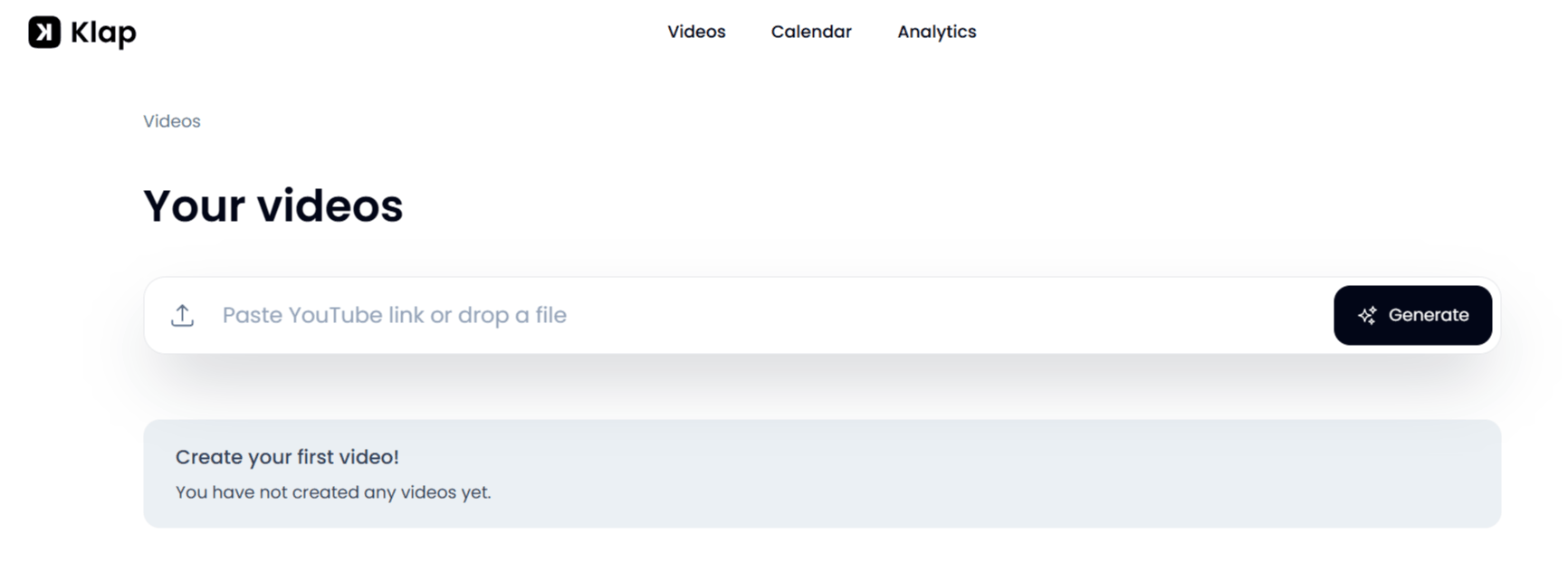
Step 3: Review the generated clips within your dashboard to see how the AI has reframed and captioned your content.
Step 4: Make any necessary manual adjustments to the crops, fonts, or colors if the AI missed a specific focus point or if you want to personalize the branding.
Step 5: Export the clips in high-definition formats or use the built-in scheduling tool to push them directly to your TikTok, Instagram, or YouTube accounts.
Klap AI Pricing
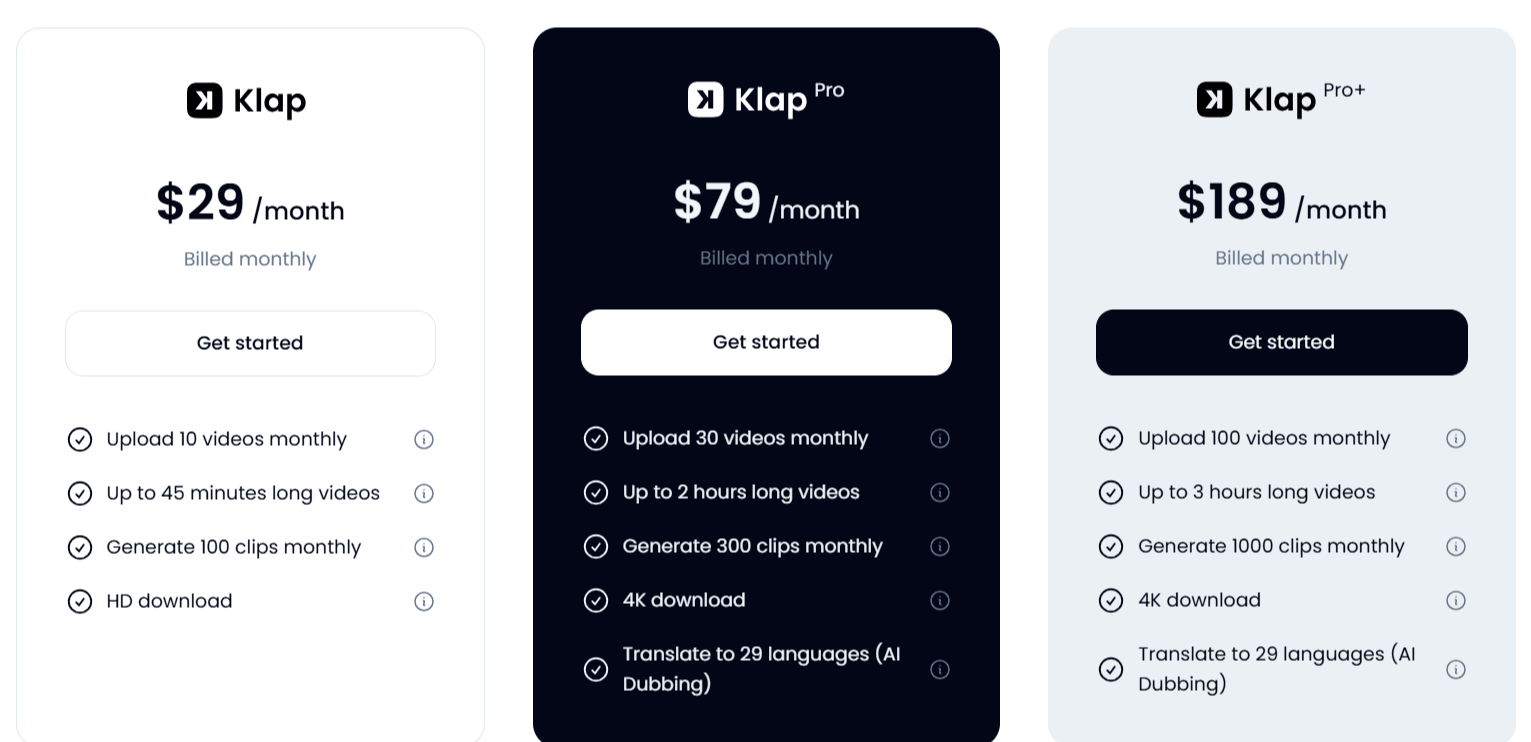
Klap operates on a tiered subscription model, moving away from a "pay-per-video" approach toward a monthly or yearly subscription.
Free Trial: Allows users to create 1 video to test the interface and AI capability.
Basic Plan ($29/month): Includes 10 video uploads per month, supports videos up to 45 minutes long, allows for 100 total clips, and provides HD exports.
Pro Plan ($79/month): Expands to 30 uploads per month, supports videos up to 2 hours long, provides 300 clips, allows for 4K exports, and includes translation to 29 languages.
Pro+ Plan ($189/month): Designed for power users, offering 100 uploads per month, 3-hour video support, 1000 clips, 4K resolution, and the full suite of AI dubbing and translation tools.
Use Cases
Klap AI video editor is primarily designed for those who already have long-form content and need a way to distribute it efficiently across multiple social channels.
Podcasters: Easily turn hour-long conversation episodes into bite-sized highlight reels for social media.
YouTubers: Repurpose long-form tutorials or vlog content into Shorts to increase discoverability and funnel traffic to the main channel.
Marketing Agencies: Quickly manage the social media presence for multiple clients by automating the clipping of webinars or promotional videos.
Educators and Coaches: Extract key segments from long-form lectures or coaching sessions to share as "snackable" learning content.
SaaS Companies: Break down feature walkthroughs or product announcements into short, punchy clips for LinkedIn and Twitter audiences.
Klap AI Pros and Cons
Understanding the limitations is just as important as knowing the benefits. Based on our Klap AI review and feedback from current users, here is a breakdown of the experience.
Pros
Significant Time Savings: Automating the cropping and captioning process removes the most monotonous parts of video editing.
Ease of Use: The interface is generally reported as intuitive, requiring little to no prior video editing experience to get a decent result.
Multilingual Support: The ability to work in 52 languages makes it a viable tool for creators targeting non-English-speaking markets.
Platform Integration: The direct publishing and scheduling features help maintain a steady posting cadence without switching between apps.
Quality of Captions: The dynamic, responsive captions are visually professional and generally considered a high point of the output.
Continuous AI Improvements: Updates like "AI Reframe 2" show that the team is actively iterating on the core technology to improve framing accuracy.
Cons
Occasional Performance Issues: Some users have reported instances where the dashboard failed to show progress, indicating potential server-side hiccups.
Dependence on Speech: The tool works best for talking-head videos; it may struggle with content that is heavy on music or abstract visual movement.
Cost for Occasional Users: Because the pricing is subscription-based, it may be expensive for casual creators who only need to make a few clips a month.
Lack of Advanced Editing: It does not replace professional NLE (Non-Linear Editing) software for complex multi-cam projects or heavy visual effects.
Final Verdict and Best For
Klap AI is a competent tool for creators and professionals who are drowning in long-form content and need a reliable, automated way to create a presence on TikTok and Reels.
It earns a 7/10 score from us because, while its core features are solid and it solves a very real bottleneck in modern content production, it is still an evolving platform.
It is best suited for YouTubers and marketers who prioritize volume and speed over custom-built cinematic flair. If you require highly specialized, creative, or multi-layered editing, you will likely still need to supplement Klap with a traditional video editor like Descript, DaVinci Resolve, or Adobe Premiere Pro.
Frequently Asked Questions (FAQs)
Let’s clarify the following questions people ask about Klap AI.
What is the meaning of Klap?
The name Klap refers to a "clapperboard," the iconic tool used in film production to sync video and audio and signify the start of a take. It symbolizes the bridge between raw, long-form content and the final, edited "take" or clip.
Is Klap AI free?
Klap is not entirely free. While they offer a limited free trial allowing for one video creation, it is a subscription-based service intended for regular content creators.
What is Klap used for?
Klap is used to automatically identify, crop, and caption short-form video clips (like TikToks and Reels) from long-form source material, such as YouTube videos, podcasts, and webinars.
How much does Klap app cost?
Klap offers tiered pricing billed annually, starting at $29 per month for their basic plan and going up to $189 per month for the Pro+ plan, which includes more advanced features like AI dubbing and higher clip volume.
Is Klap AI free or paid?
Klap AI is a paid product. While there is a free trial to test the functionality, consistent use requires an active monthly or yearly subscription.
What does Klap AI do?
Klap AI uses machine learning to scan long videos, detect the most engaging topics, reframe the video into a vertical format, and generate automatic, responsive subtitles for social media sharing.
Is Klap AI worth it?
Whether Klap AI is worth it depends on your volume of content. If you spend hours every week manually editing shorts, the time saved by the tool will likely justify the subscription cost, especially for agencies or consistent content creators.

Klap AI Alternatives
View All