Higgsfield AI

Higgsfield AI Features
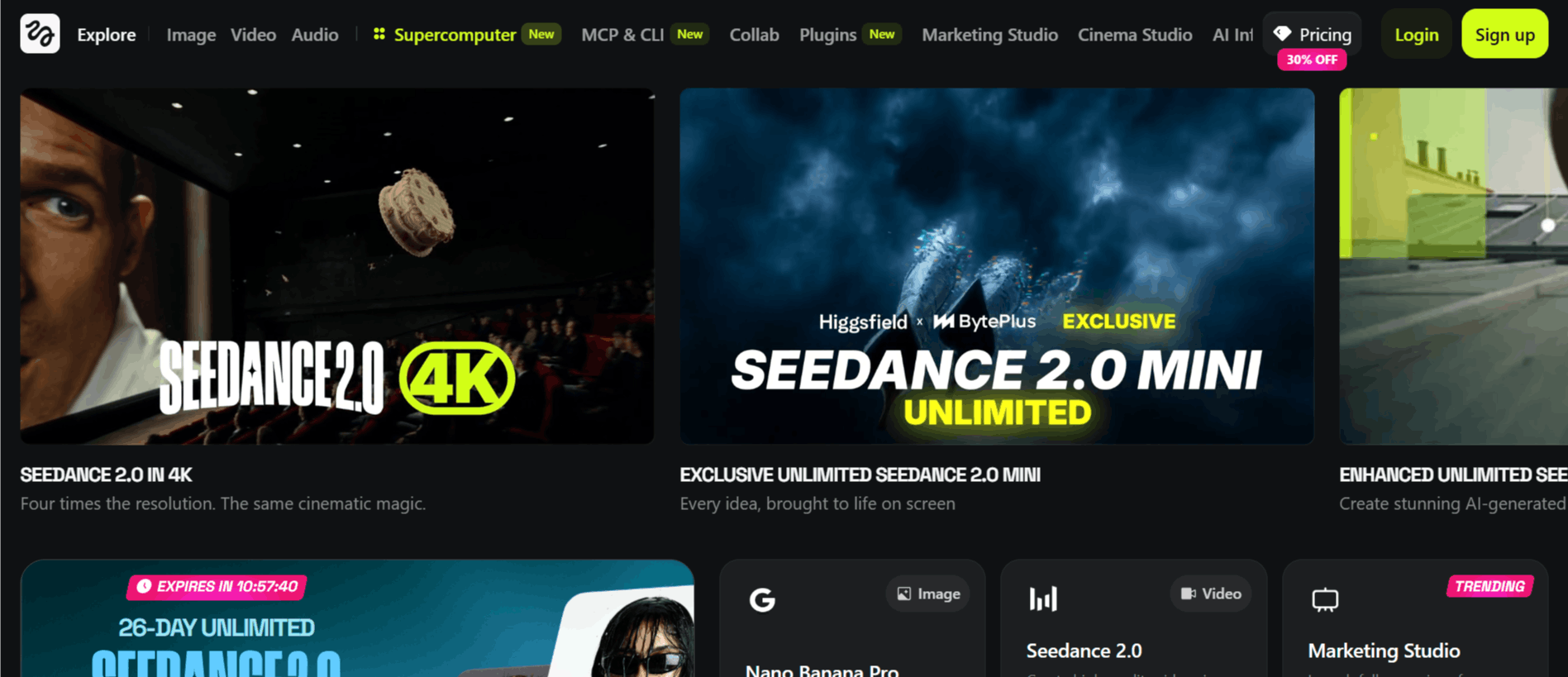
Text-to-Video Synthesis: The tool uses a text-to-video model like Seedance 2.0 that translates descriptive prompts into moving imagery. The system tries to interpret the nuances of your text, such as lighting conditions, character actions, and environmental details, to create a coherent video.
Camera Motion Control: Unlike other AI tools, Higgsfield gives you real command over cinematic shots like crash zooms, dolly moves, and more.
Diverse Motion Presets: Choose from stylized options like Arc, Rap Flex, Snorricam, or even mixed motions like Snorricam + Low Shutter.
High-Quality Output: Produces crisp, smooth videos with precise movement. Higgsfield claims it’s a big upgrade over current AI models.
Customizable Camera Paths: Beyond just "motion control," the platform allows for specific tweaks to the focal length and camera trajectory. If you are planning a specific Higgsfield AI Series, these adjustments allow you to maintain visual consistency across multiple clips, which is essential for longer-form storytelling.
Variable Aspect Ratios: Recognizing that creators distribute content across different platforms, Higgsfield AI offers settings for various aspect ratios.
How Higgsfield Works
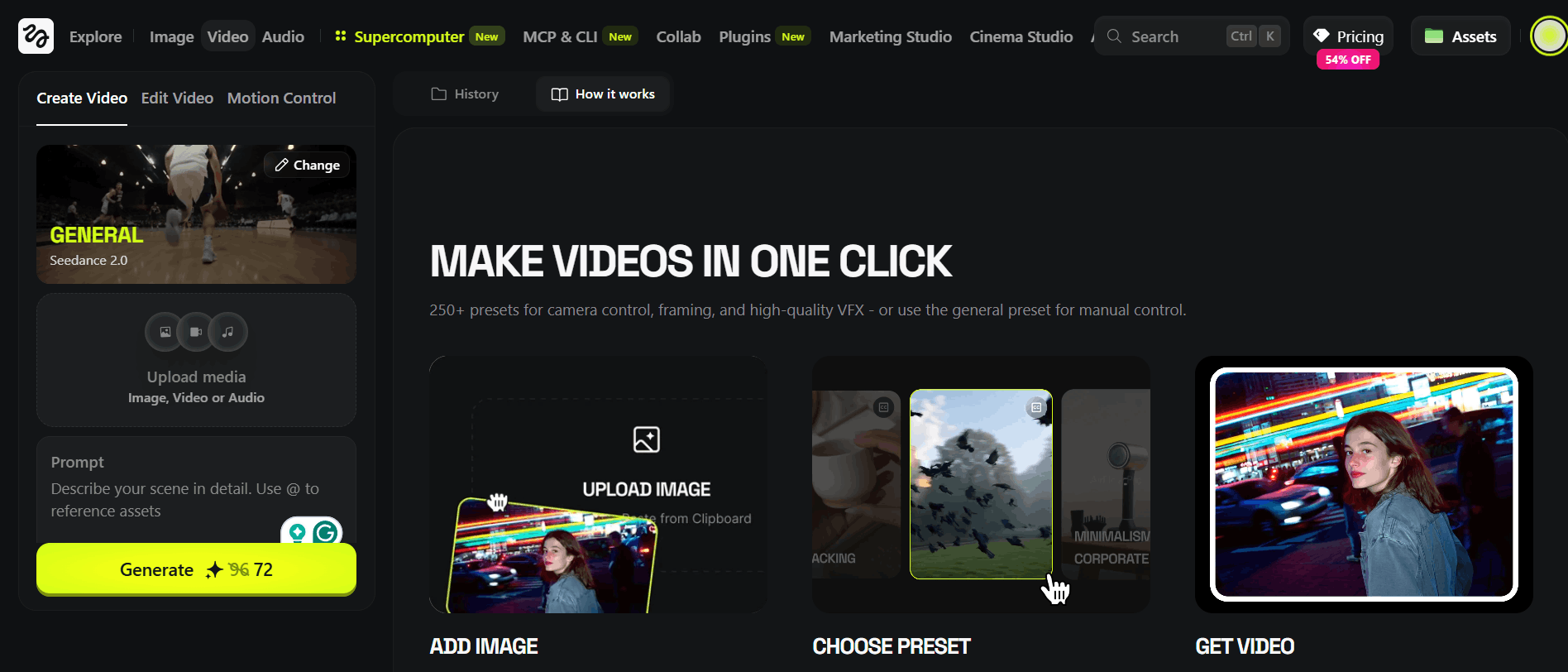
Understanding how to use the tool is straightforward, as it follows a logical path from inspiration to execution. The following is how to use Higgsfield AI.
Sign up for an account: Users typically begin by completing the Higgsfield login process through their website or by downloading the mobile client.
Define your prompt: You enter a detailed description of the scene you want to create, including lighting, style, and subject matter.
Configure camera controls: You select the type of camera movement you want the AI to simulate, such as a zoom or a tracking shot.
Generate the video: The tool processes your request and creates the base clip, which may take a few minutes depending on server load.
Review and iterate: You can examine your generated Higgsfield shots and make adjustments to the camera path or text prompt if the initial result needs refinement.
Export your file: Once satisfied with the output, you can save the video to your device for use in your project.
Who Uses Higgsfield
Many different types of individuals and teams find value in the specific type of motion control that Higgsfield offers for their daily creative tasks.
Content Creators: Individuals making short-form videos for platforms like TikTok or Instagram who want to add dynamic movement to their AI-generated visuals.
Social Media Managers: Professionals responsible for creating engaging promotional content who need a tool that can produce high-quality video snippets quickly.
Indie Filmmakers: Those interested in the potential of a Higgsfield movie who use AI to generate b-roll or supplemental footage for their independent projects.
Marketing Agencies: Creative teams that need to storyboard ideas or create quick prototypes for clients before moving into a full-scale physical production.
Digital Artists: Creators who are exploring the fusion of traditional photography principles with generative AI to push the boundaries of their digital art.
Higgsfield AI Pricing Breakdown
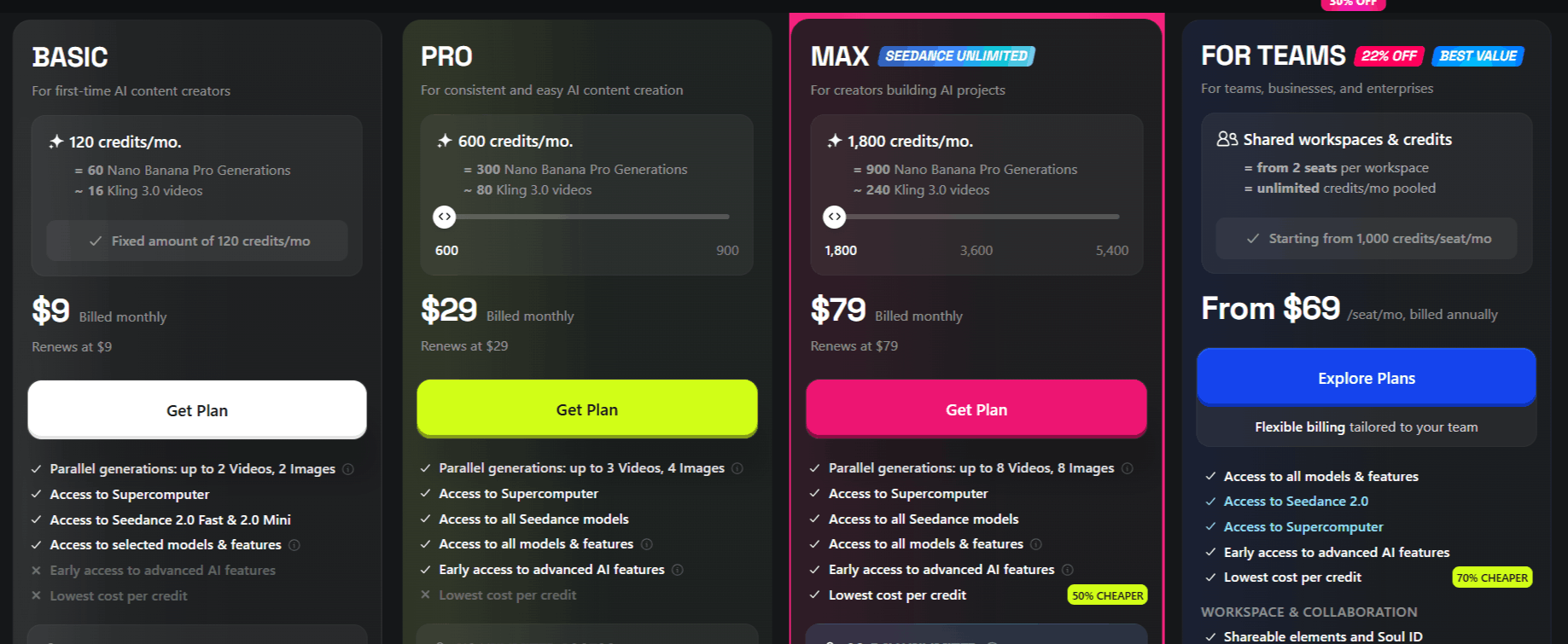
Here is a simple breakdown of Higgsfield AI pricing:
Free Trial: $0/month (watermarked videos, limited access).
Basic: $9/month (150 credits, no watermark, commercial use).
Pro: $39/month (700 credits, priority model access).
Ultimate: $79/month (1500 credits + 200 bonus, exclusive features).
For Teams: $69 per seat per month billed annually. (You get 1000 credits per seat, shared workspace, and credits, access to Seedance 2.0, and access to all models and features.
Higgsfield AI Pros and Cons
Like any AI video generator, there are distinct trade-offs that you should check before deciding to use Higgsfield.
Pros
Unmatched camera control (crash zooms, dolly shots, etc.).
Tons of cinematic presets (Arc, Rap Flex, Catch the Pulse).
High-quality, smooth motion output.
Fast generation for professionals.
Commercial rights on paid plans.
Bonus credits and priority access in higher tiers.
Cons
The free trial has watermarks.
Video generations are credit-based (limited per plan).
Unused credits don’t roll over.
Higgsfield AI Alternatives
Depending on whether you prioritize text-to-video, realistic human avatars, or easy-to-use templates, here are the alternatives to Higgsfield AI that you might consider.
LTX Studio
This tool is designed for structured story-driven video creation, especially useful for planning scenes, generating storyboards, and building cinematic sequences from text. It works well if you need pre-visualization and narrative control rather than real-time camera-style motion generation.
Wondershare Filmora
This is a traditional video editing platform with AI-assisted features like auto-cut, effects, and templates. It is best suited for users who want full manual editing control with AI support layered on top, rather than fully AI-generated cinematic scenes.
Steve AI
This tool focuses on converting text or scripts into animated or stock-footage-based videos. It is more suitable for explainer videos, training content, and marketing clips rather than realistic cinematic camera-driven generation.
Kaiber AI
This platform is widely used for stylized and creative video generation, especially music visuals and artistic animations. It is a strong alternative when visual creativity and style transformation matter more than realistic camera simulation.
Visla AI
This tool is built for fast business video production using scripts, recordings, and stock media. It is ideal for teams and marketers who want quick turnaround videos with AI-assisted editing rather than cinematic control or advanced scene generation.
Clippie AI
This tool focuses on streamlined video creation for social media. It serves as a good alternative if you are looking for more automation in the editing process compared to the manual camera control offered by Higgsfield.
Doodle Maker
If your goal is creating whiteboard-style animation rather than realistic cinematic footage, this is a strong alternative. It operates in a completely different visual space but remains a powerful tool for explainer content.
D-ID Creative Reality Studio
Known for its high-quality talking heads, this platform is the go-to for character-driven video. Choose this if your priority is animating specific avatars rather than capturing wide-angle cinematic movement.
Elai
Elai offers a platform for creating AI-powered corporate and educational videos using realistic presenters. It is a more professional, business-focused alternative compared to the more experimental nature of Higgsfield.
Adobe Firefly Video Model
Coming from a major creative software developer, this model offers a high standard of image quality. If you are already in the Adobe ecosystem, this is a natural, high-performance alternative to explore.
Colossyan
This platform specializes in training and presentation videos using AI actors. It is an ideal choice if you need to create instructional content where a consistent human-like presenter is required.
DeepBrain AI
DeepBrain provides a sophisticated way to create video content with AI avatars for presentations and news-style updates. It is distinct from Higgsfield in its focus on human-centric communication.
Animoto AI
Animoto is a classic choice for video slideshows and marketing clips. If you want a more template-driven approach that is very easy to master, this tool offers a more traditional editing experience.
Final Verdict and Best For
Higgsfield provides a useful niche for those who want to experiment with AI-assisted camera movement without needing to master professional-grade 3D software. It is well-suited for creators who value control over their visual framing and are willing to navigate the constraints of current-generation AI technology.
We score it an 8.5/10; it performs well in its specific lane of motion control, but you should be prepared for the typical volatility that comes with AI-generated video.
It is best for hobbyists and social media creators who need to quickly add dynamic movement to their projects, but professional studios may still find its consistency lacking for high-stakes commercial production.
Frequently Asked Questions (FAQs)
This section addresses the most common questions regarding the use and nature of the Higgsfield AI platform.
What does the Higgsfield do?
Higgsfield is an AI-powered tool that allows users to generate video content from text prompts and images while applying specific motion control techniques, such as pans and dollies, to the camera movement.
Is Higgsfield AI worth it?
If your creative workflow benefits from having manual control over AI camera movements, then it is worth testing the free version to see how it integrates with your specific style.
Is Higgsfield AI free or paid?
It follows a freemium model, where you can start with limited Higgsfield AI free credits, but must upgrade to a paid plan for more frequent or intensive usage.
What exactly is Higgsfield AI?
It is a generative video platform focused on providing creators with "camera control" capabilities, allowing for more intentional movement in AI-produced footage.
Is Higgsfield AI legit?
Yes, it is a legitimate software developed for creators who want to use AI to augment their video production process, though, as with any software, results will vary based on user skill.

Higgsfield AI Alternatives
View All