Jupittr AI

Jupitrr AI Key Features
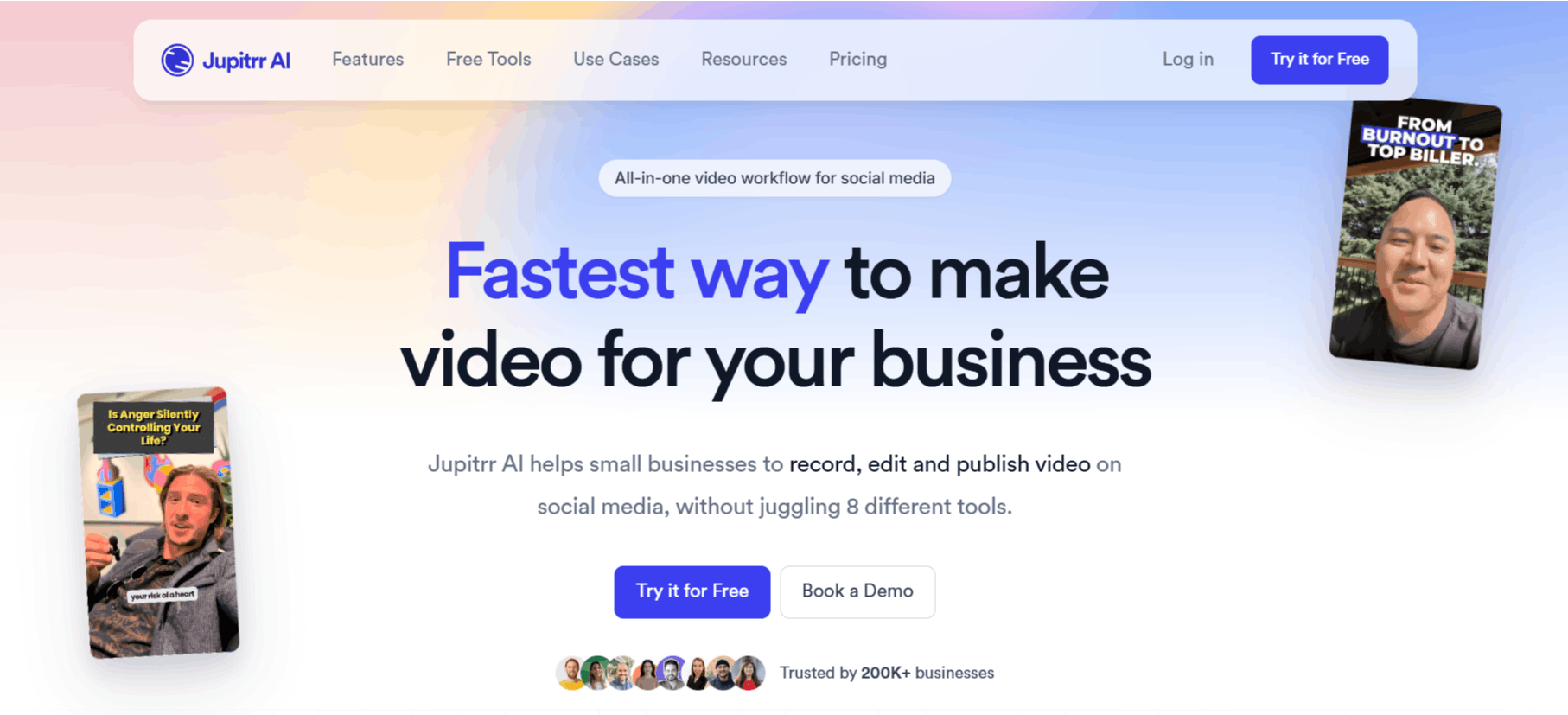
Jupitrr AI video maker offers a suite of tools that automate the tedious parts of video production, effectively acting as an all-in-one workstation. By focusing on the "VideoOS" concept, it attempts to cover the entire journey from the initial idea to the final publishable file.
1. Viral Video Search
This feature allows users to scan for trending topics and popular content formats within their niche. It acts as a starting point for the creative process, helping you identify what is currently performing well so you can tailor your own content accordingly.
2. AI Scriptwriting
The platform includes an intelligent script generator that helps overcome writer’s block. By inputting a topic or brief, the Jupitrr AI helps structure your thoughts into a professional-sounding narrative that is optimized for social media engagement.
3. Video Briefs
This utility helps organize your content strategy. By creating structured briefs, you can plan your production calendar, ensuring that your output remains consistent and aligned with your broader business goals.
4. Teleprompter App
To ensure professional-looking delivery while recording, Jupitrr provides a built-in teleprompter. This keeps your messaging clear and on-point, reducing the number of "takes" needed to get the perfect clip, which is a major time-saver for creators.
5. AutoCut Feature
The AutoCut capability is the core of the Jupitrr AI video editor experience. It intelligently removes silences, filler words, or awkward pauses from your footage, resulting in a tight, punchy edit that is ready for platforms like TikTok, Instagram Reels, or LinkedIn.
6. AI B-Roll Integration
If you find yourself searching for the best AI b-roll generator, Jupitrr includes tools to automatically insert relevant visual overlays. This enhances the storytelling aspect of your video without requiring you to manually source footage, effectively serving as an AI b-roll video generator free of common copyright headaches when using built-in libraries.
7. Subtitle Generation
Accessible through the editor, this tool automatically transcribes your spoken word into high-quality captions. Captions are essential for social media, where many users watch videos on mute, and Jupitrr automates this labor-intensive process efficiently.
8. Social Media Scheduling
While this feature is described as "coming soon" in some areas, the roadmap includes native scheduling. This keeps your workflow contained within the platform, allowing you to move from ideation to distribution without leaving the interface.
How Jupitrr AI Works
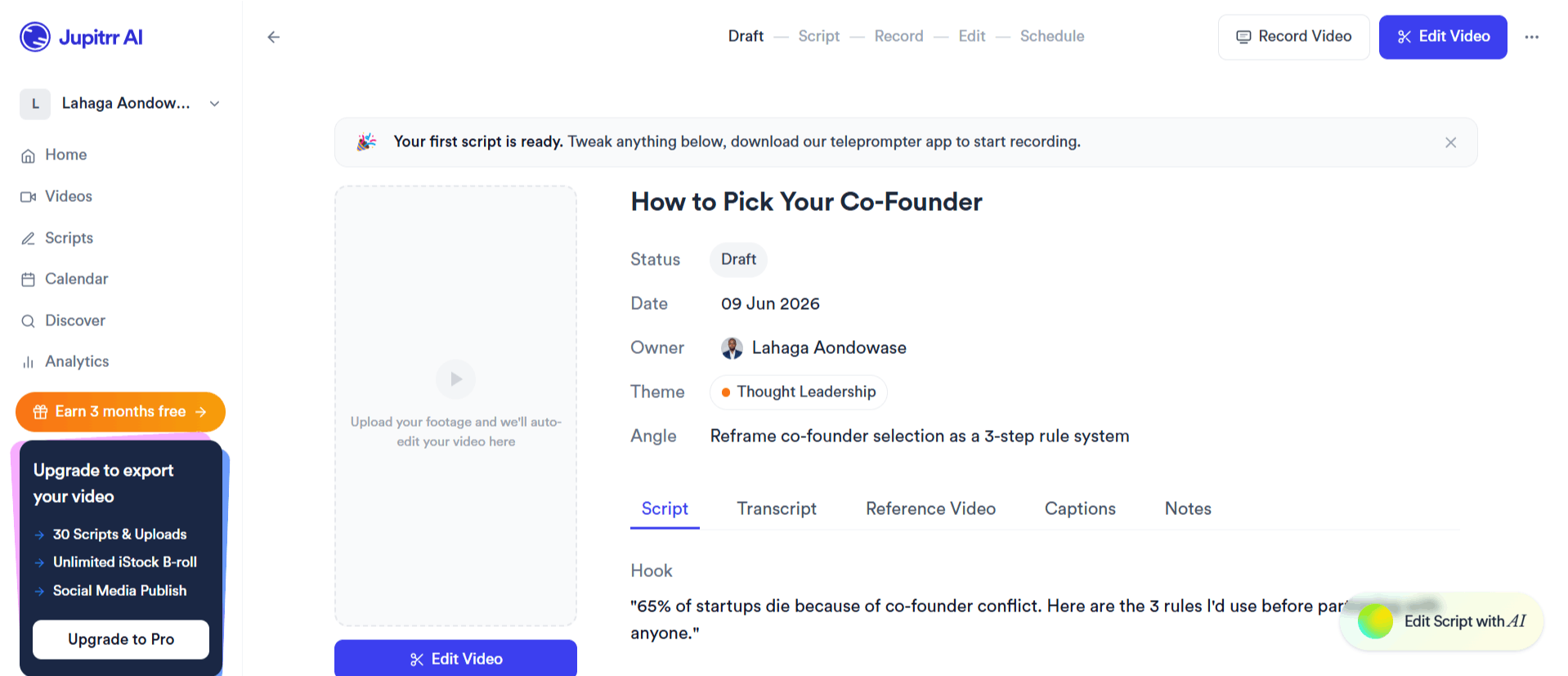
Jupitrr AI app takes you from the concept stage to the final export in 6 steps:
Research and Ideation: Use the viral video search and video brief tools to determine your topic.
Scripting: Use the AI scriptwriter to generate a structured outline or full script for your video.
Recording: Open the teleprompter app to record your footage directly, ensuring your pacing is steady.
Editing: Utilize the Jupitrr AI video editor to perform an automatic "AutoCut," removing dead air and adding transitions.
Polishing: Add subtitles and automated B-roll to enhance the visual appeal of the final project.
Export: Save your video in the required format and dimensions for social media platforms.
Jupitrr AI Pricing and Subscription Plans
Jupitrr employs a tiered subscription model, offering a "freemium" starting point for users who want to test the capabilities before paying.
Free Plan: $0/month. Includes 3 video uploads, limited viral video searches, and basic social media quality exports.
Pro Plan: $59/month. Targeted at individual business owners, includes 100 video searches, 30 video briefs, 30 video uploads, and unlimited AI scriptwriting.
Team Plan: $199/month. Designed for collaboration; includes unlimited video searches, 50 video briefs, 50 video uploads, custom brand kits, and 5 seats.
Scale Plan: Starting at $499/month. Designed for larger organizations; includes unlimited briefs, unlimited uploads, custom onboarding, and multiple workspaces.

Use Cases
Jupitrr is best suited for individuals and small business teams who need to maintain a high volume of social media video content.
Content Creators: Ideal for those who want to produce daily social content without spending hours manually cutting clips.
Coaches and Consultants: Provides a quick way to record industry insights and expert tips that establish authority.
Small Business Owners: Great for producing product demos and company stories that humanize the brand.
Marketing Teams: Useful for collaborative video workflows where multiple people need to input into a shared content calendar.
Educational Channels: Perfect for creators who need to explain complex topics quickly through short, punchy video formats.
Jupitrr AI Pros and Cons
Jupitrr provides important features for video creation, but like any tool, it has pros and cons.
Pros
Streamlined Workflow: The integration of scripting, recording, and editing into one app significantly reduces the time spent switching between software.
Intuitive Design: The elegant design and simple flow make the learning curve very manageable.
High-Quality Automation: The AutoCut feature effectively removes dead space, which is a major pain point for many video creators.
Useful Free Tier: The presence of a free tier allows users to test the waters, which is a common request for those searching for a good AI b-roll video generator free of cost.
Scalable Features: The platform grows with your business, from a simple one-person operation to a multi-seat team setup.
Cons
Watermarking Issues: The free version includes watermarks, which can limit professional usage until you upgrade to a paid subscription.
Resource Limits: The credit-based system for uploads and searches can become restrictive depending on your specific production volume.
Feature Dependency: Relying on a single "VideoOS" means that if the platform is down, your entire workflow could be stalled.
Limited Customization: While it is a great AI video generator, you do not have control over custom branding and asset management.
Jupitrr AI Alternatives
The AI video market is crowded, and there are many AI video tools available if you are looking for alternatives to Jupitrr AI.
Captions AI
Captions AI is heavily focused on the mobile-first editing experience, specifically for talking-head videos. It is a strong competitor if you prioritize advanced, automated captioning and quick mobile edits over a full web-based "VideoOS" workflow.
FlexClip
FlexClip is a more established, broad-purpose video editor that offers a different library of templates and assets. You might choose Flexlip AI if you need more flexibility in design and aren't as focused on the AI-first, automated scripting that Jupitrr offers.
Colossyan
Colossyan specializes in AI-driven video generation using synthetic avatars. While Jupitrr is meant for human-led "authentic" video content, Colossyan is better if your goal is to generate professional training or explanatory videos without recording yourself.
Elai
Elai is another avatar-focused platform that helps you generate videos from text. It serves a very different use case than Jupitrr, specifically for business presentations where you don't have the time or equipment to record yourself on camera.
Animaker
Animaker is well-known for its animation and character-building capabilities. It is a better choice if your brand style involves animated explainer videos rather than the raw, human-centered content that Jupitrr is designed to process.
Creatify AI
Creatify AI is tailored specifically for e-commerce and marketing ads. If your primary goal is to turn product URLs into high-converting social media ads, this tool provides more specific marketing-centric features than Jupitrr’s general-purpose workflow.
AutoShorts AI
AutoShorts is designed for hands-off, automated channel growth. It is different from Jupitrr, as it focuses on generating content automatically rather than helping you record and edit your own high-quality footage.
D-ID Creative Reality Studio
D-ID brings photos to life with speech. This is best if you have a static image of a person or character that you want to animate, whereas Jupitrr AI is strictly for processing and polishing actual video and audio recordings of yourself.
Final Verdict and Best For
Jupitrr AI simplifies the video creation process for busy professionals. Centralizing the scripting, recording, and editing workflow, it provides a measurable boost in efficiency for those who struggle with the issues of traditional video editing software.
While it may not be the "best" solution for complex, high-production cinematic work, it is a highly functional, well-designed tool for social media-focused business content. We would score Jupitrr AI an 8/10, as it excels in usability and workflow integration.
If you are serious about building a brand on social media and want to cut your production time in half, Jupitrr is worth a serious look.

Jupittr AI Alternatives
View All