Clipchamp

Clipchamp AI Features
Clipchamp offers a broad set of features that offer both basic cleanup tasks and more advanced creative projects. By integrating AI-driven enhancements, the platform bridges the gap between professional-grade editing and ease of use, ensuring that users can achieve polished results without needing years of training.
1. AI Text-to-Speech
This feature allows users to transform written scripts into natural-sounding audio narrations. With support for multiple languages and customizable voice profiles, the Clipchamp AI voice generator makes it easy to add professional-sounding commentary to tutorials, presentations, or vlogs without needing a microphone or a studio.
2. Smart Subtitle Generator
The built-in AI subtitle tool automatically transcribes spoken audio into text, which can then be formatted and embedded directly into your videos. This is essential for creators aiming to improve accessibility and engagement, as it saves hours of manual typing and syncing.
Silence and Filler Removal
One of the most impressive AI-driven features is the ability to clean up audio recordings. The tool identifies unwanted pauses, silences, and filler words, allowing creators to tighten up their pacing instantly.
3. Screen and Camera Recording
Users can capture their screen, webcam, or both simultaneously without installing third-party software. The tool handles the recording process within the browser, providing a convenient way to create software demonstrations, educational content, or personal updates that are ready for immediate editing.
4. Advanced Compression and Conversion
Clipchamp AI excels at file management. It allows users to reduce the size of large video files without significant quality loss, which is perfect for preparing assets for web upload or email. Users can easily convert file formats to ensure compatibility across different devices and platforms.
5. Royalty-Free Stock Library
Clipchamp provides access to a rich collection of stock video, images, music, and sound effects. This allows creators to enhance their projects with professional assets without needing to source materials from external copyright-heavy databases, keeping the entire workflow within one tab.
6. Multi-Track Timeline Editing
For those who need more control, the interface includes a drag-and-drop timeline that supports multiple tracks. You can layer text, music, and video clips with precision, giving you the flexibility to build complex sequences while maintaining a user-friendly aesthetic.
7. Brand Kit Integration
For professional users, the brand kit tool allows you to save specific colors, fonts, and logos. This ensures that every video exported follows a consistent visual identity, which is vital for small businesses or creators maintaining a specific brand aesthetic across their social channels.
How MS Clipchamp Works
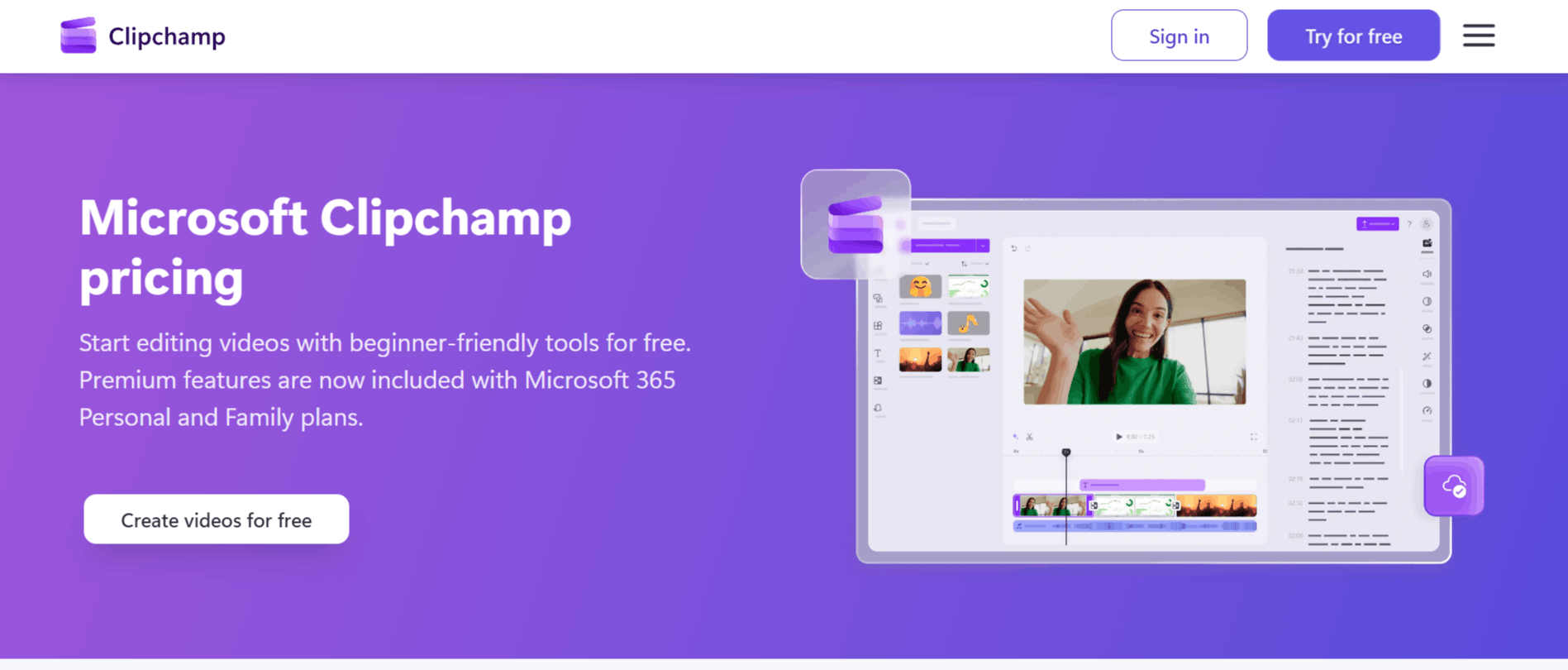
Getting started is streamlined to help you move from raw footage to a finished product without needing a steep learning curve or a powerful computer.
Step 1: Sign in to your Microsoft account through your web browser or open the application if you have completed the Clipchamp download for Windows 11.
Step 2: Upload your media files directly to the editor, or use the recording tools to capture new video or audio content directly from your device.
Step 3: Use the drag-and-drop timeline to arrange your clips, trim unwanted segments, and add transitions between scenes.
Step 4: Apply AI tools like the subtitle generator or the silence remover to polish the audio and accessibility of your project.
Step 5: Enhance the video by dragging in royalty-free stock footage, music, or branded assets from the library.
Step 6: Review your project, choose your desired export resolution (up to 4K for premium users), and save the file directly to your computer or upload it to your preferred platform.
Clipchamp AI Pricing
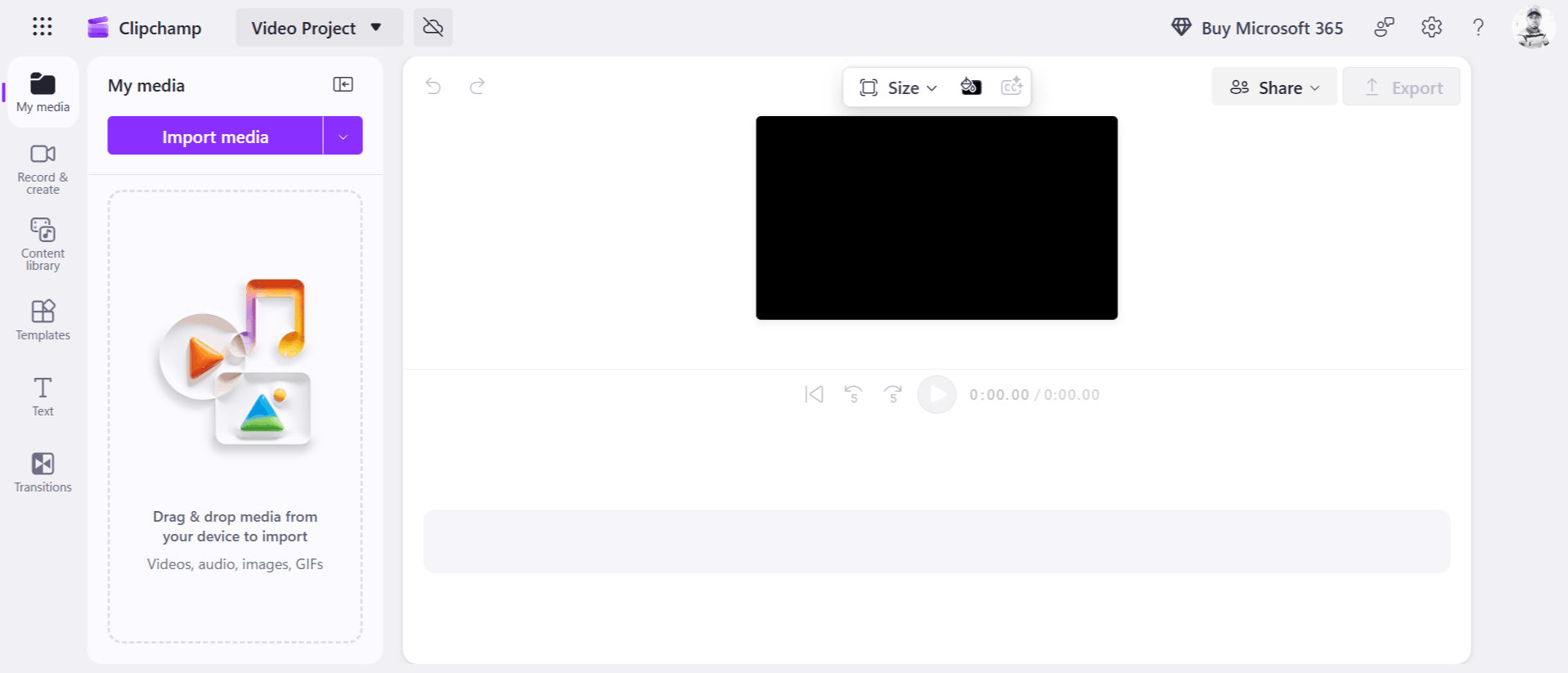
Clipchamp offers a transparent pricing structure that is split into a robust free tier and a premium plan tied to the Microsoft 365 ecosystem. This allows most casual users to access the core toolset without any subscription.
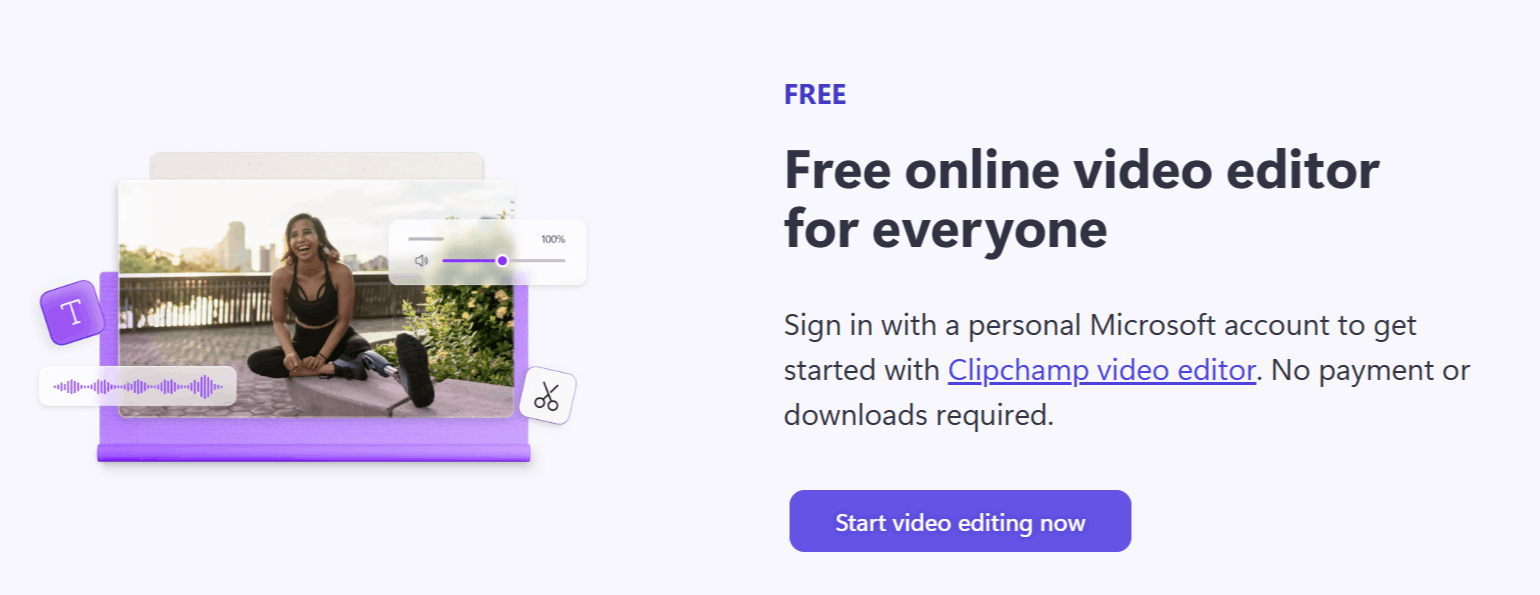
Free Plan: This tier is available to everyone with a personal Microsoft account. It includes all basic editing tools, AI subtitle and voiceover generators, and unlimited exports at 1080p resolution with no watermarks.
Microsoft 365 Personal/Family Plan: By subscribing to Microsoft 365, users unlock premium features such as 4K UHD video exports, access to premium stock assets, and the ability to use the brand kit for consistent visual branding.
Who Uses Microsoft Clipchamp
This platform serves different users who need to produce high-quality video content quickly and efficiently.
Content Creators: Individuals making videos for YouTube, TikTok, or Instagram benefit from the fast, browser-based workflow.
Educators: Teachers and instructors use the screen recording tools to create clear, accessible lessons for students.
Small Business Owners: Entrepreneurs use the brand kit and stock assets to create professional advertisements and promotional content.
Remote Workers: Professionals use the audio cleaning tools to improve the quality of meeting recordings and video presentations.
Social Media Managers: Teams use the platform to quickly repurpose content across different formats without needing heavy-duty video software.
Clipchamp AI Pros and Cons
Understanding both the MS Clipchamp advantages and limitations is crucial when deciding if this is the right tool for your workflow.
Pros
No Watermarks: Unlike many free editors, the free tier allows for exports without watermarks.
Browser-Based Access: You can access the tool from any modern browser, which is perfect for users who want to avoid heavy software installations.
Generous Free Tier: Most essential AI tools and editing features are included for free, making it highly accessible.
Privacy Focused: Processing files locally on the device adds an extra layer of security for sensitive projects.
Simplified AI Tools: Features like the AI voice generator are easy to use and produce surprisingly high-quality results.
Integrated Recording: Having screen and camera recording built-in eliminates the need for extra apps.
Cons
Performance Issues: The interface can sometimes become sluggish or freeze when working with very long or complex projects.
Hardware Dependence: Because it processes files on your local machine, older hardware may struggle with rendering or complex edits.
Limited Offline Capability: As a web-based tool, a stable internet connection is often required to load assets and sync progress.
Subscription Dependency: Some advanced assets and higher-resolution exports are locked behind a Microsoft 365 subscription, which may not be ideal for users who just want standalone software.
Clipchamp AI Alternatives
If you find that Clipchamp doesn't fit your specific needs, the market for AI-assisted video creation is quite large. Depending on whether you prioritize automated generation or manual control, here are several tools to consider.
Fliki
Fliki is a text-to-video generator that is excellent for turning written content into social media clips. It is a great alternative if you prefer a workflow that starts entirely with text rather than manual video editing.
Captions AI
This tool specializes in creating dynamic captions for short-form videos. If your primary goal is to make your talking-head videos more engaging and accessible, this is a highly targeted solution.
Biteable
Biteable focuses on professional-grade presentation and marketing videos. It is a better choice if you need sophisticated, business-ready templates for internal communication or ad campaigns.
Elai
Elai allows for the creation of avatar-based videos using AI. If you need a digital spokesperson for your video content rather than traditional editing, this platform is a standout.
D-ID Creative Reality Studio
Known for high-end AI avatars, D-ID is ideal for projects that require realistic talking heads. It is more specialized than the general editing capabilities offered by Clipchamp.
Cliplama AI
Cliplama uses AI to create social media content quickly. It is an excellent alternative for creators who need to generate multiple variations of a video for different platforms simultaneously.
CopyCopter AI
This tool focuses on the automation of video creation from existing web content. It is well-suited for businesses looking to convert blog posts into video assets with minimal manual input.
Adori
Adori offers unique features for interactive video creation. If you are looking to add clickable elements or specific interactive layers to your media, this tool provides functionality beyond standard editing.
Final Verdict and Best For
Clipchamp is a solid, highly accessible video editor that excels at bringing professional-lite features to the average user. Its combination of AI-powered audio tools, screen recording, and a clear, drag-and-drop interface makes it a fantastic starting point for creators.
While it might not replace high-end professional software for filmmakers, it is more than capable of handling daily social media tasks and personal projects.
We rate it 8/10 for its excellent balance of free features and user-friendliness, though users with very limited hardware may find it challenging for heavy 4K projects. It is best for beginners and casual creators who want to stay within the Microsoft ecosystem.
Frequently Asked Questions (FAQs)
This section addresses common questions from users exploring whether Clipchmp AI is the correct fit for their needs.
Is MS Clipchamp bloatware?
While it comes pre-installed on Windows 11, it is a functional editing tool rather than bloatware. You can easily use it to create high-quality videos, and many users find it helpful to have it readily available.
Does Clipchamp use your videos to train AI?
Clipchamp is managed by Microsoft and adheres to their privacy standards. Generally, your local files are processed on your device, which helps keep your content private.
Is Microsoft Clipchamp AI free?
Yes, the core AI features like the text-to-speech voice generator and the subtitle generator are included in the free version of the editor for all personal Microsoft account holders.

Clipchamp Alternatives
View All