Best Proxies for AI Video Localization, Testing and Distribution
Creating AI videos for international audiences involves more than production. Teams must test localized landing pages, verify dubbed audio, check regional video ads, and ensure automated workflows run reliably. Proxies help simulate access from different locations and provide stable IP connections for these tasks. This guide compares six providers based on their network coverage, targeting options, IP types, bandwidth, pricing, and trial conditions.

Where proxies fit into an AI video production workflow
AI video production often involves several tools and services, from video generation and AI dubbing to hosting, localization, and distribution. When teams publish content across multiple countries, they need to verify that the finished videos and their supporting pages work correctly for viewers in each market.
Proxies can support four parts of this workflow:
1. Testing AI-dubbed and localized videos
AI translation platforms like HeyGen and ElevenLabs generate localized audio, but creating a translation does not guarantee target viewers receive the correct audio track or localized experience.
A proxy with the right country or city targeting lets teams confirm that viewers in their target markets receive the correct video version, subtitles, audio track, landing page, and regional settings.
2. Verifying AI-generated video advertisements
Marketing teams often create multiple AI-generated video ads for different audiences and regions. Before launching campaigns, they need to check that the correct creative, landing page, language, pricing, and call to action appear in each market.
Proxies can help simulate visits from those locations and identify incorrect redirects, missing localized content, or playback problems. Where available, official advertising preview tools should be used first.
3. Checking video hosting and playback
After generating a video, teams may upload it to a website, CMS, digital asset management platform, or video hosting service. The video may then be delivered through a CDN and played using an embedded player.
Testing across locations reveals regional playback issues, missing HLS audio tracks, incorrect variants, or CDN delivery problems. Inspecting playlists and players directly allows lightweight verification without downloading entire files.
4. Supporting automated video publishing workflows
Some AI video production pipelines automatically send finished videos to a client's CMS, DAM, or publishing platform. These systems may restrict access to approved IP addresses.
A dedicated static IP can provide a consistent outbound address for authorized automated workflows. However, if all render workers operate from one cloud network, a static NAT gateway may be a simpler solution than a proxy.
Example: Testing an AI video campaign across multiple countries
Imagine a marketing team uses an AI video generator to create an advertisement, then uses an AI dubbing platform to produce English, French, Spanish, and German versions.
Before launch, the team verifies that correct audio tracks load per market, localized landing pages display accurate information, and embedded videos play correctly.
Country-targeted proxies can help test these experiences. Datacenter IPs may be enough to check localized pages and HLS playlists, while residential or static ISP connections help when a website treats datacenter traffic differently.
Proxies support post-production quality assurance; they do not generate or enhance video content.
Which proxy type fits each AI video task
Residential IPs cost the most per GB and are needed less often than vendors suggest. Most video checks only need to prove the right page, track, and player loaded, and playback works, with static IPs and enough bandwidth.
Traffic figures assume about 2 MB per page with media blocked and a 30 MB video file.
Best proxies for AI video compared
This comparison evaluates features relevant to AI video teams purchasing 5 GB to 1 TB monthly: city targeting for geo QA, session stability, fixed egress pricing, static IP bandwidth, protocol support (including SOCKS5), and trial terms.
Evaluations rely on published specifications, provider documentation, and third-party benchmarks. For localized video QA, holding a stable 30-minute session across key target cities is more critical than total network pool size.
Prices in USD come from provider pages and independent trackers. Promotions change monthly, and pool sizes are unaudited.
The six providers in detail
Below is a detailed analysis of the top proxy providers suitable for AI video localization, ad verification, and regional QA. Each breakdown covers network infrastructure, pricing models, targeting capabilities, and ideal use cases to help you choose the best fit for your workflow.
1. PROXYS.IO
PROXYS.IO offers datacenter IPv4/IPv6, rotating residential, static ISP, and mobile proxies from a single dashboard. With no minimum monthly spend, it suits video teams whose proxy usage spikes during campaign launches.
Residential traffic starts at $4 per GB from a claimed 100M+ IPs in 195 countries. Each of up to 100 lists has its own country, region, city, and a rotation timer of 2 to 60 minutes, so one account can hold a São Paulo list for the Brazilian Portuguese dub, a Munich list for the German version, and a 30-minute list for funnel checks that span several pages.
2. Bright Data
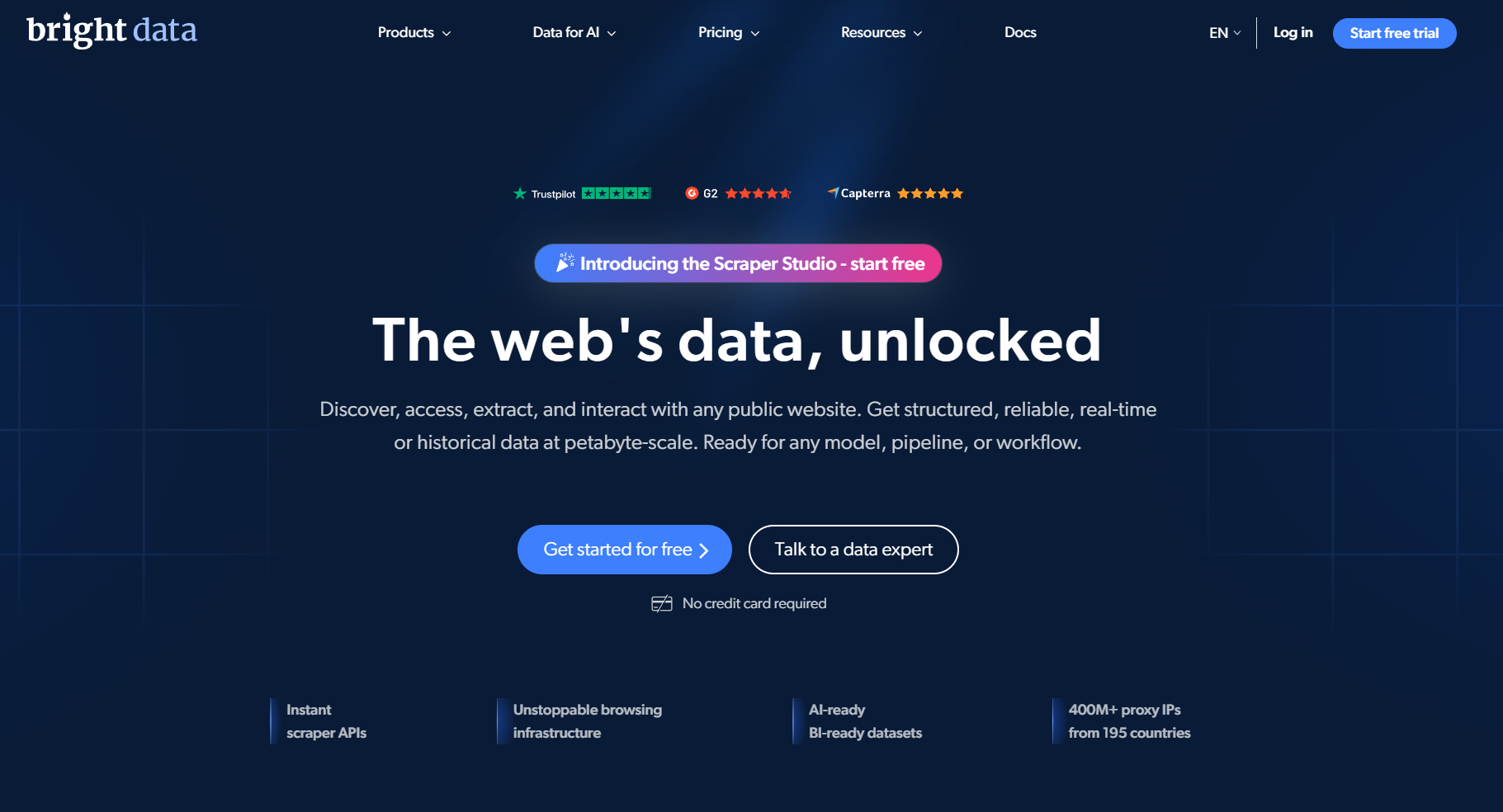
Bright Data features a network of 400M+ residential IPs, 1.3M+ static ISP IPs, scraper APIs, and a Web Unlocker. Residential pricing starts at $8/GB pay-as-you-go, with volume tiers reducing costs down to $5/GB on larger monthly commitments.
Unused plan traffic does not roll over, and mandatory KYC verification adds onboarding steps. Smaller QA workflows moving low monthly data volumes may pay for unused network scale.
3. Oxylabs
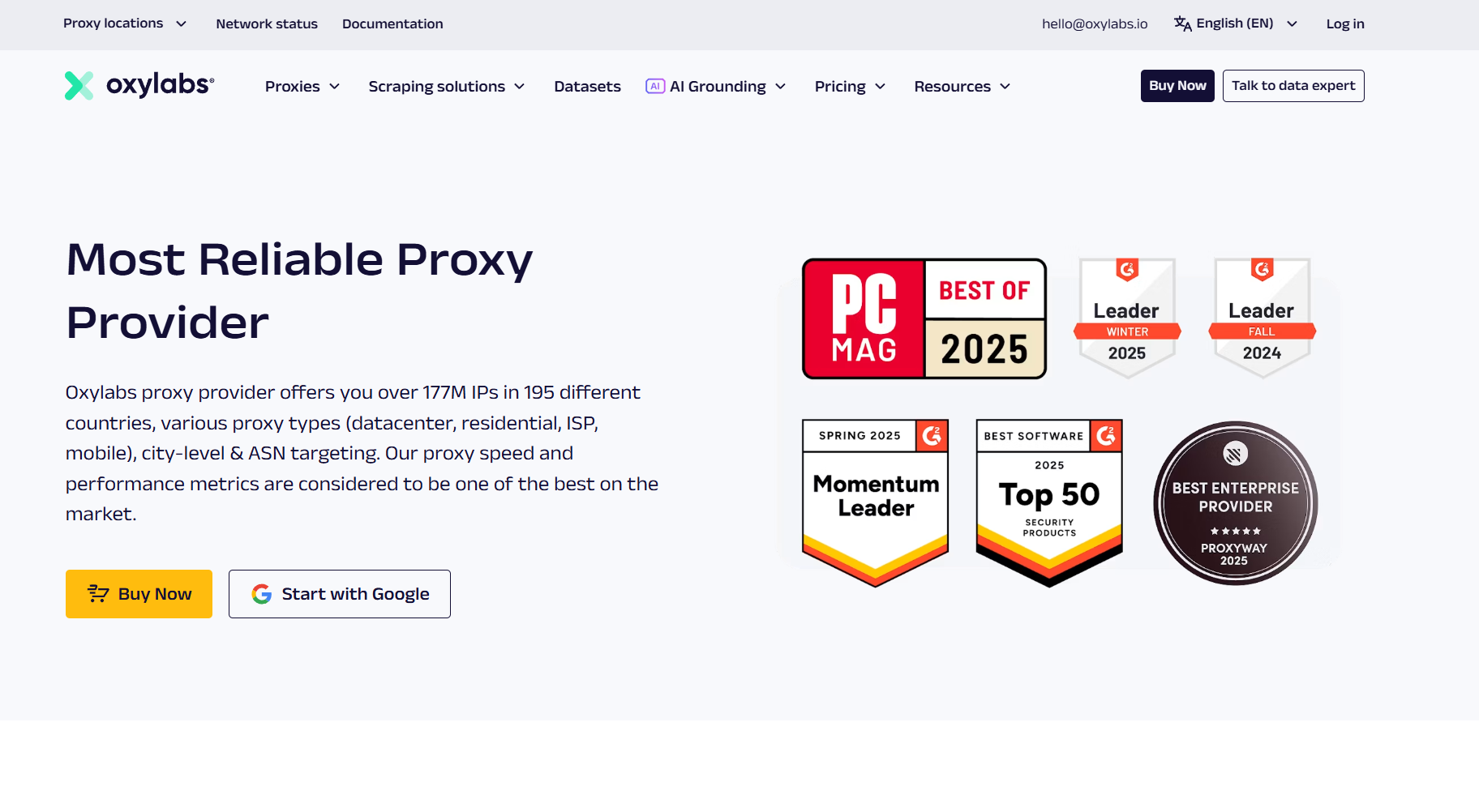
Oxylabs provides tiered plans starting at commitment levels that scale down to $2.50/GB for high-volume users. This structure benefits large-scale video QA operations streaming content continuously across multiple global regions.
4. Decodo
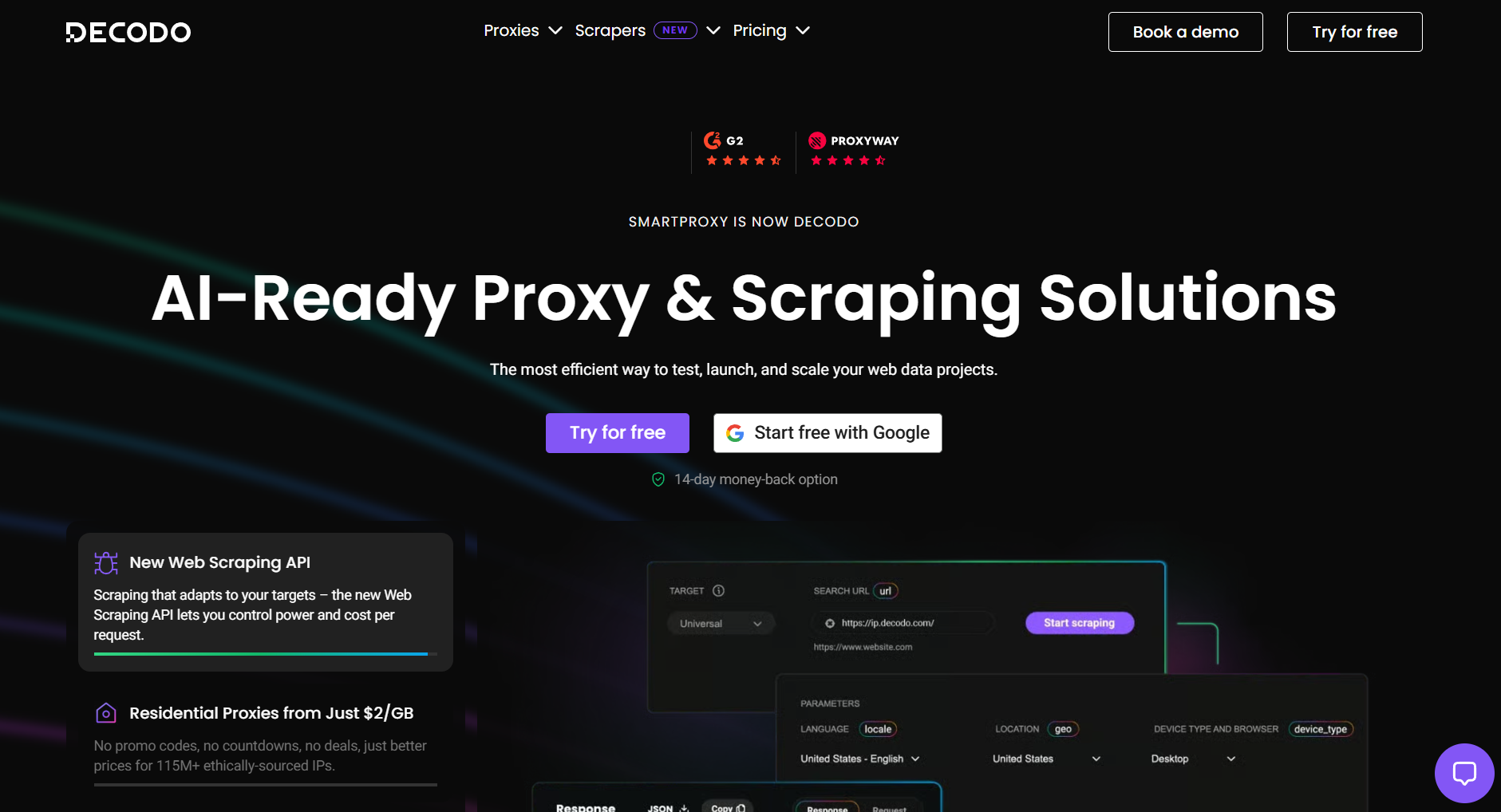
Decodo, formerly Smartproxy, lists 115M+ residential IPs in 195+ locations with city, ZIP, and ASN targeting; ASN targeting helps when you need to see a page through a specific ISP's network. Plans start at $3.75 per GB for 3 GB; pay-as-you-go is $4, and 1 TB brings it to $2 per GB. Proxyway's benchmarks put its success rate above 99.8%.
The 3-day, 100 MB trial covers about 50 page checks with media blocked, or three full plays of a 30-second spot. Subscription traffic expires at renewal.
5. IPRoyal
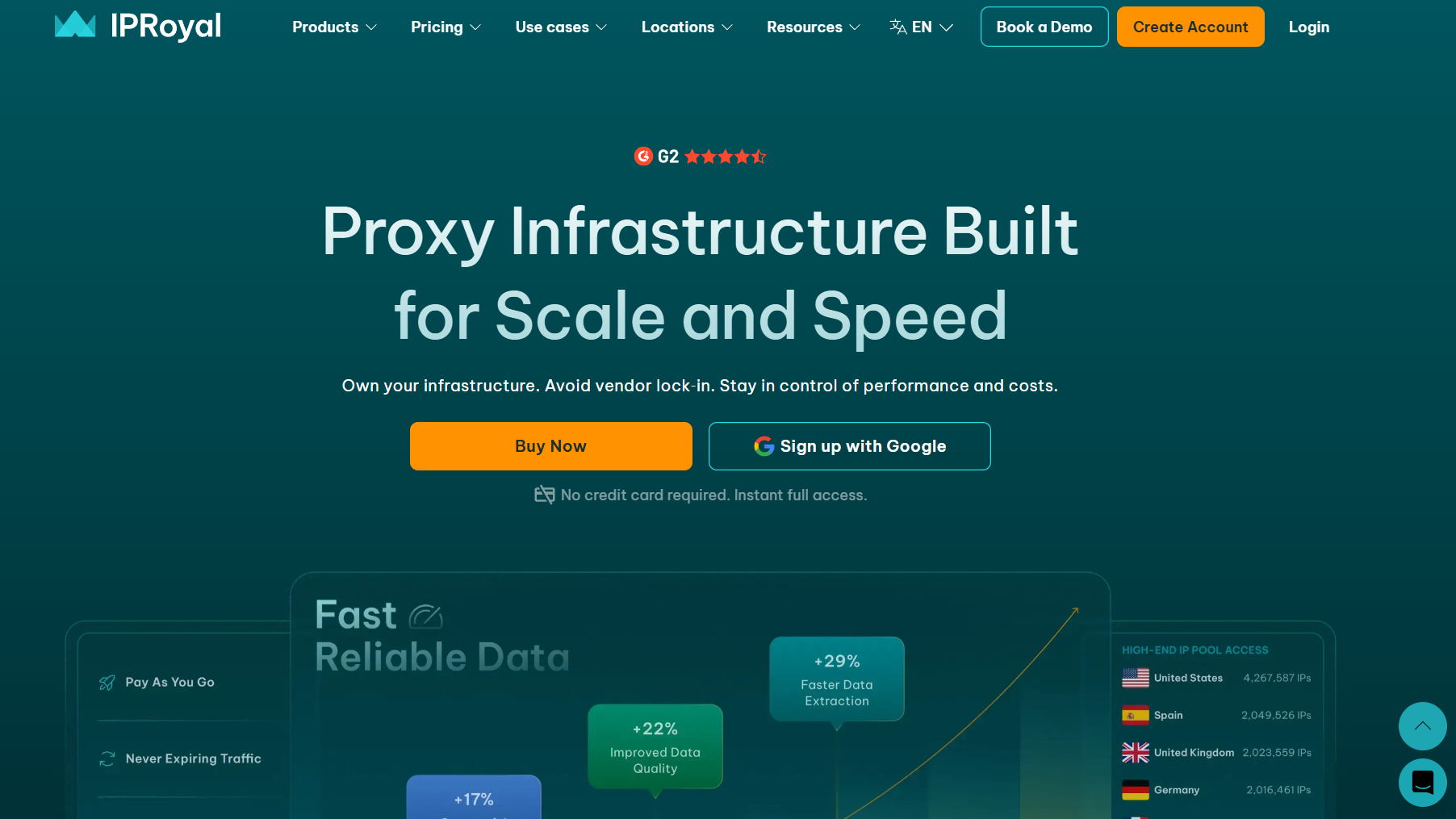
IPRoyal's residential traffic never expires, which fits teams whose checks cluster around launches: heavy QA the week a campaign goes live in 12 languages, little until the next one. The advertised $1.75 to $1.84 per GB applies only from 10 TB; pay-as-you-go starts at $7.35 per GB for 1 GB.
6. Webshare
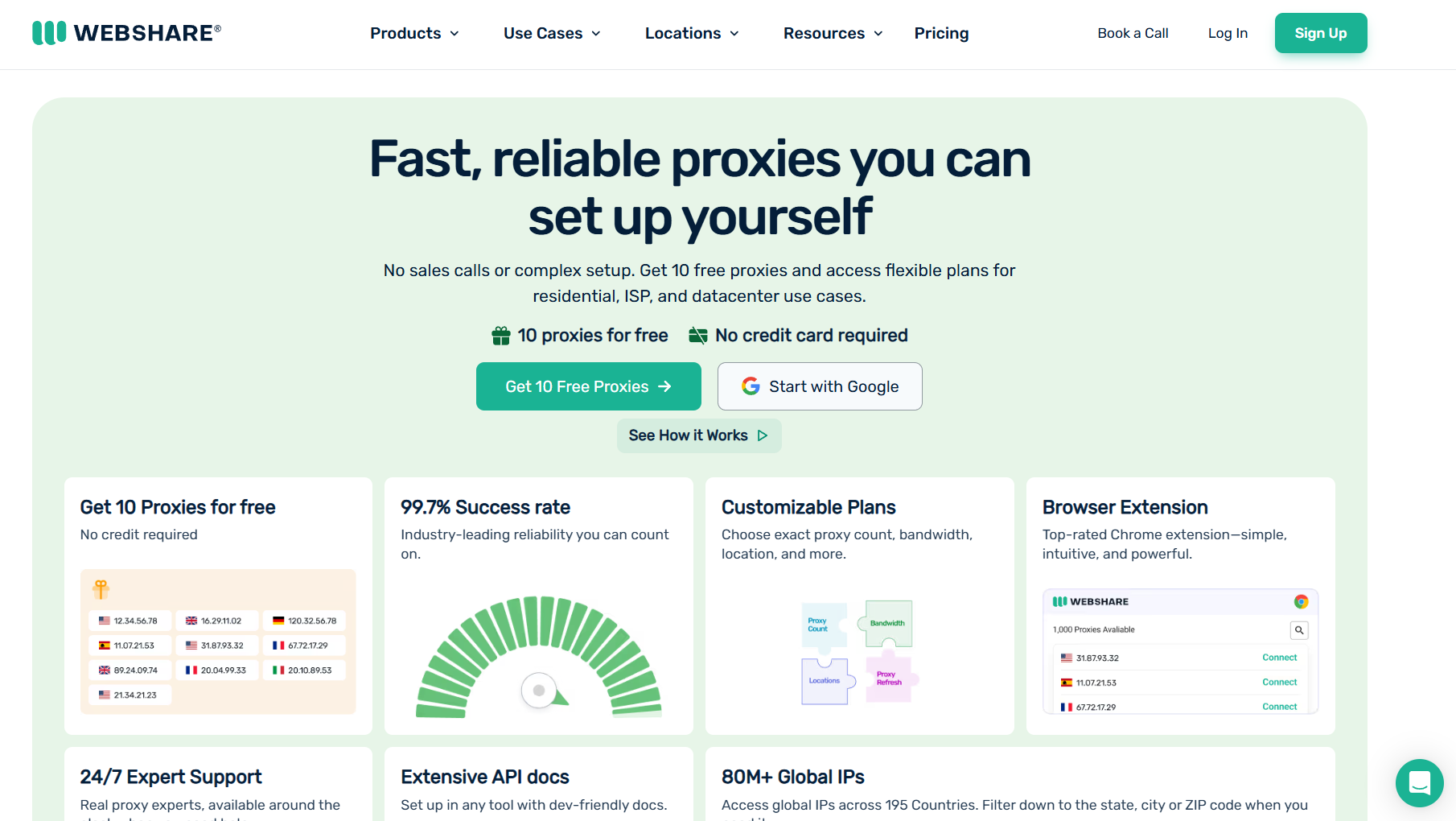
Webshare's 10 free datacenter proxies and 100-proxy plan at $2.99 a month make it the cheapest place to write and debug Playwright checks before paying for residential traffic. Rotating residential runs from $3.50 per GB at 1 GB (shown as a discount from $7.00) to $1.40 at 3,000 GB, on 80M+ IPs. There are no mobile proxies, so carrier-level checks need another vendor.
Bandwidth math for video checks
Per-GB pricing punishes anything that plays video, so decide what each check has to prove before it runs. The page figure below uses the 1,963 KB median desktop inner page from the HTTP Archive Web Almanac 2025.
In Playwright, aborting requests whose resourceType is "media" keeps the player element and its JavaScript but drops the stream, which is all a locale check needs. For dubbed versions, the HLS master playlist lists each audio track as an EXT-X-MEDIA entry with TYPE=AUDIO and a LANGUAGE attribute. Fetching that file from each target country confirms the CDN serves the Spanish or Japanese track there, for a few kilobytes instead of a stream. Apple's HLS authoring guidance sets 6-second segments, so one segment is the smallest unit you can play to prove startup.
Never route masters through per-GB plans. A 60-second 4K export at 45 Mbps is about 340 MB, and 100 uploads a month come to 34 GB, or $135 at $4 per GB, for traffic that gains nothing from a residential IP. Upload from the render host directly, or through a static IP when the destination requires an allowlisted address.
How to test a proxy provider in 24 hours
A 24-hour refund window is enough if the test is scripted before you pay.
Pick 100 localized URLs from your five largest markets: landing pages, pages with the embedded player, and HLS master playlists.
Run each check from an exit in the matching country with media blocked, logging status, time to first byte, bytes, and the locale the page served (the HTML lang attribute, currency, and the audio tracks in the manifest).
Count a check as valid only if the expected locale loads and the player initializes. A 200 response with the US fallback page or a consent wall is a failure.
On 20 of the URLs, play the first 6-second segment at the top rendition and log startup time and rebuffering, once through residential and once through a static ISP IP.
Divide spend by valid checks and compare cost per 1,000 valid checks, not list prices.
Repeat the run 12 hours later, then check 50 exit IPs against MaxMind GeoIP2 and IPinfo. If more than one in ten disagree at the city level, keep that pool away from city-targeted campaign checks.
Compliance rules for video teams using proxies
A proxy changes where a request comes from. It doesn't change what a platform's terms or a regulator allows.
Use the platforms' own tools first. Google Ads' Ad Preview and Diagnosis tool for ads by location, the Meta Ad Library for active ads by country, and the YouTube Data API's regionCode for regional results. Proxies cover what those tools don't show.
Don't use proxies to reach AI video tools in countries the vendor doesn't serve, to stack free trials or to run multiple accounts on YouTube, TikTok or Meta.
Don't collect platform videos for training sets through proxies. YouTube's Terms of Service bar automated access outside narrow exceptions and bar downloads without permission, so license footage or use datasets with clear terms.
Stop on 403 and 429 responses and obey Retry-After headers instead of switching IPs. Log exit IP, country, timestamp, and URL for every check so QA results can be audited.
Final thoughts
AI video production requires post-processing validation. Distributing localized content demands verifying regional landing pages, testing audio playback, and confirming automated delivery pipelines. For more context on strategies, check out our guide on AI video localization.
Proxies can help with these tasks, but the right solution depends on what you're testing. Datacenter IPs may be enough for basic localization checks, while residential or static ISP connections can be useful for more demanding regional testing and playback.
Before choosing a provider, identify your testing requirements, estimate bandwidth usage, and compare the cost of valid checks rather than relying on advertised IP pool sizes alone.
Questions AI video teams ask about proxies
Here are answers to common questions about using proxies for accessing AI video tools, managing regional restrictions, and maintaining a reliable creative workflow.
Can a proxy give me access to an AI video generator that isn't offered in my country?
It shouldn't be used that way. Vendors list supported countries in their terms, and an account opened through another country's IP can be suspended along with its credits and assets.
Availability also changes on the vendor's schedule: OpenAI closed the Sora app worldwide on April 26, 2026, and switched off the Sora API on September 24, 2026. Build the pipeline on tools offered where your team operates.
Do proxies speed up AI video generation or raise API limits?
No. Generation runs on the vendor's GPUs, and rate limits and credits apply per account or API key, not per IP. More throughput comes from a higher plan or an enterprise agreement.
How much residential traffic does geo QA for a dubbed campaign need?
A campaign dubbed into 12 languages, with five landing pages per locale checked daily, makes 1,800 checks a month. With media blocked, that's about 3.6 GB, under $15 at $4 per GB. Playing the 30-second spot in every check raises it to about 58 GB and $230.
Do HLS and CDN checks need residential IPs?
Usually not. CDNs apply geo rules from the IP's country, and a datacenter IP in the right country is enough for manifests and segments. Residential exits matter when a site or ad stack treats datacenter traffic differently, which the 24-hour test above will show as a different page or a block.

Lahaga Aondowase
Is the founder of AI Video Tools Pro, an AI video tools directory that helps creators, marketers, educators, and businesses discover AI video software. He researches and evaluates AI video tools based on their features, use cases, pricing, and practical workflows.
Connect on LinkedInRelated Articles
View All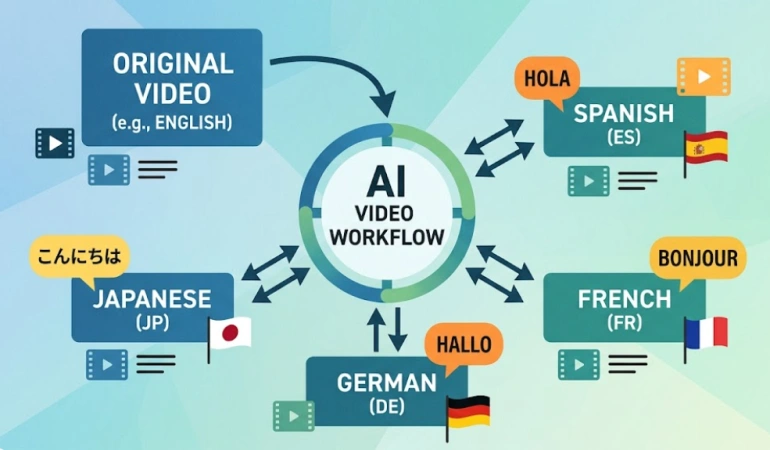


User Comments (0)