
10 Best AI Video Generators for Long-Form Content in 2026
Creating a 10-minute YouTube video, online course, documentary, or training video requires more than generating a few impressive AI clips. Long-form videos demand consistent characters, coherent storytelling, smooth transitions, and an editing workflow that can handle extended runtimes. In this guide, we compare the best AI video generators for long-form content based on video generation capabilities, editing workflow, consistency, ease of use, pricing plans, and the types of projects each platform is best suited for.
Quick Comparison
Why Long-Form AI Video Is Different
Creating a long-form video with AI involves different challenges than producing a short clip.
A 5-second video only needs to maintain visual consistency for a brief moment. A 10-minute or 30-minute production must keep characters, environments, voice, pacing, and narrative structure consistent from beginning to end. Small inconsistencies become much more noticeable over longer runtimes.
Not all AI video platforms approach long-form creation in the same way. They generally fall into three categories:
1. Native Story-to-Video Platforms
These tools generate an entire narrative from a prompt or script while maintaining character and scene consistency across multiple minutes.
Examples include:
LongStories.ai
MagicLight
These are best suited for animated stories, children's content, and episodic storytelling.
2. AI Video Editors and Assembly Platforms
These platforms generate individual AI clips, combine stock footage, or provide editing tools that help creators assemble a complete video.
Examples include:
InVideo AI
FlexClip
VEED.IO
Pictory AI
LTX Studio
They are ideal for YouTube videos, marketing content, documentaries, tutorials, and educational videos.
3. AI Avatar Platforms
Instead of generating cinematic scenes, these tools create realistic AI presenters that speak directly to the camera.
Examples include:
HeyGen
Synthesia
They work particularly well for training videos, product demonstrations, online courses, corporate communications, and multilingual presentations.
Understanding which category fits your workflow is more important than simply choosing the platform with the most features.
The best AI video generator depends on whether you need storytelling, video editing, or an AI presenter. For video editing, we have curated the best AI video editing tools to help you pick the right one.
The 10 Best AI Video Generators for Creating Longer Videos
Not all AI video generators are built for long-form content. Some create complete videos from a script, while others help you assemble longer productions using AI-generated scenes, stock footage, or AI avatars.
The tools below were selected based on their long-form capabilities, ease of use, video quality, editing workflow, and overall value for creators producing YouTube videos, online courses, training materials, and other extended video content.
1. LongStories.ai: Best for Native Long-Form Story Generation

Unlike most AI video generators that create individual clips, LongStories.ai is designed to generate complete narrative videos from a single prompt.
One of its standout features is Universes, a reusable project framework that stores characters, art style, settings, and story elements. This helps maintain consistency across scenes and even across multiple episodes in a series.
The platform supports videos up to 15 minutes on eligible paid plans, making it one of the few AI video generators built specifically for native long-form narrative generation.
Key Features
Generates complete story videos from prompts or scripts.
Supports videos up to 15 minutes.
Universes for reusable characters, styles, and settings.
Character consistency across scenes.
AI narration support.
API access on higher-tier plans.
Pros
Designed specifically for long-form storytelling.
Reduces manual scene assembly.
Maintains better character consistency than most clip-based AI video generators.
Suitable for episodic content and serialized YouTube channels.
Cons
Focuses on animated and stylized visuals rather than photorealistic video.
Less suitable for marketing videos or live-action productions.
Pricing
LongStories.ai offers a free trial with limited credits. Paid plans start at $59/month, with higher tiers providing more credits, longer video generation, API access, and additional export capabilities.
Best for: Creators producing animated stories, children's content, fictional series, educational narratives, and long-form YouTube storytelling.
2. MagicLight: Best Budget Option for Story-to-Video Generation
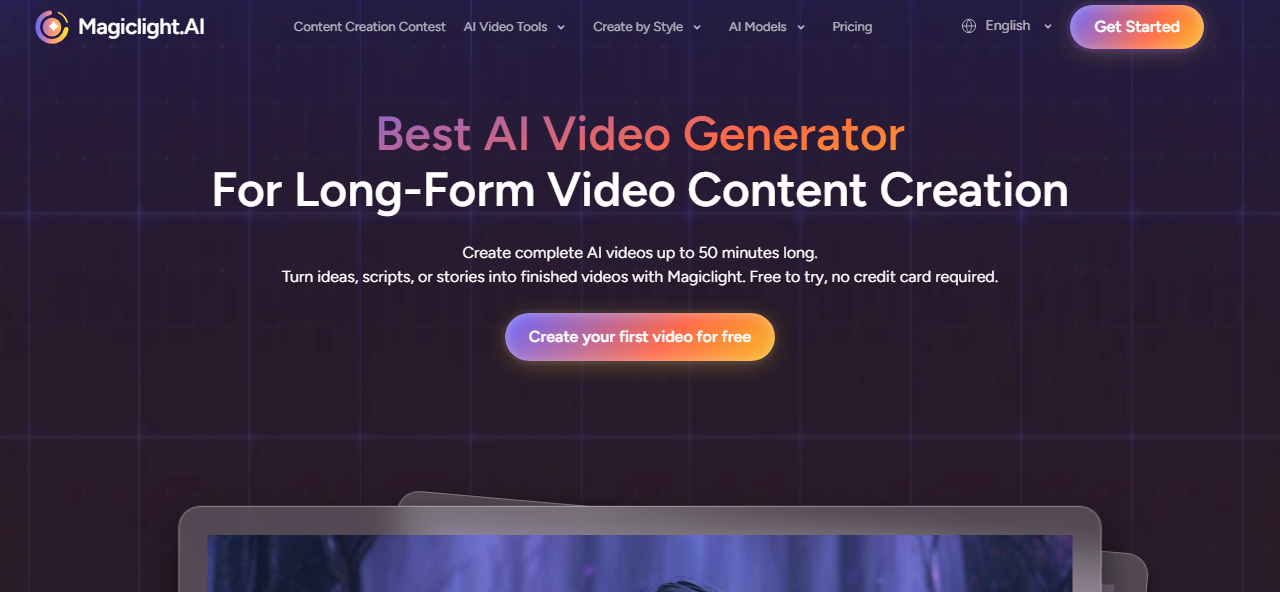
MagicLight is another AI platform focused on transforming written stories into complete videos. Like LongStories.ai, it aims to generate an entire narrative instead of producing isolated clips that must later be edited together.
MagicLight supports relatively long runtimes compared to many AI video generators, with the platform advertising videos of up to 30–50 minutes, depending on the project and subscription plan. However, creators should expect generation quality and consistency to vary with longer productions, as the platform is still evolving.
Key Features
Converts stories and scripts into complete videos.
AI-generated storyboards.
Character consistency across scenes.
Multiple visual styles.
Long-form narrative generation.
Pros
Affordable pricing.
Designed specifically for narrative storytelling.
Minimal manual editing required.
Suitable for educational stories and children's content.
Cons
Smaller ecosystem than more established AI video platforms.
Character consistency and visual quality may vary on longer projects.
Fewer advanced workflow features than some competitors.
Pricing
MagicLight offers a limited free plan. Paid plans start at approximately $8/month, with higher tiers increasing generation credits, export limits, and project capacity.
Best for: Budget-conscious creators who want to convert stories or scripts into complete AI-generated videos without manually assembling dozens of individual clips.
3. InVideo AI: Best for Script-to-Video Creation
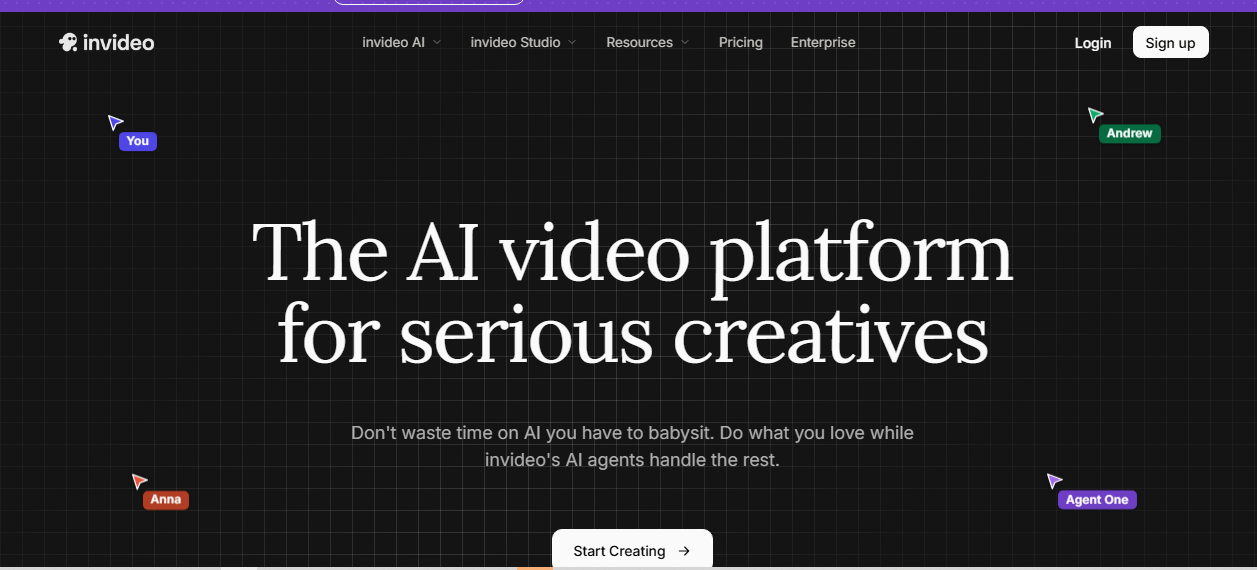
InVideo AI turns prompts, scripts, articles, or URLs into complete videos by combining AI-generated visuals, stock footage, AI voiceovers, music, and transitions. Instead of creating every scene from scratch, it assembles videos automatically, making it a practical choice for YouTube videos, explainers, marketing content, and social media.
Key Features
Prompt, script, and URL-to-video generation.
AI voiceovers and voice cloning.
Built-in stock media library.
Automatic editing and scene generation.
Supports videos up to approximately 30 minutes.
Pros
Fast video creation.
Large stock media library.
Beginner-friendly.
Good for marketing and educational content.
Cons
Relies heavily on stock footage.
Less suitable for cinematic storytelling.
AI-generated scenes are limited compared to dedicated video models.
Pricing
Free plan available. Paid plans start at $20/month, with higher tiers offering more AI generation minutes, exports, and premium features.
Best for: YouTube creators, marketers, educators, and businesses producing script-based videos quickly.
4. FlexClip: Best for Editing AI-Generated Long Videos
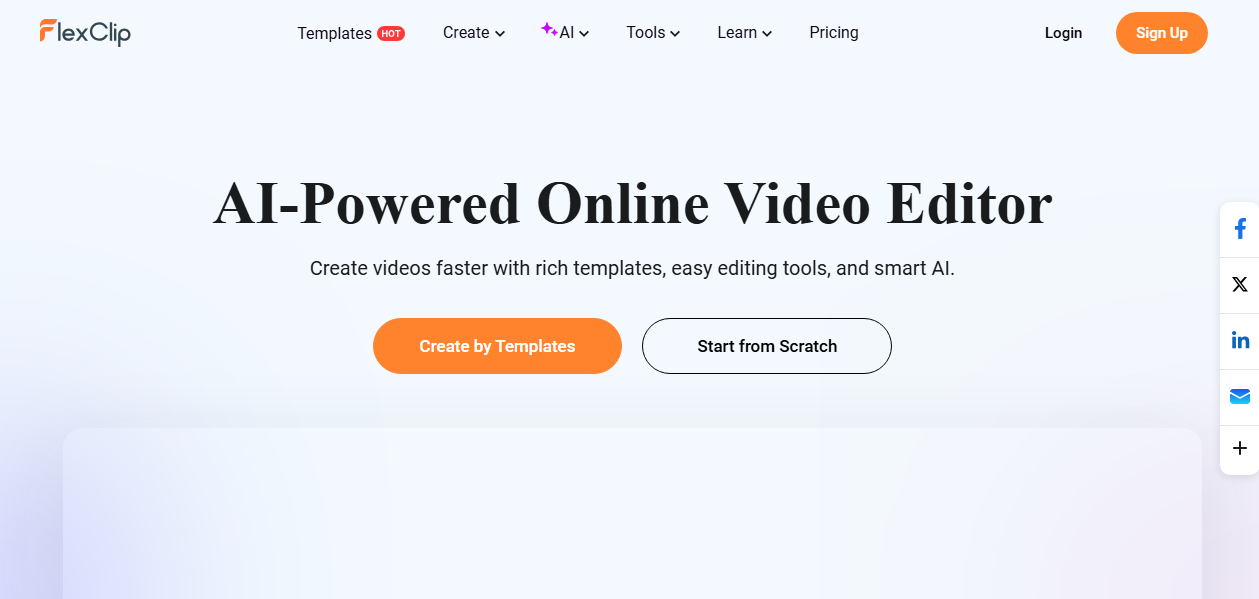
FlexClip is an online video editor that combines AI tools with a traditional timeline editor. It supports AI video generation, text-to-video, image generation, automatic subtitles, and stock media, allowing users to assemble longer videos without complex editing software.
Key Features
Browser-based timeline editor.
AI video and image generation.
Automatic subtitles.
Large stock media library.
AI text-to-speech.
4K export on higher plans.
Pros
Easy to use.
Excellent template library.
Good balance between AI and manual editing.
Suitable for long-form editing.
Cons
Does not generate high-quality narrative videos.
Advanced editing is more limited than in desktop editors.
Pricing
Free plan available. Paid plans start at $11.99/month.
Best for: Creators who want to combine AI-generated clips, stock footage, and templates into YouTube videos, tutorials, and presentations.
5. Pictory AI: Best for Turning Articles into Videos
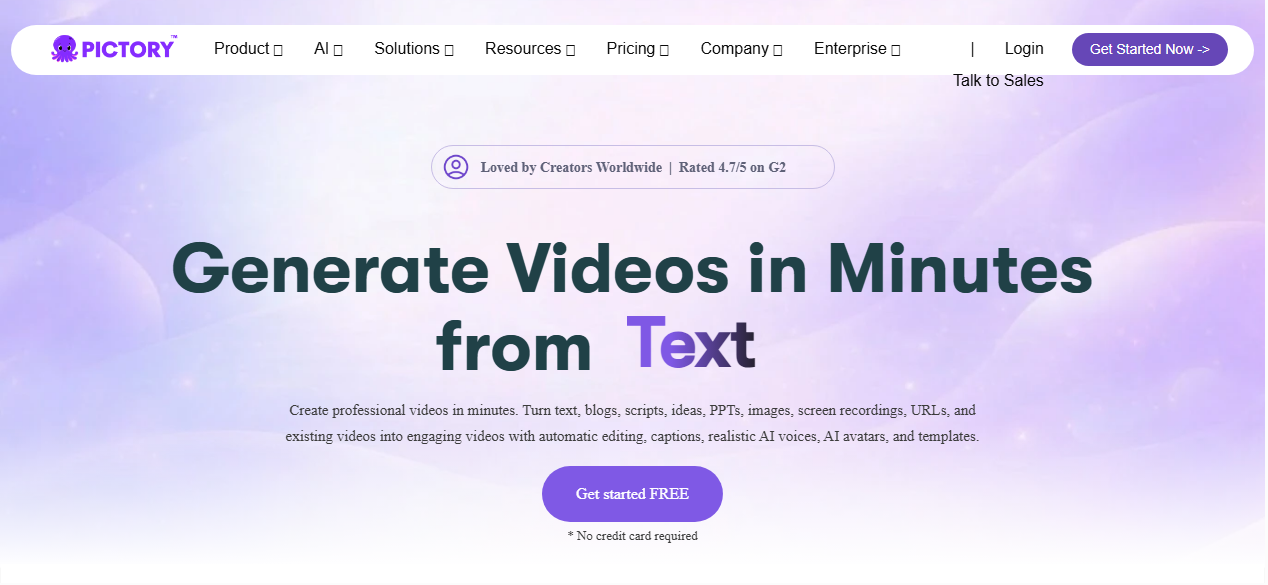
Pictory AI converts blog posts, scripts, webinars, and long-form text into narrated videos. It automatically selects visuals, adds captions, and generates AI voiceovers, making it a useful tool for repurposing written content into videos.
Key Features
Blog and script-to-video.
AI voiceovers.
Automatic captions.
Stock video library.
Webinar and podcast repurposing.
Pros
Excellent for content repurposing.
Easy to use.
Automatic caption generation.
Saves editing time.
Cons
Depends largely on stock footage.
Limited creative control over visuals.
Not designed for cinematic storytelling.
Pricing
Paid plans start at approximately $19/month.
Best for: Bloggers, marketers, educators, and YouTubers repurposing articles, webinars, or podcasts into videos.
6. VEED.IO: Best for Editing Long-Form Videos Online
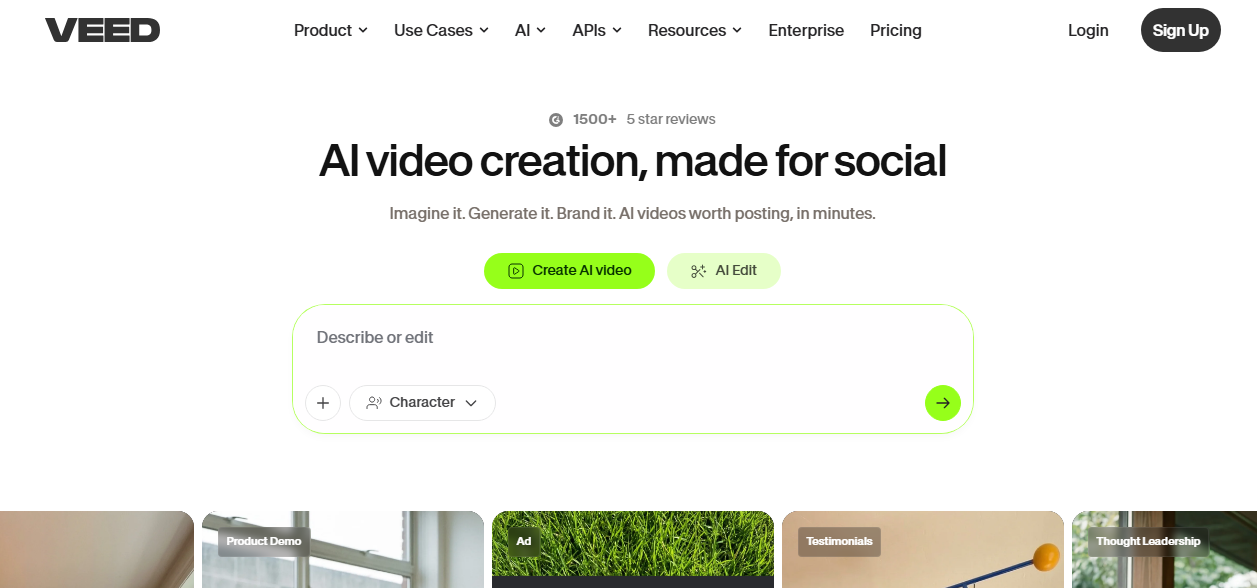
VEED.IO is a browser-based video editor with AI-powered editing features, including automatic subtitles, AI avatars, translation, and screen recording. It is designed for editing and polishing long-form videos rather than generating them from a prompt.
Key Features
Online video editor.
Automatic subtitles.
AI avatars.
Screen and webcam recording.
AI voice translation.
Brand kit and collaboration tools.
Pros
Excellent subtitle accuracy.
Easy collaboration.
No software installation required.
Great for podcasts, interviews, and tutorials.
Cons
Limited AI scene generation.
Newer models are not available.
Pricing
Free plan available. Paid plans start at approximately $12/month.
Best for: Creators editing podcasts, webinars, interviews, tutorials, and YouTube videos.
7. LTX Studio: Best for Storyboarding and AI Filmmaking Workflows
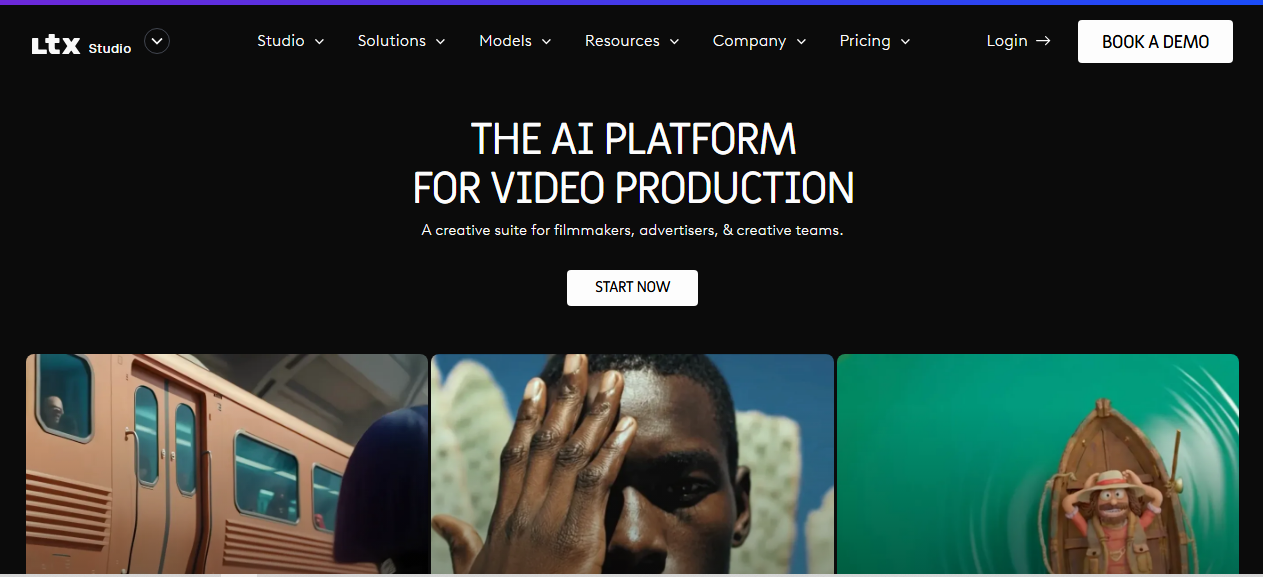
LTX Studio is designed for creators who want greater control over AI-generated videos. Instead of generating a complete video from a single prompt, it provides AI-powered storyboarding, scene planning, and a timeline editor that help organize individual shots into a complete production.
The platform is particularly useful for short films, YouTube videos, trailers, and other narrative projects where planning each scene matters.
Key Features
AI storyboard generation.
Timeline-based editing.
Scene planning and shot management.
Character and asset management with Elements.
AI image and video generation.
Pros
Excellent pre-production workflow.
Gives creators more creative control.
Well-suited for cinematic projects.
Easy to organize complex videos.
Cons
Requires manual assembly of scenes.
Not designed for one-click long-form video generation.
Pricing
Free plan available. Paid plans start at $15/month, with Standard plans beginning around $35/month.
Best for: Filmmakers, storytellers, and YouTube creators who want to storyboard and assemble AI-generated videos.
8. Higgsfield AI: Best for High-Quality AI Video Generation Across Multiple Models
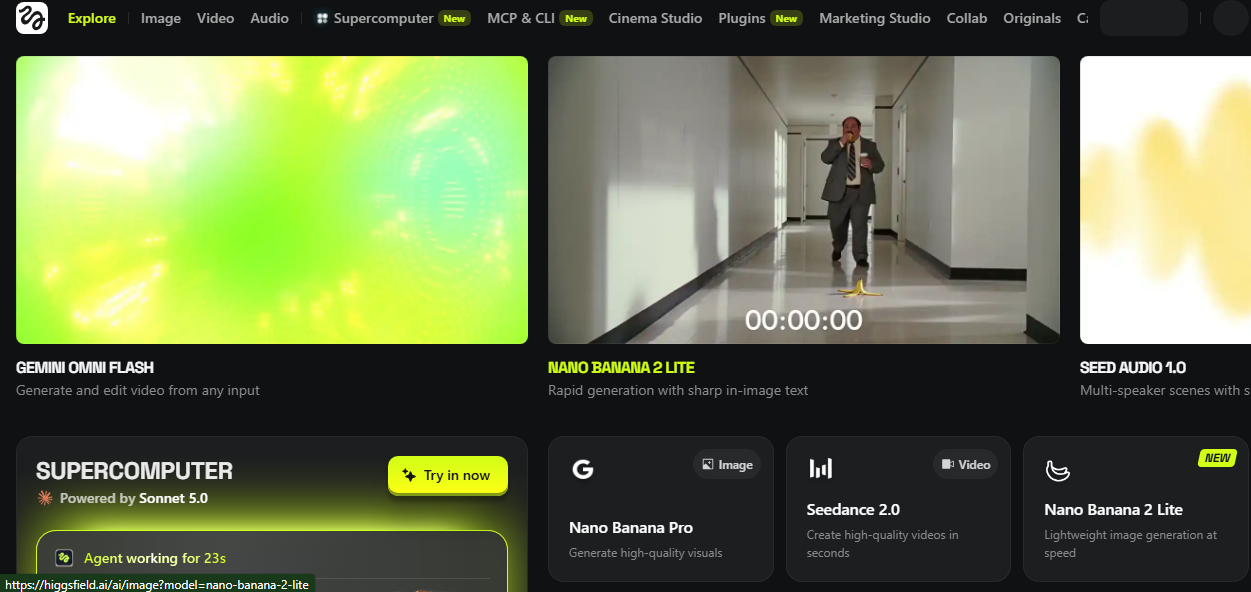
Higgsfield AI gives creators access to multiple leading AI video models through a single platform, allowing them to generate cinematic shots without switching between different services.
Rather than producing complete long-form videos, Higgsfield AI is best used to create individual scenes or hero shots that can be combined later in a video editor.
Key Features
Access to multiple AI video models.
Advanced camera controls.
Cinematic shot generation.
AI image generation.
Unified workflow across supported models.
Pros
High-quality video output.
Multiple AI models on one platform.
Strong creative camera controls.
Suitable for professional creators.
Cons
Does not generate complete long-form videos.
Credit usage varies by model.
Pricing
Limited free access is available. Paid plans start at approximately $15/month.
Best for: Creators who need high-quality AI-generated scenes to include in larger film or YouTube projects.
9. HeyGen: Best for AI Avatar Videos
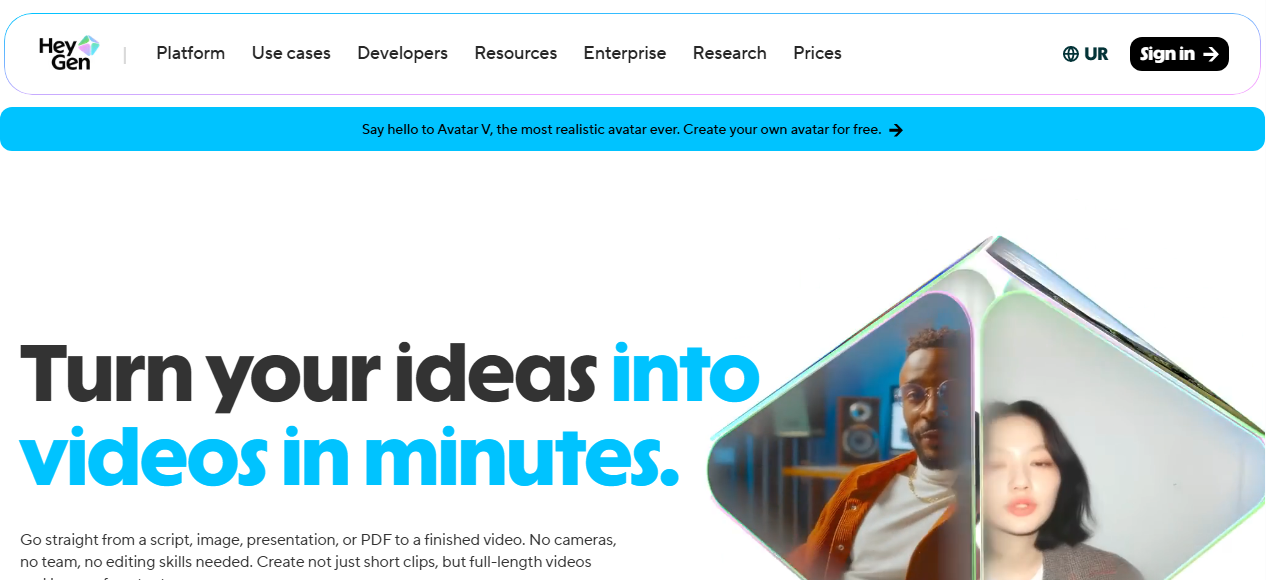
HeyGen specializes in AI avatar videos, allowing users to create realistic presenter-led content without appearing on camera. Users can generate videos from text, clone voices, translate speech into multiple languages, and create custom avatars for business or educational use.
Unlike cinematic AI video generators, HeyGen focuses on talking-head videos rather than animated scenes. It supports long presentations, making it well-suited for online courses, product demonstrations, training videos, corporate communications, and YouTube explainers.
Key Features
AI avatars.
Text-to-video.
Voice cloning.
Video translation.
Custom avatars.
Multi-language support.
Pros
Highly realistic AI presenters.
Supports long-form presentations.
Excellent multilingual features.
Easy to use.
Cons
Limited creative scene generation.
Best suited for presenter-style videos.
Pricing
Free plan available. Paid plans start at approximately $29/month.
Best for: Businesses, educators, trainers, and creators producing presenter-led videos.
10. Synthesia: Best for Corporate Training and Educational Videos
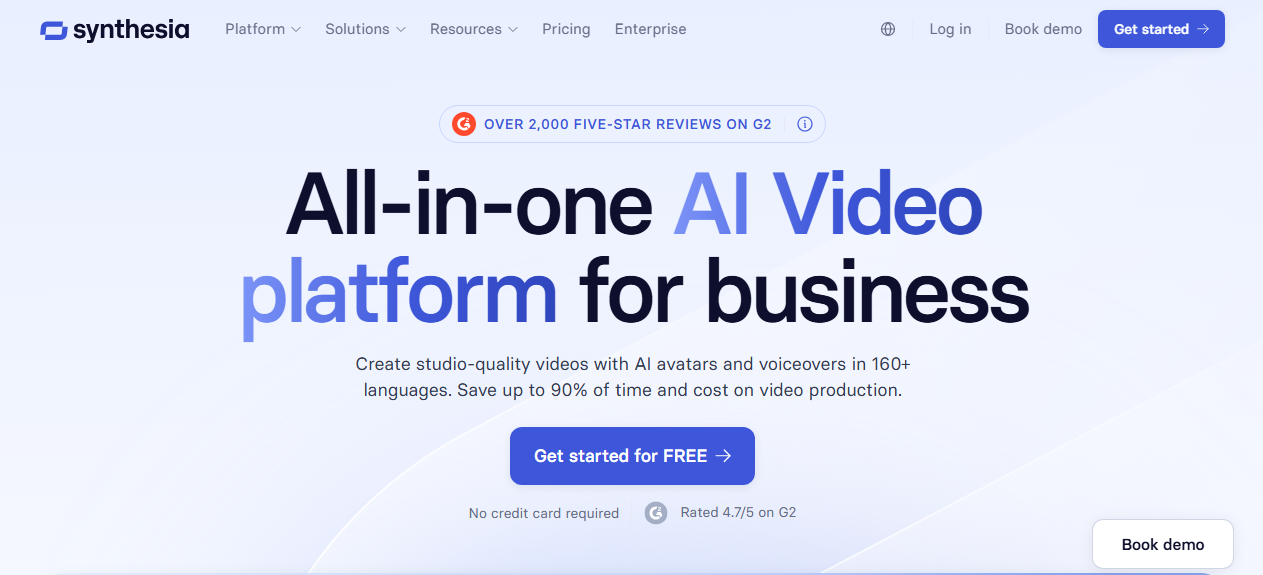
Synthesia is one of the most established AI avatar platforms for creating professional training and educational videos. It combines realistic AI presenters with templates, screen recording, and multilingual voice support, making it popular among businesses and enterprise teams.
Instead of generating animated stories, Synthesia focuses on structured presentations where an AI avatar delivers information directly to the viewer.
Key Features
AI avatars.
Text-to-video.
140+ languages and voices.
Templates.
Screen recording.
Team collaboration.
Pros
Professional-quality avatar videos.
Excellent language support.
Easy to update existing videos.
Strong enterprise features.
Cons
Less suitable for creative storytelling.
Limited cinematic video generation.
Pricing
Paid plans start at approximately $22/month, with enterprise pricing available for larger organizations.
Best for: Businesses, schools, and organizations producing training, onboarding, compliance, and educational videos.
Pricing Comparison
Pricing is an important factor when choosing an AI video generator, but the lowest monthly subscription isn't always the cheapest option in practice.
If you plan to produce videos regularly, compare not only the subscription price but also the number of AI generation minutes, credits, exports, and commercial usage rights included in each plan.
Note: Pricing may change over time. Check each provider's official website for the latest plans and feature availability.
Which AI Video Generator Should You Choose?
The best AI video generator depends on the type of content you want to create.
If your goal is to generate complete animated stories with consistent characters, LongStories.ai is one of the strongest options because it is designed specifically for native long-form storytelling. MagicLight offers a similar workflow at a lower entry price for creators looking for a budget-friendly alternative.
If you create YouTube videos, marketing content, or explainers, InVideo AI provides one of the easiest ways to turn prompts or scripts into complete videos using AI-generated visuals, stock footage, and voiceovers.
For creators who prefer more control over editing, FlexClip and VEED.IO are excellent browser-based editors that combine AI features with traditional timeline editing. They are ideal for polishing podcasts, webinars, tutorials, and presentation videos.
If your workflow begins with written content, Pictory AI makes it easy to transform blog posts, articles, webinars, and podcasts into narrated videos.
For filmmakers and creators who like planning scenes before editing, LTX Studio offers AI storyboarding and timeline tools, while Higgsfield AI excels at generating high-quality cinematic shots that can be incorporated into larger productions.
If you need an AI presenter instead of animated scenes, HeyGen and Synthesia are the best choices. Both platforms specialize in realistic avatar videos for training, online courses, business presentations, product demonstrations, and multilingual content.
Final Thoughts
AI video generation has advanced rapidly, but long-form content still requires choosing the right workflow. Some platforms specialize in generating complete stories, while others focus on editing, AI avatars, or enhancing individual scenes.
If you want an all-in-one solution for narrative storytelling, LongStories.ai and MagicLight are among the few platforms designed specifically for that purpose. For YouTube creators, marketers, and educators, InVideo AI, FlexClip, Pictory AI, and VEED.IO provide practical tools for producing polished long-form videos.
Before subscribing, consider the type of videos you create most often, the level of editing control you need, and whether your workflow benefits more from AI-generated storytelling, traditional editing, or AI presenters.
Frequently Asked Questions
Choosing the right AI video generator for long-form content can raise questions about video length, editing workflows, pricing, and the best tools for different use cases. Below are answers to some of the most common questions to help you make an informed decision.
Which AI video generator is best for long-form YouTube videos?
It depends on your workflow. LongStories.ai and MagicLight are designed for generating complete narrative videos, while InVideo AI, FlexClip, and VEED.IO are better suited for assembling and editing longer YouTube videos using AI-generated content, stock footage, and voiceovers.
Which AI tool is best for educational videos?
For presenter-led lessons and online courses, HeyGen and Synthesia are among the strongest choices because they generate realistic AI presenters with multilingual voice support. If you're converting written lessons into videos, Pictory AI is also a strong option.
Which AI video generator is best for storytelling?
If your focus is animated storytelling with recurring characters and consistent scenes, LongStories.ai and MagicLight are better suited than clip-based AI generators because they are built specifically for narrative content.
Do I need video editing skills to use these tools?
Not necessarily. Platforms such as InVideo AI, Pictory AI, HeyGen, and Synthesia automate much of the video creation process and are beginner-friendly. Editors like FlexClip and VEED.IO provide more manual control while remaining easier to learn than professional desktop software.
Can I use multiple AI video tools together?
Yes. Many creators combine different tools to improve their workflow. For example, you might generate a story with LongStories.ai, create additional cinematic shots with Higgsfield AI, and then edit, add subtitles, or export the final video using VEED.IO or FlexClip.

Lahaga Aondowase
Is the founder of AI Video Tools Pro, an AI video tools directory that helps creators, marketers, educators, and businesses discover AI video software. He researches and evaluates AI video tools based on their features, use cases, pricing, and practical workflows.
Related Articles
View All



User Comments (0)

