
Hailuo vs Runway vs Synthesia: Best AI Video Tools for Cinematic and Creative Videos
AI video tools are no longer experimental. Creators now use them daily to write scripts, generate visuals, edit footage, add effects, and produce finished videos faster than ever. But not all AI video tools are built for the same type of work. Some tools focus on cinematic storytelling. Others focus on generative visuals or presenter-led videos. Choosing the wrong tool can slow you down or limit creative quality.

This in-depth guide compares Hailuo AI, Runway, and Synthesia based on real-world use cases, features, strengths, and limitations. The goal is simple: help you choose the right AI video tool for your creative or business needs.
What Makes an AI Video Tool “Cinematic”?
Before comparing tools, it helps to define what cinematic creation actually means.
Cinematic video focuses on:
Story structure and pacing.
Visual composition and camera movement.
Lighting, color, and mood.
Sound design and atmosphere.
Emotional impact over speed.
Not every AI video tool supports these elements. Many tools prioritize speed, automation, or scale instead of creative depth. With that context, let’s break down how each platform performs.
1. Hailuo AI: AI for Cinematic and Story-Driven Video Creation
Hailuo AI is built for creators who care about story, pacing, and visual emotion. Instead of focusing on fast automation, it supports the full creative workflow, from early ideas to final polish. The AI video generator behaves more like a smart creative assistant than a one-click video generator.
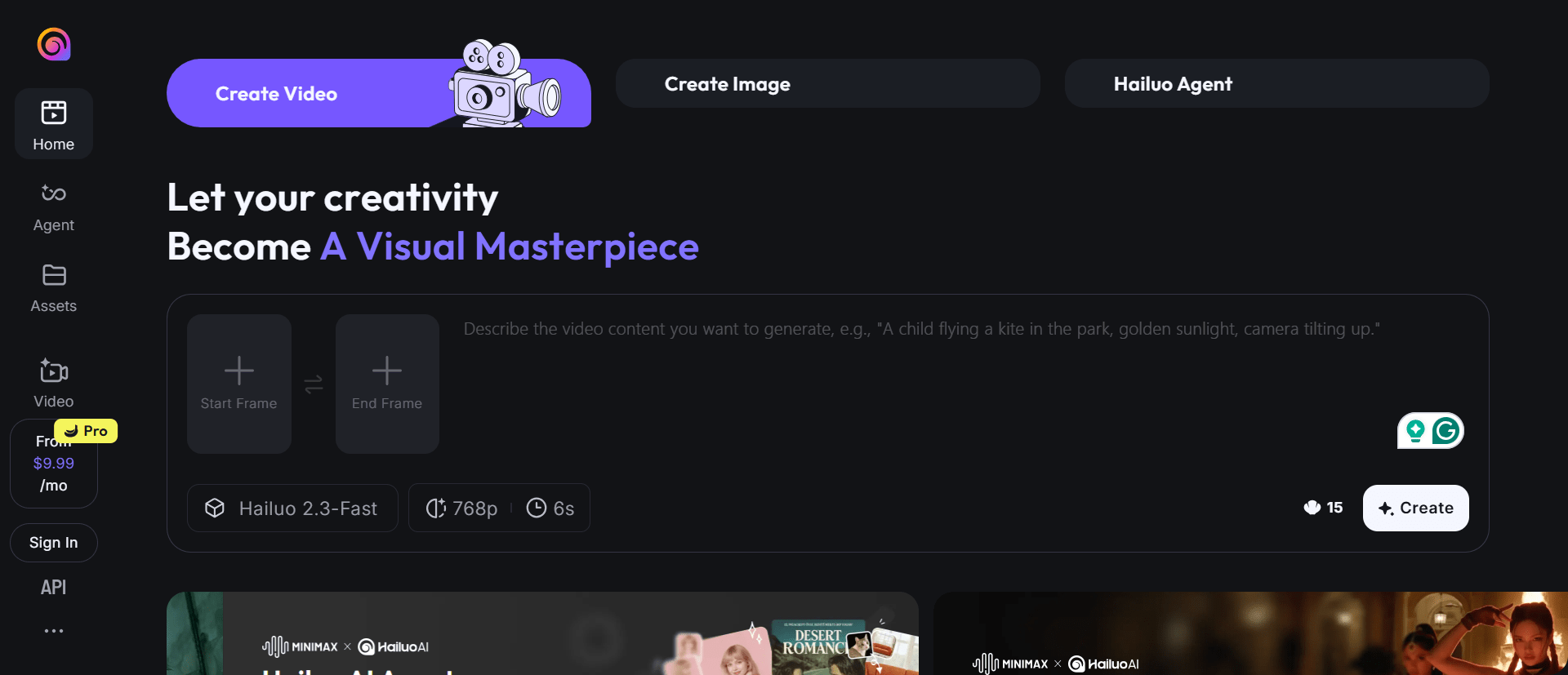
Hailuo AI Core Features
AI-assisted script development: Hailuo AI helps shape story structure before production. It analyzes narrative flow, highlights slow sections, and suggests pacing adjustments. This is useful for short films, cinematic YouTube videos, and brand stories where timing matters.
Scene and pacing intelligence: The system evaluates how long scenes run and how cuts affect emotional buildup. It flags moments where tension drops or scenes linger too long, helping creators tighten their edits.
Intelligent video editing guidance: Rather than fully auto-editing, Hailuo AI recommends cut points and sequence changes. You stay in control while the AI reduces trial-and-error.
Cinematic color grading: Hailuo AI includes mood-based grading presets designed for narrative visuals. These presets adjust shadows, highlights, contrast, and tone while keeping footage natural.
Atmospheric sound design: Sound tools help generate background ambience and subtle textures that support mood. This is especially useful for scenes that rely on emotion rather than dialogue.
Visual effects and motion tracking: Creators can add effects, particles, and overlays that follow movement in a scene. This reduces the need for external compositing tools.
Typical Workflow
Develop or refine a script.
Analyze pacing and structure.
Edit footage with AI guidance.
Apply cinematic color and sound.
Final review and export.
Hailuo AI Best Use Cases
Short films and narrative videos.
Cinematic YouTube content.
Indie film projects.
Artistic brand storytelling.
Strengths
Hailuo AI reduces creative friction. It supports decision-making instead of replacing it. The AI video generator is especially valuable for solo creators who want professional results without a full post-production team.
Limitations
Hailuo AI is not designed for high-volume content or talking-head videos. It favors quality over speed.
Who Should Use Hailuo AI
Choose Hailuo AI if storytelling, mood, and pacing matter more than rapid production.
2. Runway: Advanced AI Video Generation and Creative Control
Runway is one of the most advanced AI video generation platforms available. It focuses on generative visuals and creative experimentation. The platform gives creators deep control over how AI modifies and generates video content.
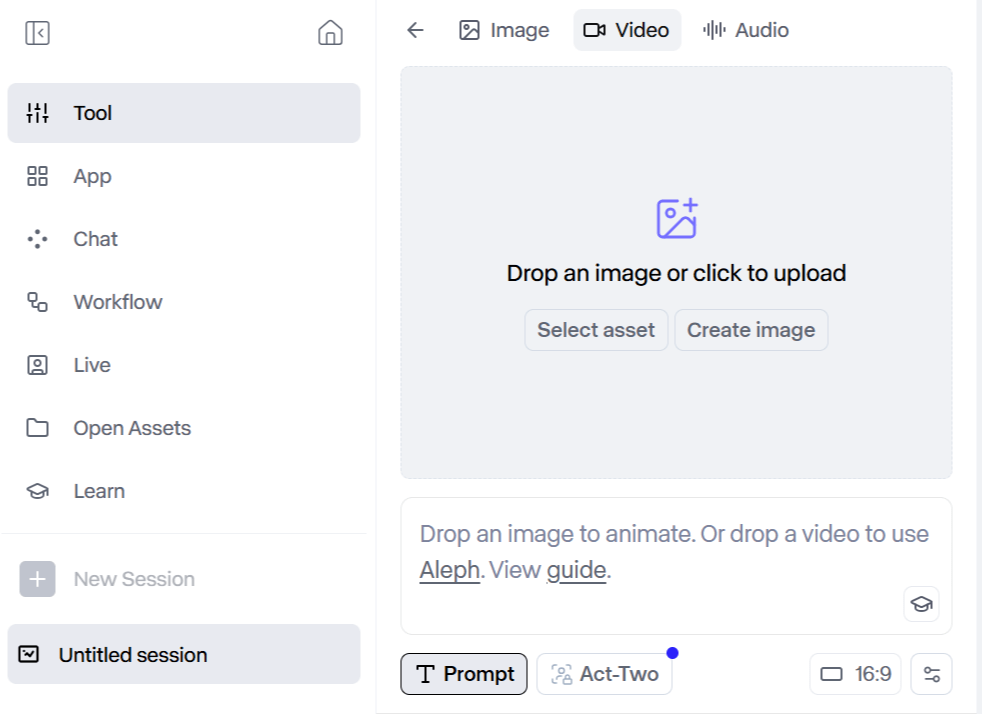
Runway Core Features
Text-to-video generation: Runway can generate short video clips from text prompts. Creators use this for concept visuals, abstract scenes, and visual experimentation.
Image-to-video animation: Static images can be animated into moving scenes, adding motion and depth without filming.
Object and background removal: Runway uses AI to isolate subjects, remove objects, and replace backgrounds. This works well for compositing and visual cleanup.
Motion tracking and effects: Effects can be attached to moving objects without manual keyframing, saving time during post-production.
Style transfer and visual manipulation: Runway allows creators to transform footage using AI-driven styles and distortions.
Typical Workflow
Generate or import footage.
Apply AI effects or transformations.
Refine visuals manually.
Export clips for editing or publishing.
RunwayML Best Use Cases
Experimental video projects.
Music videos.
Social media visuals.
Motion graphics and concept art.
Strengths
Runway offers strong creative freedom and aesthetic AI visuals. It enables ideas that traditional editors struggle to achieve.
Limitations
Runway does not guide storytelling, pacing, or narrative structure. The learning curve can be steep for beginners.
Who Should Use Runway
Runway is ideal for creators who enjoy hands-on control and visual experimentation.
3. Synthesia: Scalable AI Presenter Videos
Synthesia focuses on one main goal: creating videos with AI-generated human presenters. It removes the need for cameras, studios, and on-screen talent.
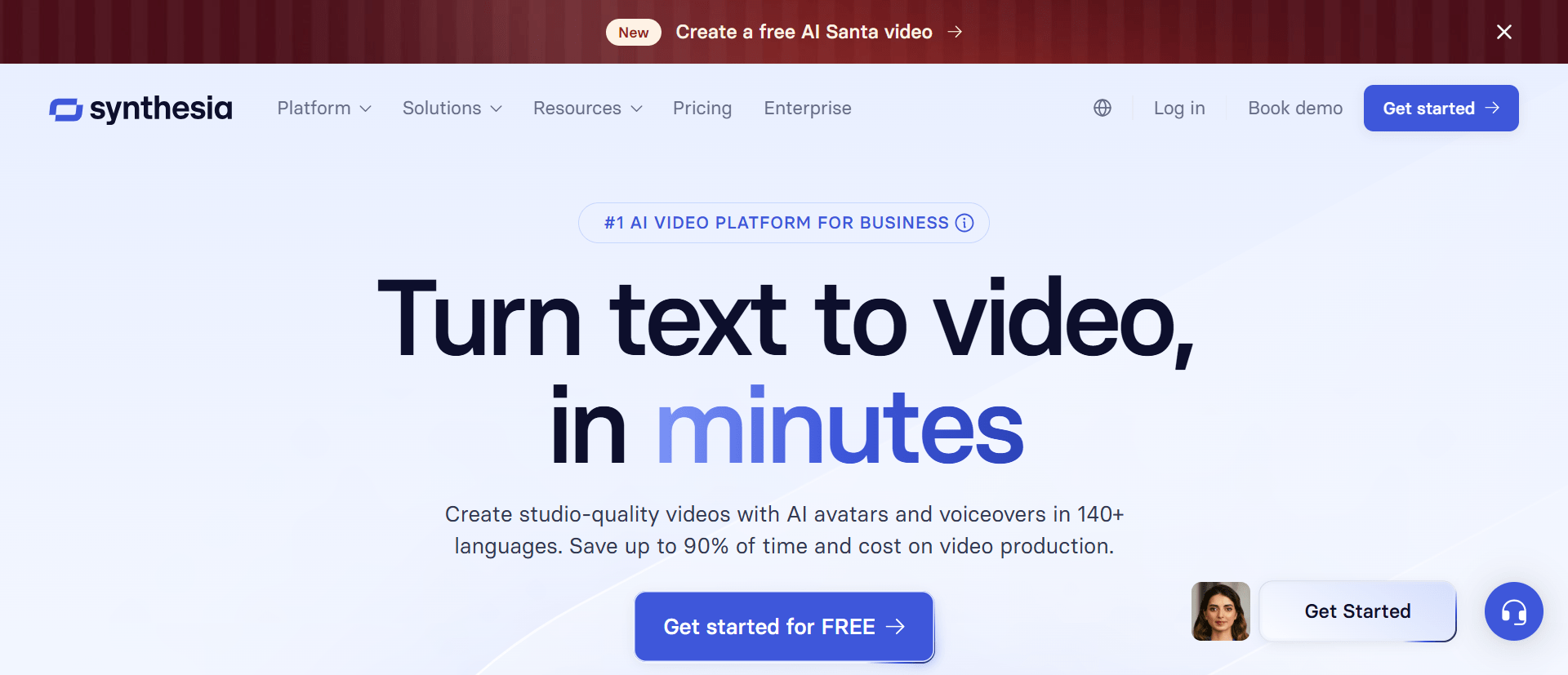
Synthesia Core Features
AI avatars: Users choose from a library of digital presenters that deliver scripted content on camera.
Text-to-video workflow: You paste a script, select an avatar, and generate a video within minutes.
Multi-language support: Synthesia supports multiple languages and accents, making it useful for global communication.
Consistent branding: Videos maintain a uniform look, which is important for training libraries and corporate content.
Typical Workflow
Write or paste a script.
Select an avatar and language.
Generate video.
Download or share.
Synthesia Best Use Cases
Corporate training.
Internal communication.
Product tutorials.
Marketing explainers.
Strengths
Synthesia is fast, predictable, and easy to use. It works well for teams that need repeatable content.
Limitations
It is not built for creative storytelling, cinematic editing, or advanced effects.
Who Should Use Synthesia
Choose Synthesia if speed, clarity, and scale matter more than artistic depth.
Feature Comparison Overview
Quick Verdict: Which Tool Should You Choose?
Choose Hailuo AI if your priority is cinematic storytelling and emotional impact.
Choose Runway if you want advanced AI visuals and creative experimentation.
Choose Synthesia if you need fast, scalable presenter videos.
Each tool solves a different problem. The best choice depends on what you want to create.
Final Thoughts
AI video tools are not one-size-fits-all. Some focus on art. Some focus on speed. Others focus on communication.
At AI Video Tools Pro, we curate and review AI video tools so creators can make informed decisions without wasting time.
Explore more AI video tools and find the best fit for your next project.

Lahaga Aondowase
Is the founder of AI Video Tools Pro, an AI video tools directory that helps creators, marketers, educators, and businesses discover AI video software. He researches and evaluates AI video tools based on their features, use cases, pricing, and practical workflows.
Related Articles
View All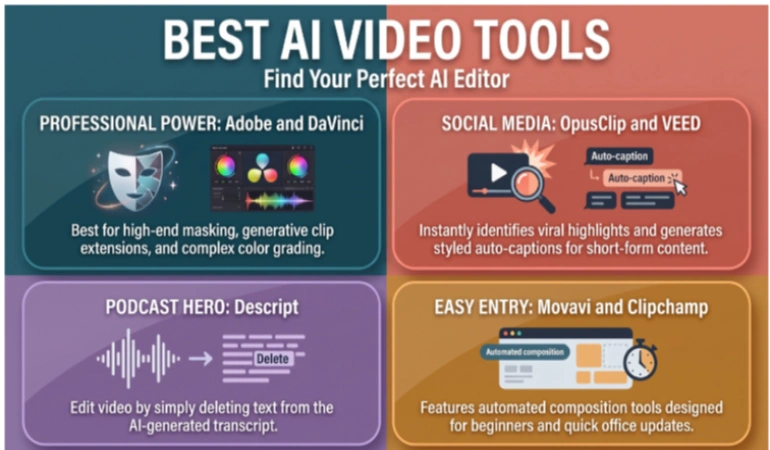


User Comments (0)

