Capcut

CapCut Features
CapCut offers a set of tools that help both beginners and experienced users. The following are the key features that define the current CapCut experience.
1. AI-Powered Background Remover
This feature allows users to isolate subjects in images or videos by removing the background with a single click. It uses machine learning to identify edges, making it a popular choice for creators who want to create professional-looking overlays, green-screen style effects, or clean product shots without needing physical studio equipment.
2. Auto-Captioning and Subtitles
Generating subtitles is often one of the most time-consuming tasks for video creators. The AI-driven auto-captioning tool listens to the audio and converts speech into synchronized text, which you can then customize with various fonts, styles, and animations.
3. Text-to-Speech Generation
If you prefer not to record your own voice, the text-to-speech feature converts typed text into natural-sounding AI voices. It supports multiple languages and tones, allowing you to create narrations for explainer videos, vlogs, or social media clips quickly and without the need for a professional recording studio or high-end microphones.
4. Video Stabilization
Shaky footage can often ruin the impact of a video, especially if it was captured on the move. The built-in video stabilization tool helps smooth out jittery shots, resulting in a more professional appearance.
5. Extensive Asset Library and Templates
One of the defining aspects of the platform is the massive library of music, sound effects, stickers, and text overlays. Also, the CapCut template system allows users to drop their own media into pre-built projects that include transitions, music, and timing, allowing you to leverage trending designs with minimal effort.
6. Advanced Audio Enhancement
Beyond basic trimming, the tool includes features to extract audio from video files and remove background noise. By isolating and cleaning up audio tracks, users can improve the clarity of their voiceovers, even when the original recordings were captured in less-than-ideal environments.
7. Multi-Track Editing
Despite its simple interface, the software supports multi-track editing, allowing for complex layering of videos, images, text, and music. This helps creators who need to sync music beats to video cuts or layer multiple visual elements to create a more dynamic narrative structure.
8. Image and Video Upscaling
For users who need to repurpose content, the AI-driven enhancer tool can improve the resolution of images and videos. This is particularly useful for modernizing older footage or ensuring that content uploaded to high-definition platforms remains sharp and professional. You can also generate new images with the CapCut AI image generator.
How CapCut Works
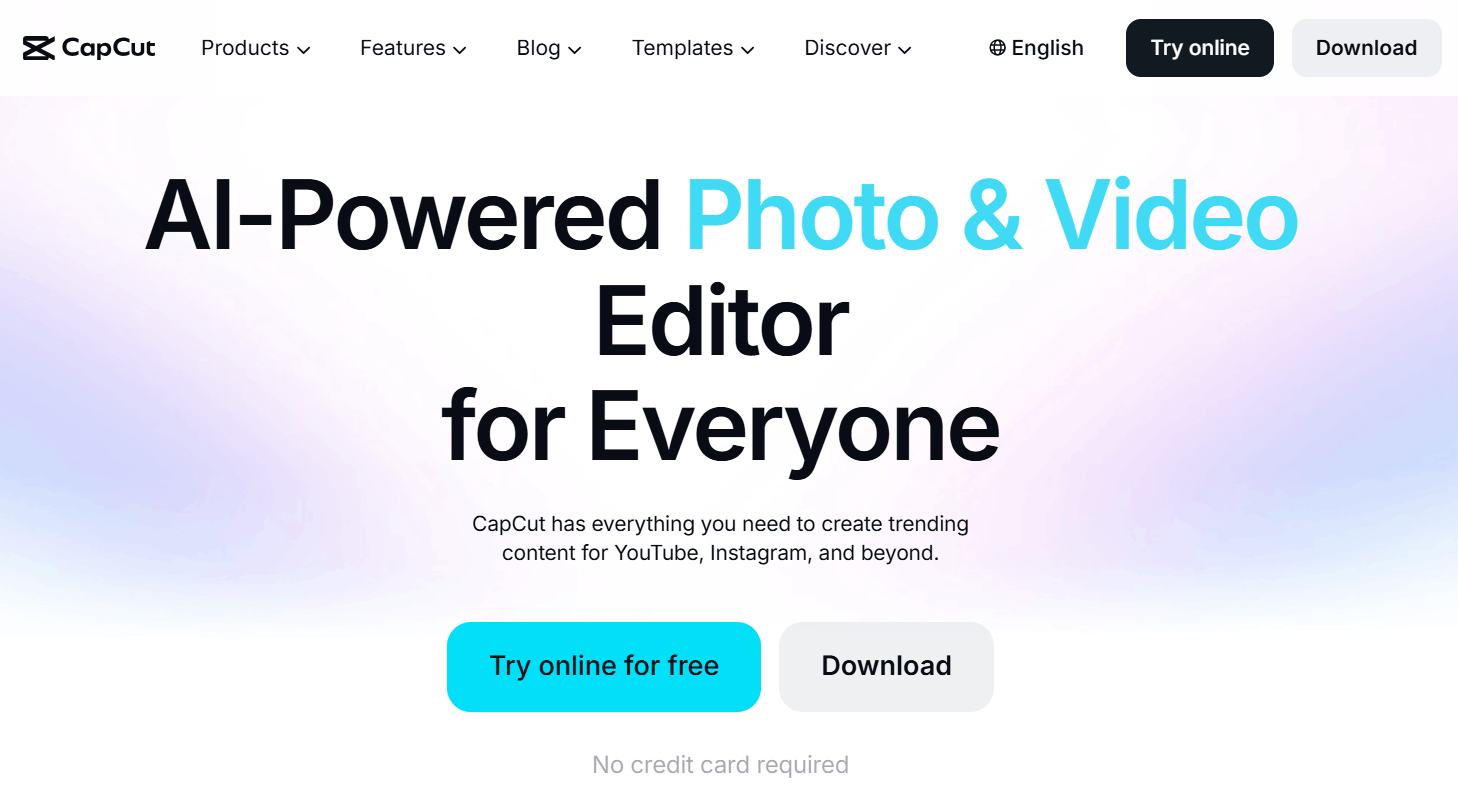
Using the software is generally straightforward regardless of your technical background.
Sign up or log in to the CapCut Web interface or open the application on your device.
Create a new project and import your raw media files, including video clips, photos, or audio recordings.
Arrange your clips on the timeline by dragging and dropping them into the desired order.
Use the editing toolbar to cut, trim, or split clips to match the pacing of your music or voiceover.
Add overlays, text, stickers, or transitions from the library to enhance the visual appeal of your edit.
Apply AI-powered tools like background removal, stabilization, CapCut AI video generator to generate B-rolls or new footage or auto-captions to polish your final output.
Export your project in high resolution, choosing the appropriate aspect ratio for your target platform, such as TikTok or YouTube.
CapCut Pricing and Subscription Plans
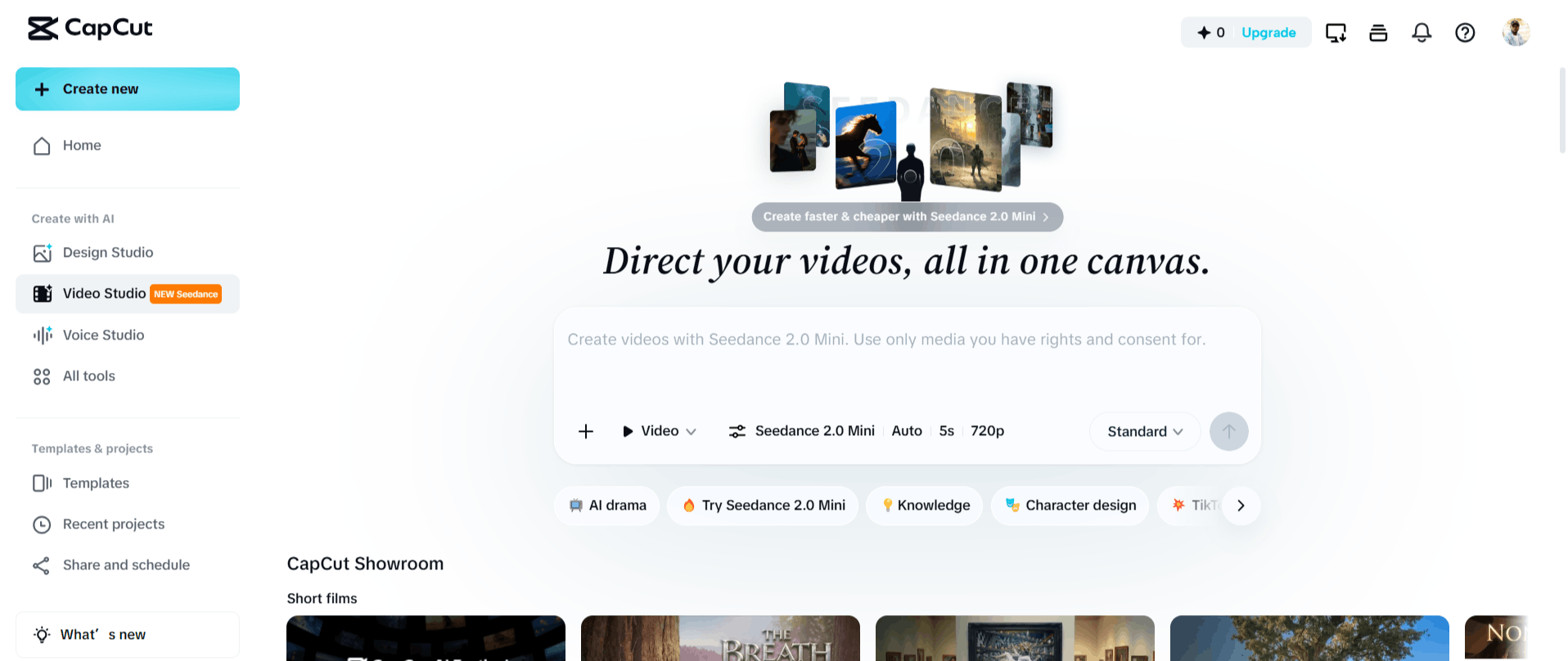
CapCut operates on a "freemium" model. This means that a large portion of the core editing functionality is available to users at no cost. You can download CapCut for your desktop or use the online editor without an immediate subscription.
The Free Plan: Allows access to the standard video editor, free template, and a massive library of transitions, stickers, and music tracks.
Pro: A $9.99/month plan that unlocks additional assets, access to AI features, 1TB of cloud storage, and more advanced AI-powered effects.
Team: $24/month for 2 teams. The plan provides 1200 AI credits per seat monthly, access to all the AI features and premium templates, brand kit, and 1TB of cloud storage.
Who Uses CapCut
Because of its accessibility, many users rely on CapCut for their daily content needs.
Social Media Content Creators: Influencers and short-form video creators use the app to stay on top of current trends and maintain a high production volume.
Small Business Owners: Entrepreneurs utilize CapCut AI video maker to create professional marketing videos and product advertisements without hiring professional agencies.
YouTubers: Creators producing long-form or short-form content use the software for its quick editing capabilities and built-in noise removal tools.
Educators: Teachers and course creators develop instructional materials using the text-to-speech and auto-captioning features to make content more accessible.
Freelancers: Those working in video production find the software useful for quickly turning around edits for clients who need social-first content.
CapCut Pros and Cons
Here are the observed benefits and drawbacks based on the current user experience.
Pros
Zero Cost for Core Features: Most basic editing suite is accessible for free, with no watermarks on exported content.
High Accessibility: Whether on mobile or desktop, the interface is designed for ease of use, allowing beginners to start editing immediately.
Advanced AI Integration: CapCut AI app offers powerful tools like background removal and voice enhancement that are typically hidden behind expensive paywalls in other software.
No-Ads Experience: You don’t see intrusive advertisements throughout the editing process, even on the free plan.
Stable Performance: The software is stable and rarely crashes, which is a major factor for those dealing with large video files.
Rich Template Ecosystem: The ability to use community-created templates makes it possible for anyone to create viral-style content in a fraction of the time.
Cons
Platform Limitations: CapCut lacks advanced desktop features, such as granular masking options and more complex ratio settings.
Privacy and Regional Concerns: Due to its origin, there may be questions regarding data privacy and the potential for regional restrictions.
Advanced Control Gaps: While it is great for quick social media edits, it lacks the professional, frame-by-frame control found in industry-standard software.
CapCut Alternatives
Depending on your specific needs, whether you need deep professional control or automated social media content generation, there are several CapCut alternatives to consider.
Adobe Premiere Pro
This is the industry standard for professional video editing. While much more complex than CapCut, it provides absolute control over color, audio, and visual effects for users who require professional-grade output.
DaVinci Resolve
Known for its unparalleled color grading capabilities, this is a powerful desktop editor. It is ideal if you are looking to move from social media quick-edits to more cinematic, complex film projects.
Descript
This tool focuses on editing video by editing text. It is a unique approach that works exceptionally well for podcasts and talking-head videos, offering a different workflow than the timeline-based system of CapCut.
Runwayml
If you are interested in deep AI video manipulation, this is a specialized platform. It focuses heavily on generative AI and advanced visual effects that go beyond simple background removal.
Zubtitle
If your primary goal is generating high-quality, branded captions for social media, this platform is a direct alternative. It automates the transcription and styling process with a focus on ease of use.
Klap AI
This tool specializes in turning long-form videos into multiple short-form clips automatically. It is a better choice if you are a podcaster or YouTuber looking to repurpose long content into clips for TikTok or Reels.
FireCut
Designed specifically for efficiency, this tool automates manual tasks in professional editing workflows. It is a good choice if you are a heavy user of Adobe software who wants to speed up the editing process.
Timebolt AI
This tool focuses on automated silence removal and pace acceleration. It is perfect for creators who want to remove "ums" and dead air from their videos as quickly as possible.
Final Verdict and Best For
CapCut is a highly effective, accessible tool for anyone looking to create high-quality, social-first video content without a steep learning curve. It earns a solid 9/10 for its impressive balance of free, high-performance features and a smooth, stable user experience.
It is best suited for social media managers, casual creators, and those needing fast, automated edits like auto-captioning or background removal. If you require a deep, frame-by-frame editing control, or you’re working on large-scale cinematic productions, you should look toward more robust desktop suites.
Overall, it serves its intended purpose exceptionally well, providing a reliable bridge between amateur creativity and professional-looking results.
Frequently Asked Questions (FAQs)
This section addresses common questions regarding CapCut's security, its AI features, and its current standing in the market.
Is CapCut safe or not?
Like many major free applications, CapCut collects data to improve its services and personalize user experiences. Whether it is "safe" depends on your personal comfort level with data collection policies, which are standard for free social media-integrated apps.
Why are people leaving CapCut?
Some users migrate to other software as their editing needs become more complex and they require the advanced technical features found in professional-grade desktop software. Additionally, concerns regarding privacy and the desire for more ownership over creative assets sometimes drive users toward paid or locally-run tools.
Does CapCut have AI editing?
Yes, CapCut provides many AI-powered tools, including automatic background removal, text-to-speech voice generation, and automated captioning.
Is CapCut AI totally free?
While the platform is free to use and offers many powerful AI features at no cost, some advanced assets and premium AI effects are locked behind a Pro subscription model.
Why is CapCut being banned?
There have been various reports and concerns globally related to data privacy and national security, leading some jurisdictions to restrict or scrutinize the app. These discussions are part of a broader, ongoing dialogue about international technology regulation.

Capcut Alternatives
View All